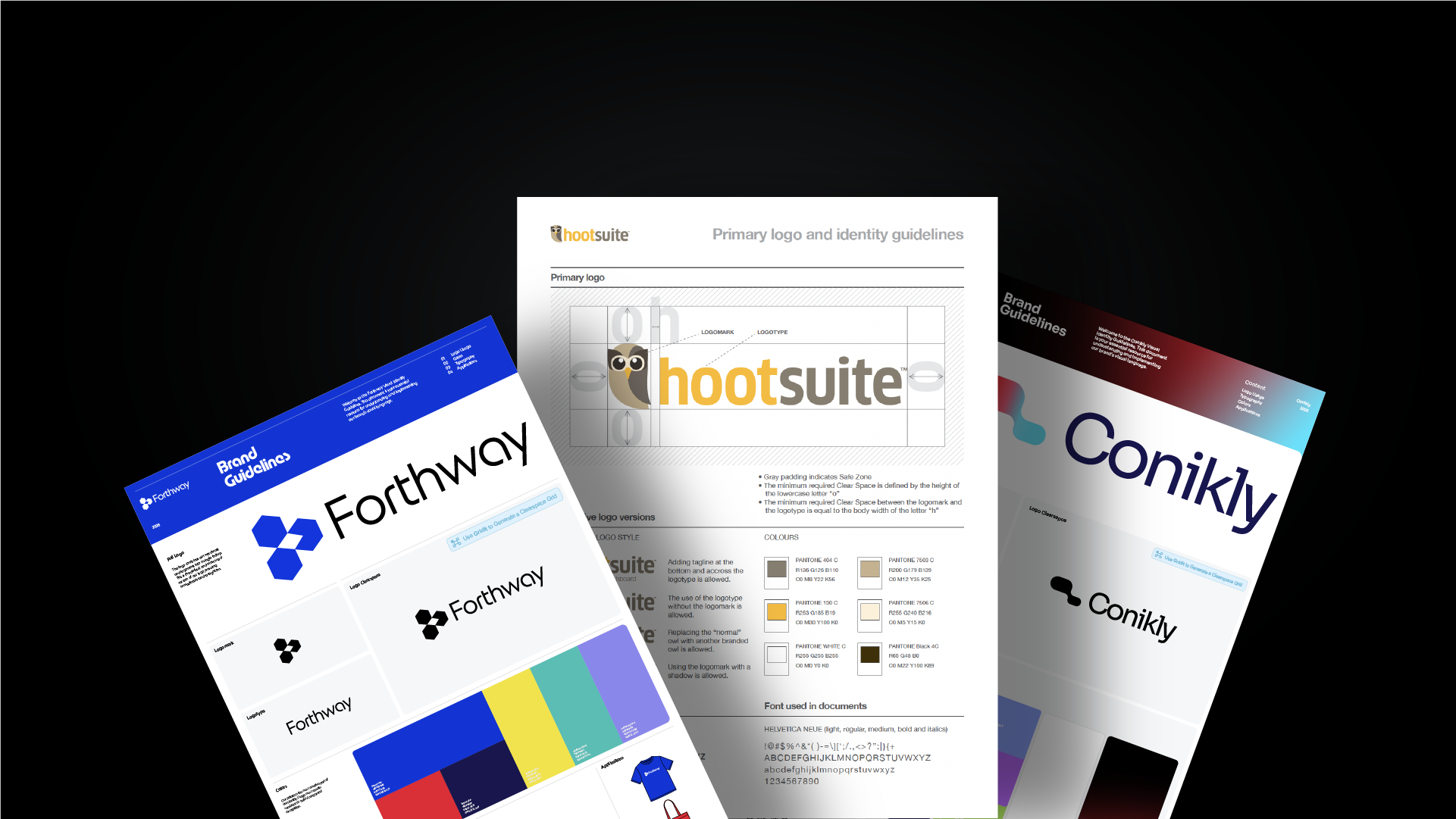
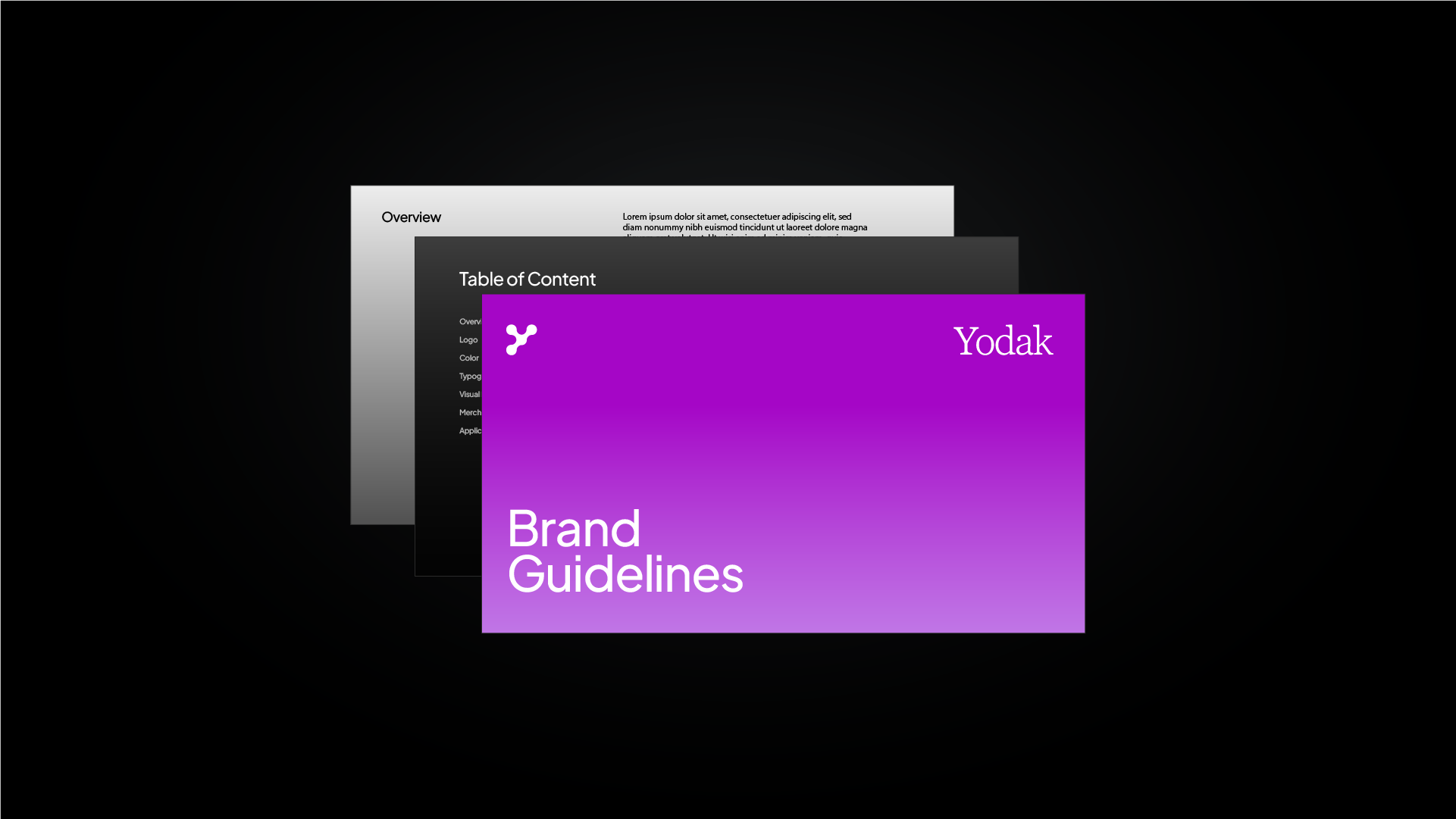
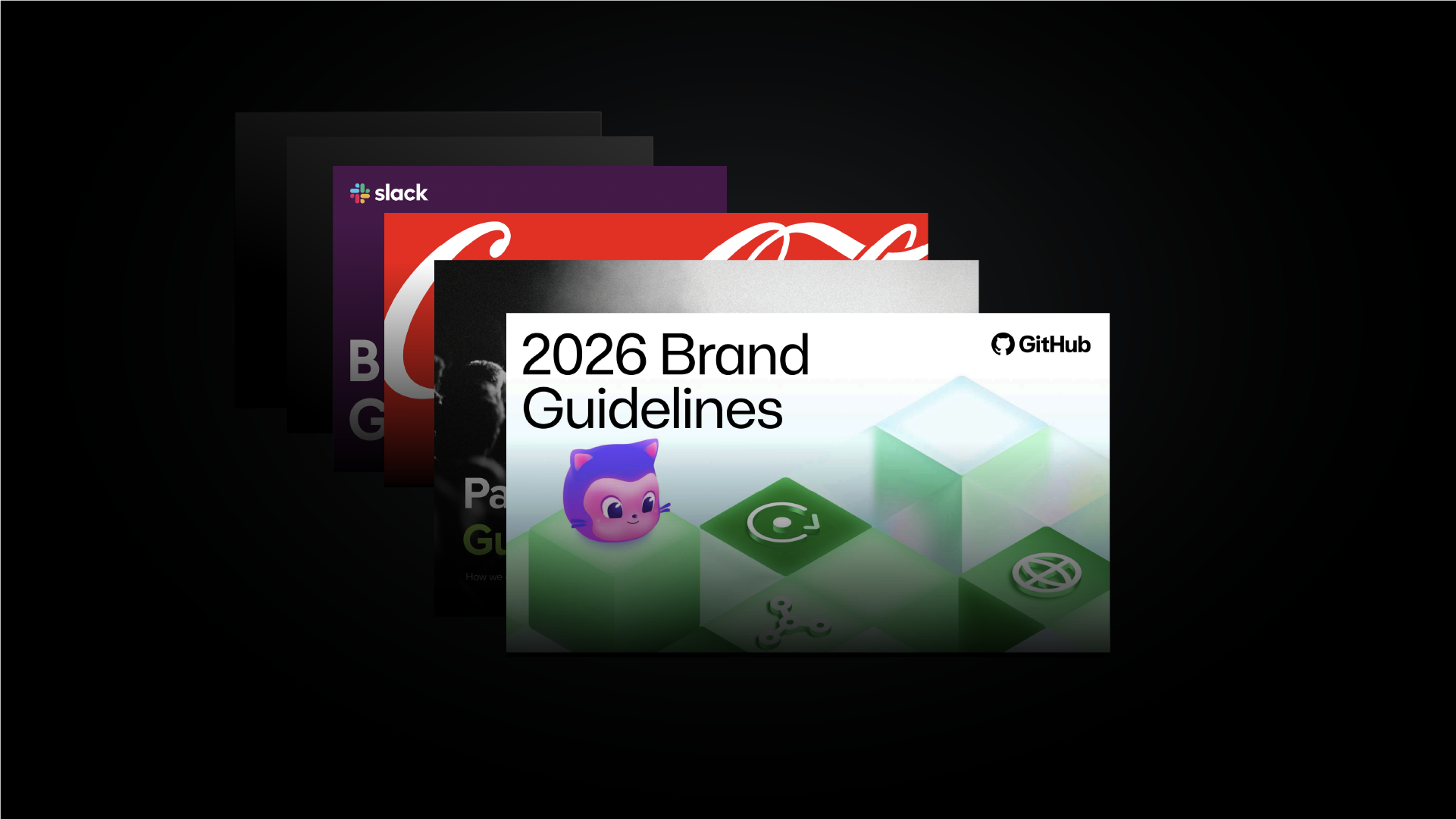
Free Brand Guidelines Templates for Adobe Illustrator
Free downloadble professional brand guidelines templates for Adobe Illustrator.



Akrivi Studio

4.8
from
308
reviews
- used by
5,698+ designers


What Should Brand Guidelines Include?
Professional brand guidelines don’t need to be complicated. But they should cover the 6 key elements to ensure brand consistency.
1. Brand Overview
2. Logo Usage
3. Imagery & Graphics
4. Color Palette
5. Imagery & Graphics
6. Application
Why Use Brand Guidelines Templates
Download client-ready brand guidelines and
skip building them from scratch.

Instant Structure
Start with already made layouts for typography, color and logo usage.

Consistent Look & Feel
Deliver cohesive brand guidelines with consistent spacing and grid systems.

Client-Ready Formats
Export brand guidelines directly from Illustrator and deliver them to clients instantly.


Inside This Free Brand Guidelines Template Pack

Multiple Design Styles
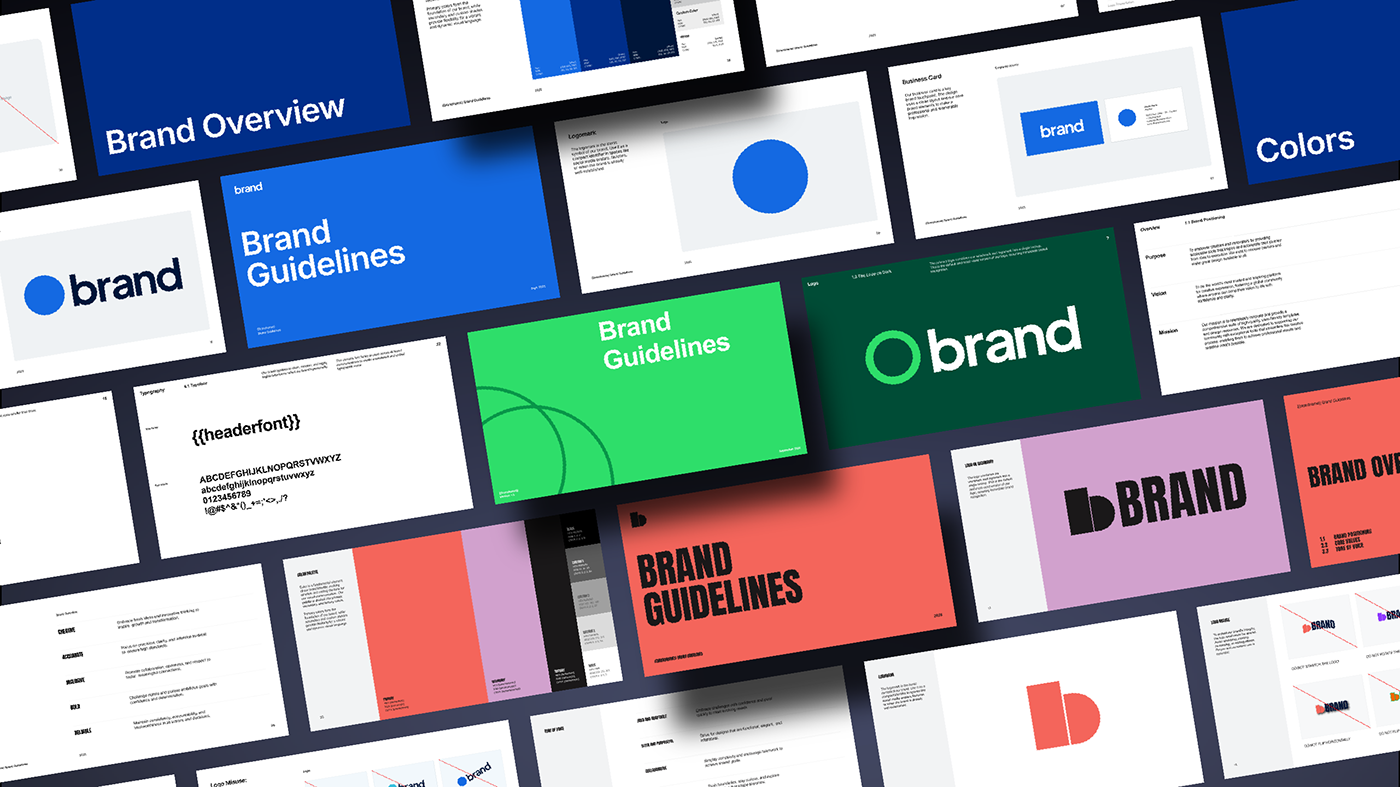
3 styles ready to use in Adobe Illustrator

Professional brand guidelines templates ready to edit in Adobe Illustrator
Structured layouts that make building a complete brand guidelines document easy
Perfect for designers who want control over their brand book template
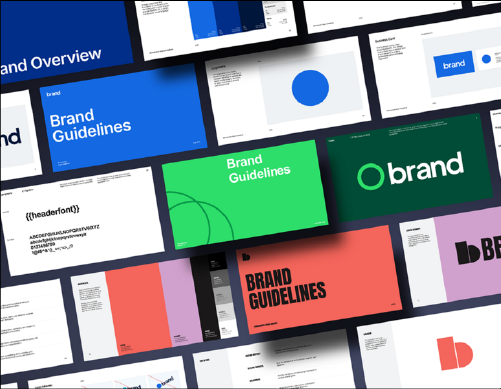
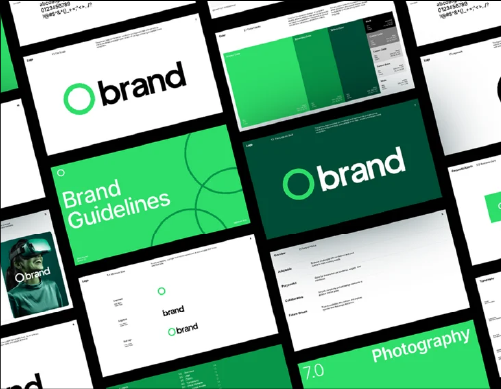

Full Brand Guidelines
38+ page in-depth document
Pages covering every essential brand guidelines section
Built with grid systems so your brand manual stays clean and consistent
Clear and cohesive brand guidelines you can confidently deliver to clients

Essential Brand Sections
8 brand guide sections
Covers the essential sections every brand identity system needs
Placement areas for logos, typography, colors and imagery
Helps you organise and present brand rules with clarity



Generate professional brand guidelines in seconds, not hours
Use a brand guidelines generator in Adobe Illustrator to create consistent, client-ready brand systems with automated templates.
Brand Guidelines Template Automation— Skip buying expensive brand guideline templates and start with ready-to-use layouts
Automatic Asset Placement — Instantly place your logos, fonts, and color codes without manual formatting
Reduced Manual Work — Work more efficiently, finish projects faster, and take on more clients