


The all-in-one automation suite for brand identity designers




Deliver flawless
Everything you need, in one poweful suite







What is a Brand Guidelines Template?
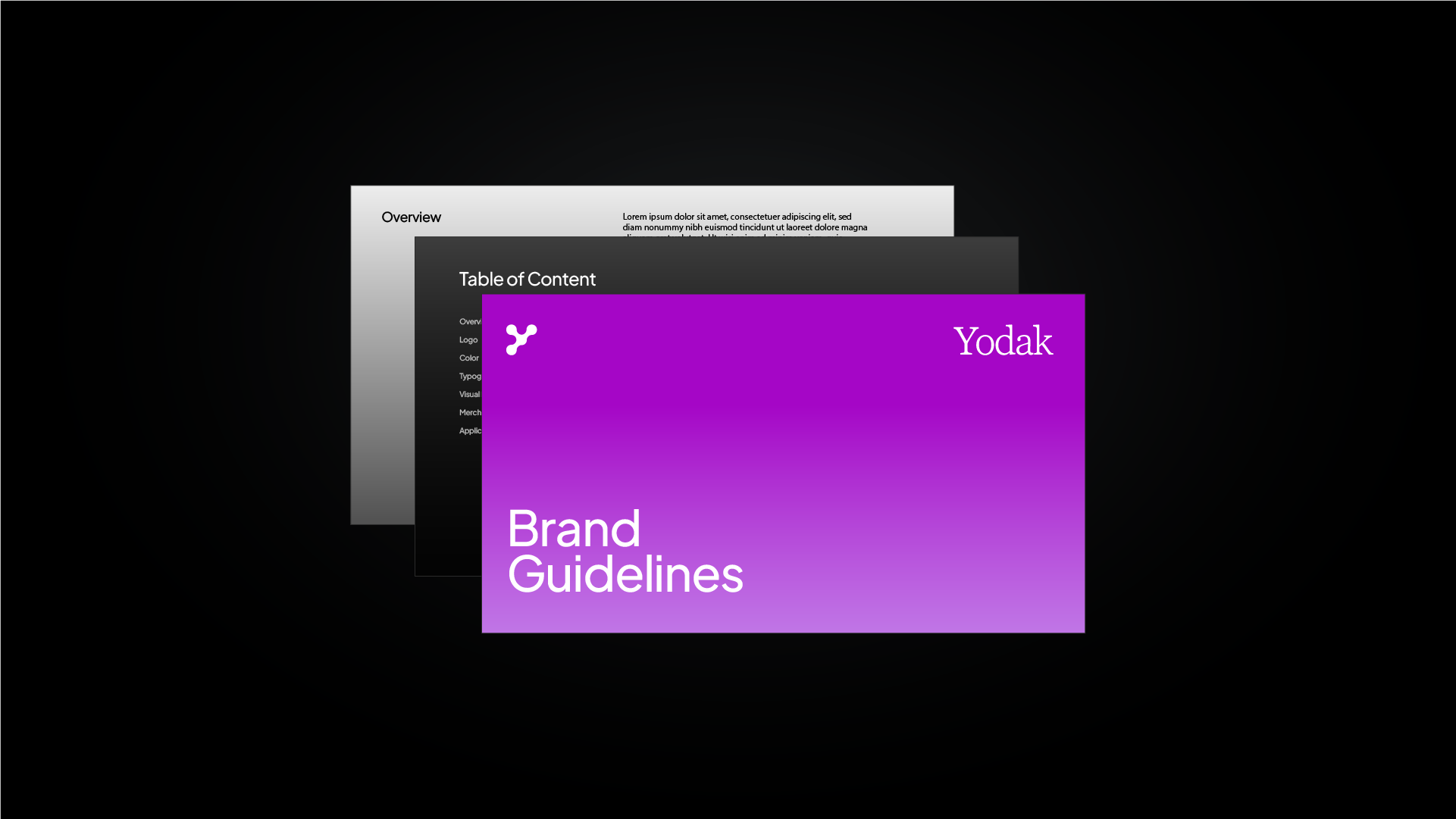
A clear breakdown of what a brand guidelines template is and how designers use one to deliver faster, more consistent brand documentation
Every brand project ends with the same deliverable: a document that tells everyone how the brand works. A brand guidelines template gives you a pre-built structure to build that document from, so you are not starting from a blank page on every project.
This is a straightforward explainer on what a template is, what it contains, and how the approach has changed with automated tools.
You can download the templates right away for free here 👈
What is a brand guidelines template?
A brand guidelines template is a pre-structured document framework that outlines how a brand's visual and verbal identity should be presented and used. It provides the layout, sections, and formatting. You'll have to add the brand assets.
Rather than building the document structure from scratch on every project, a template gives you a starting point with all the standard sections already in place: logo usage, colour palette, typography, imagery, and tone of voice. You fill in the brand-specific content and deliver a consistent, professional document every time.
Related Reading: If you are not clear on what goes inside a brand guidelines document, I have written a full breakdown of what to include in brand guidelines.
What does a brand guidelines template include?
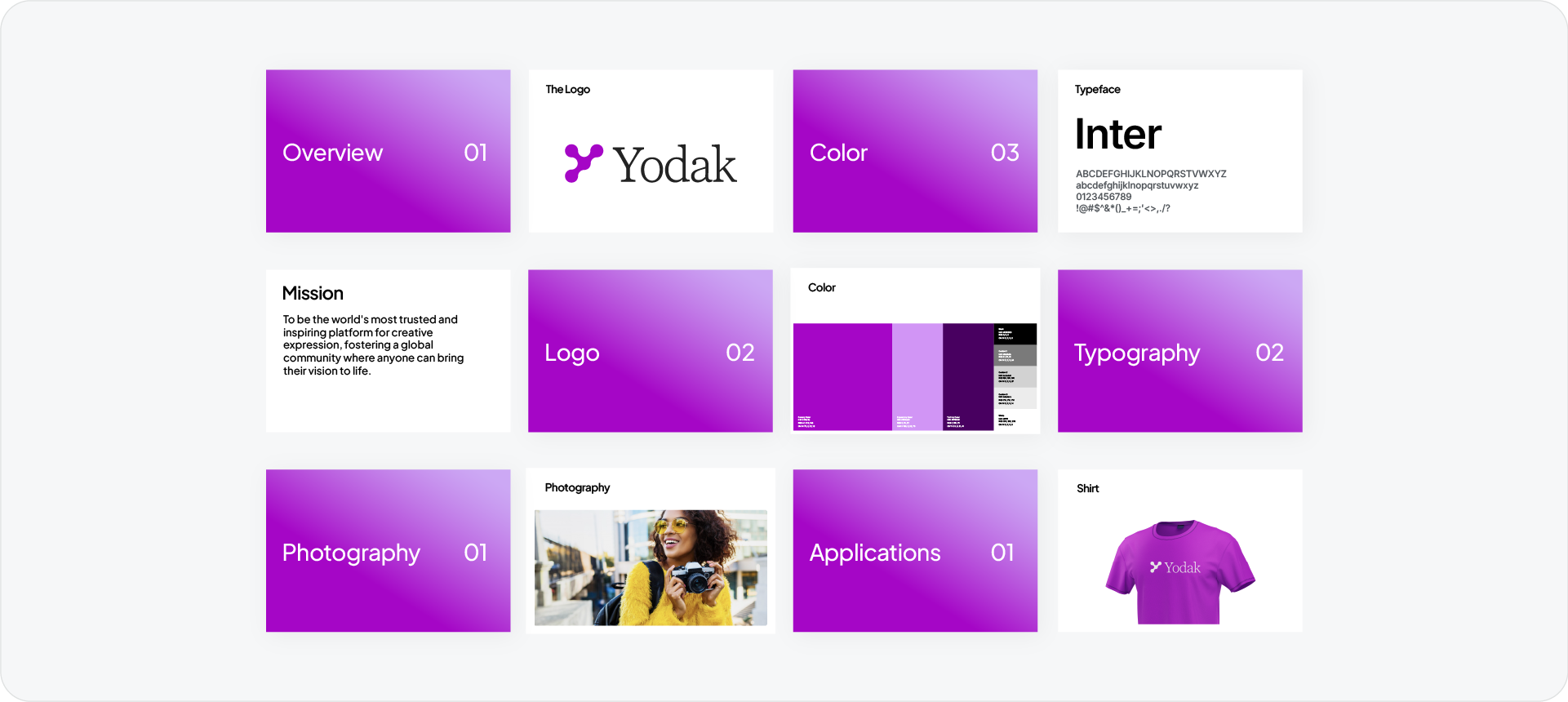
A complete template covers the core sections every brand document needs.
Logo usage
All logo variations, clear space rules, minimum sizes, and approved and unapproved uses. This is the most referenced section of any guidelines document.
Colour palette
All primary and secondary brand colours with HEX, RGB, and CMYK values. Some templates also include tints, shades, and usage rules per colour.
Typography
Primary and secondary typefaces, hierarchy, sizing, and approved weight combinations across web and print.
Imagery
Direction on photography style, illustration style, and which types of visuals align with the brand.
Tone of voice
How the brand communicates: the language, personality, and messaging style used across every channel.
Applications
How all the elements come together in real-world contexts: business cards, website headers, social media, signage, and presentation decks.
Related Reading: For a look at how well-known brands structure their guidelines documents, browse the brand guidelines examples collection.
Types of brand guidelines templates
Manual templates
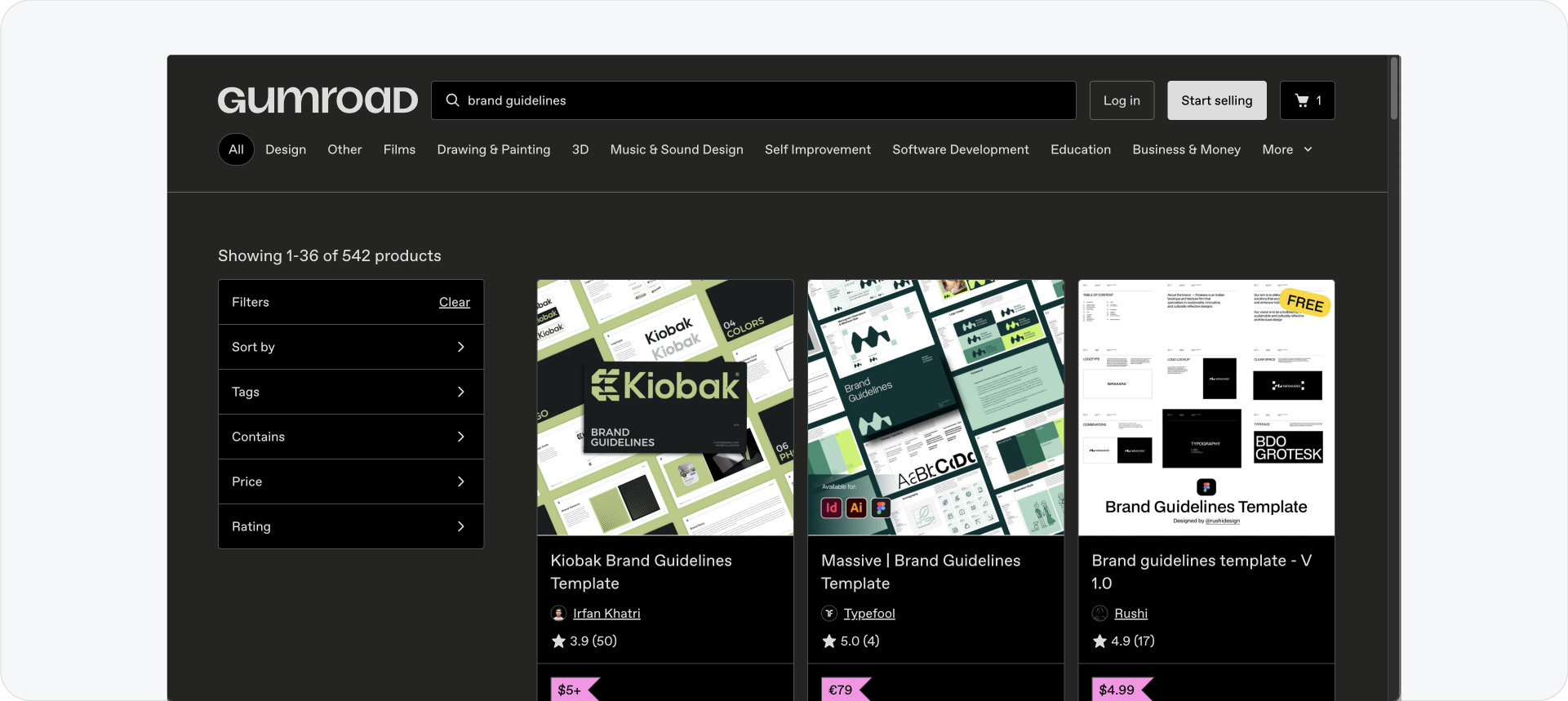
A manual or static template is a pre-designed document file, typically built in Adobe InDesign, Adobe Illustrator, Figma, or PowerPoint, that you open, replace with brand-specific content, and export as a PDF.
The designer manually places every asset: logo files, colour swatches, font names, imagery. The layout is pre-built but the content is not. For a complete brand document this can still take several hours per project.
Available from marketplaces like Creative Market and Gumroad. Quality varies significantly. The best ones include real copy and proper descriptions, not lorem ipsum placeholders.
Related Reading: For a curated list of paid and free template sources, read the best brand guidelines template websites roundup.
Automated templates
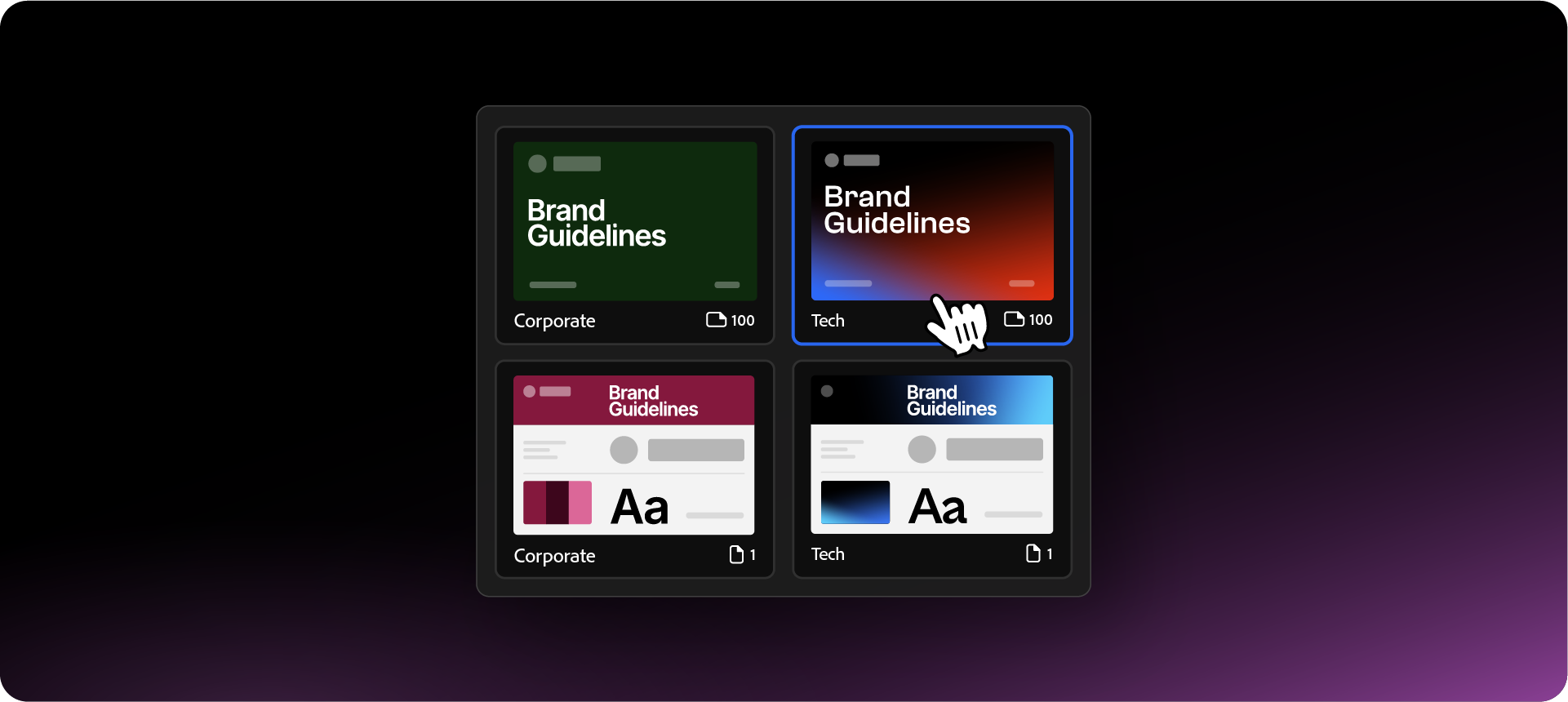
An automated template connects directly to your brand assets and populates the document for you. The system reads the assets already in your file and builds the pages automatically.
Guideit is Akrivi's brand guidelines generator built inside Adobe Illustrator. It uses Automated Templates™ to generate a complete, formatted document from your existing Illustrator file in seconds. The current template library includes 10 styles:
- Corporate
- Tech
- Contemporary
- Signature
- Urban
- Swiss
- Corporate 100
- Tech 100
The output is a native AI file you export as a PDF for client delivery. Store it in Google Drive or Dropbox and share a link so the client always has access to the latest version.
Related Reading: For a full walkthrough of how Guideit generates brand guidelines inside Illustrator, read the brand guidelines generator guide.
Manual vs automated: which to use?
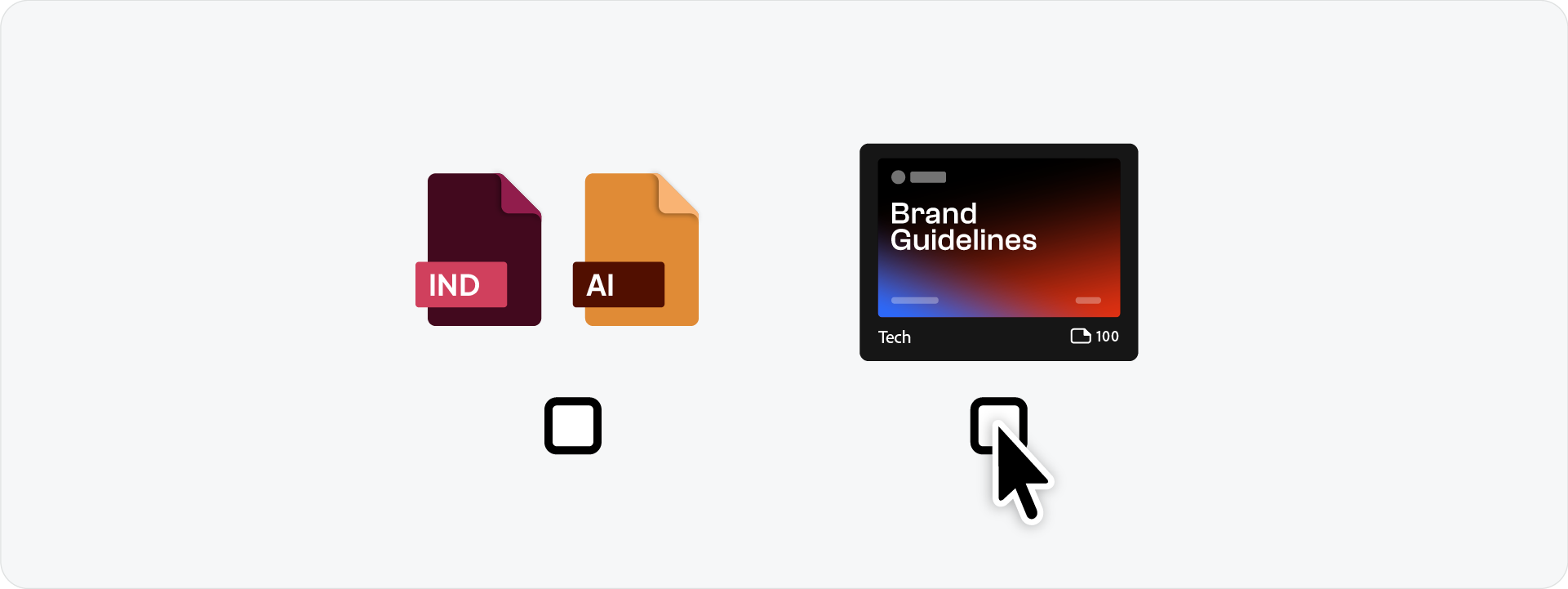
For a one-off project on a tight timeline, a well-designed manual template from a reputable source gets the job done. The tradeoff is time: replacing every asset manually adds up across a full document.
For designers delivering brand guidelines on multiple projects, an automated approach removes the repetitive work entirely. The document structure is handled so the focus stays on the brand itself.
Related Reading: If you are deciding between delivering guidelines as a PDF or setting up an online document, read the brand guidelines PDF vs online comparison.
Generate brand guidelines with Guideit
Guideit is the fastest way to produce a professional brand guidelines document. It runs inside Adobe Illustrator, works with your existing brand assets, and generates a complete document in seconds using Automated Templates™. The free trial gives you full access to generate your first document at no cost.
Conclusion
A brand guidelines template gives you a pre-built structure to deliver consistent brand documentation without starting from scratch every time. Manual templates save design time. Automated templates like Guideit remove the manual work entirely and let you deliver a complete document in seconds.








