


The all-in-one automation suite for brand identity designers




Deliver flawless
Everything you need, in one poweful suite







Brand Guidelines PDF vs Online Brand Guidelines: Which Is Better?
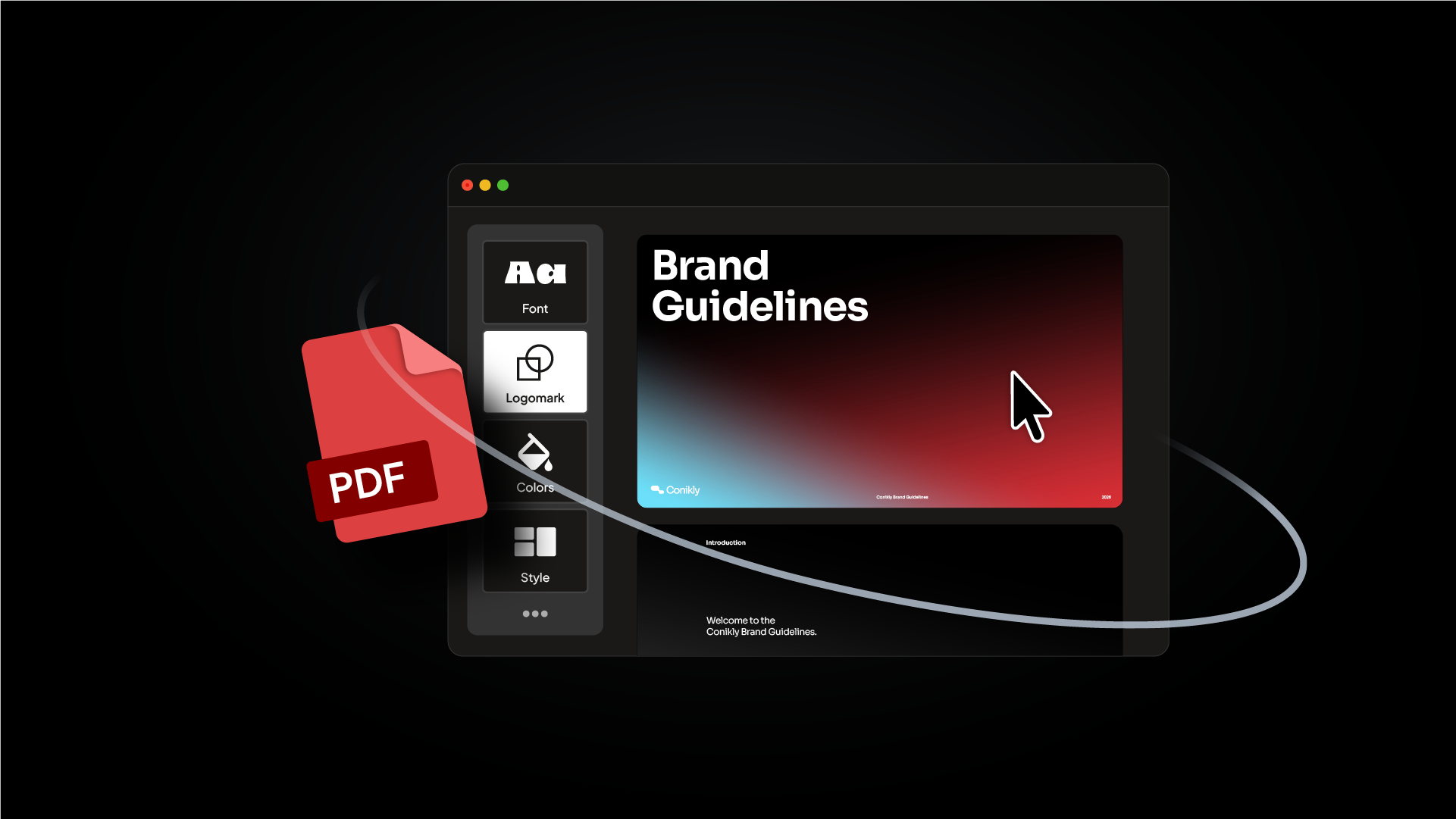
A clear comparison of PDF and online brand guidelines
You finish a brand project and need to hand over the guidelines. Do you send a PDF or set up an online document? Most designers default to one without thinking about why, and it often creates problems down the line.
Both formats have genuine strengths. The right choice depends on the size of the brand, how the guidelines will be used, and who needs access to them.
Related Reading: If you are not sure what a brand guidelines document should include before deciding on format, I have written a full breakdown of what to include in brand guidelines.
Brand Guidelines PDF
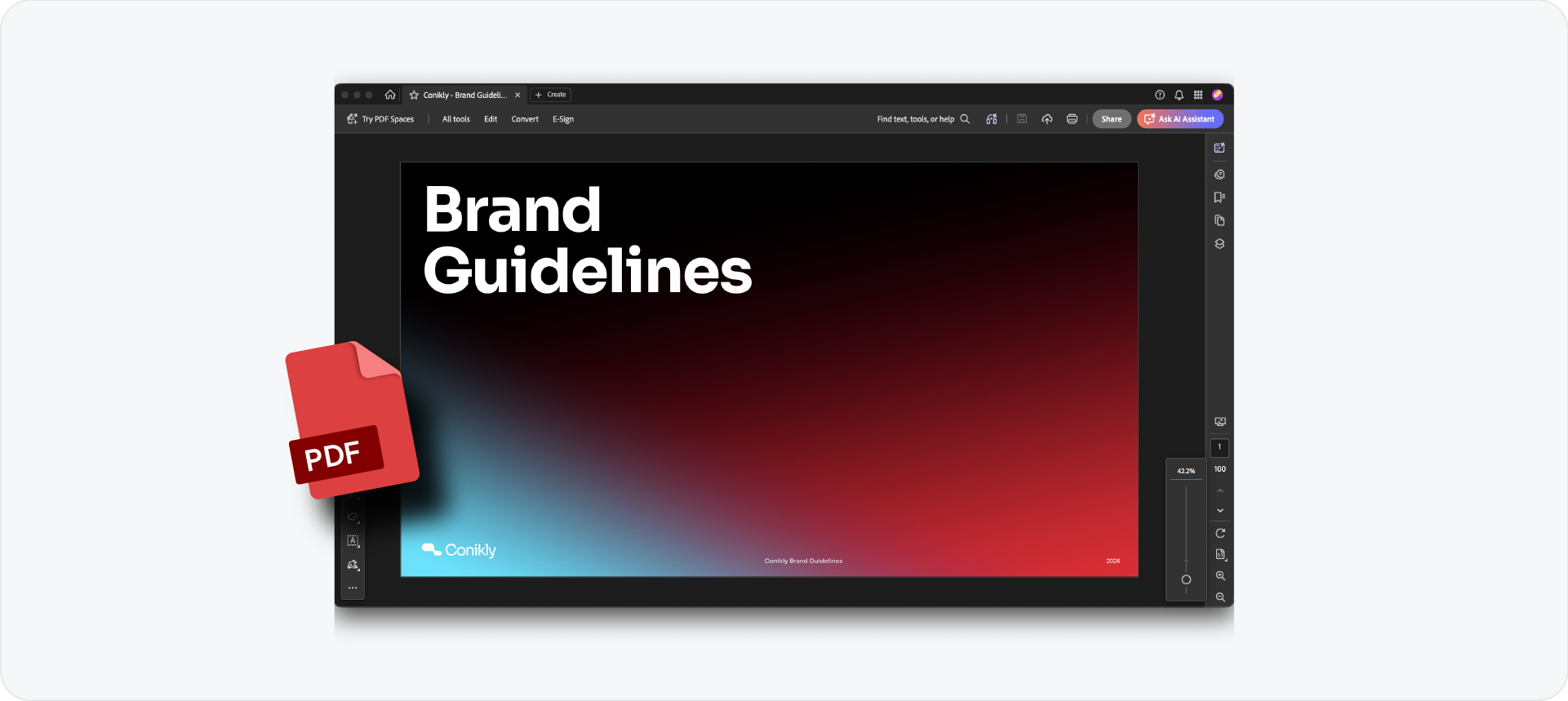
A PDF is a fixed, self-contained document. Once exported, it looks the same on every device and requires no internet connection to open.
PDFs work best for smaller projects, one-off brand deliveries, and clients who just need a reference document without ongoing updates. They are also the standard format for presenting to clients before a brand goes live.
Related Reading: If you are exporting brand guidelines as a PDF in Illustrator, I have covered the exact PDF export settings to use tab by tab.
Online Brand Guidelines
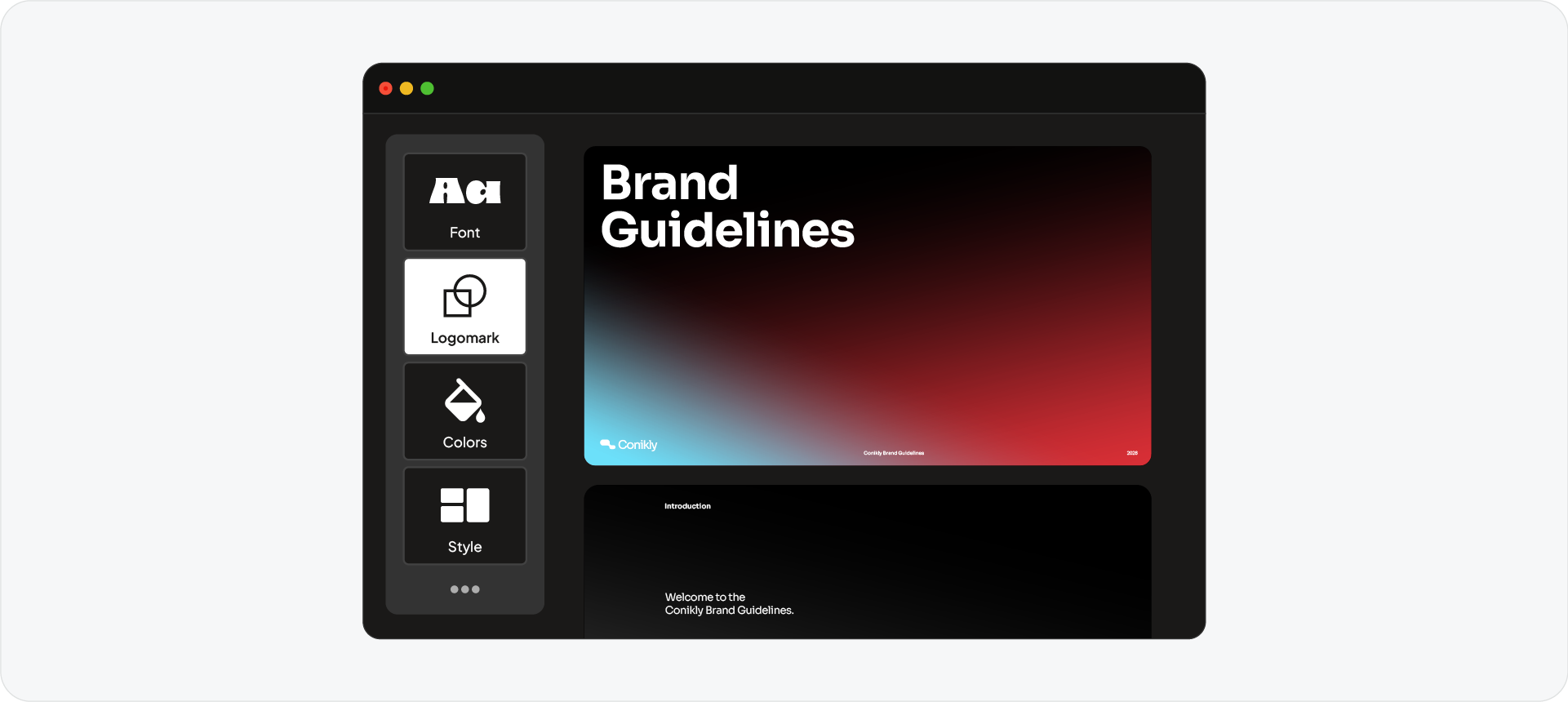
Online brand guidelines live on a platform like Frontify, Notion, or a custom URL, and are accessed through a browser. Anyone with the link can view them, and updates are live the moment you make them.
Online guidelines work best for larger brands, ongoing retainers, and organisations where multiple teams need access to the latest version at all times.
Related Reading: For examples of how well-known brands structure their guidelines documents, here are some brand guidelines examples worth looking through.
Which one should you use?
For most logo and brand identity projects at a freelance or agency level, a PDF is the right choice. It is faster to produce, easier to deliver, and gives the client exactly what they need.
Online guidelines make sense when the brand is large enough to have an internal team actively using the document day to day, or when you are on a retainer and expect the guidelines to evolve regularly.
The honest answer is that most clients do not need a live platform. They need a well-structured document they can open, share with a printer, and hand to a web developer.
Guideit gives you both
Guideit generates a complete brand guidelines document inside Adobe Illustrator in seconds. It gives you both formats in one workflow:
- Generates a fully editable native AI file you export as a PDF for client delivery
- Store it in Google Drive or Dropbox and share a link for online access
- When the client requests a change, update in Illustrator, regenerate, export and the link is already live
- Includes a growing library of 10 brand guidelines templates with no platform cost
Conclusion
PDFs suit the majority of brand projects. Online guidelines make sense at scale. Guideit lets you produce a professional PDF and share it online without choosing between the two.








