


The all-in-one automation suite for brand identity designers




Deliver flawless
Everything you need, in one poweful suite







The 6 Logo File Formats Every Designer Needs for Client Delivery
A clear breakdown of the 6 essential logo file formats and how they are used in professional client delivery
Every logo project ends with the same question from the client: which file do I use? The answer depends entirely on where they are using it. A file that looks perfect on a website can look wrong on a business card, and a file built for print is the wrong choice for a web developer.
These are the six formats every logo package should include and exactly what each one is for.
1. AI:Adobe Illustrator

The original source file. Every other format in the package is exported from this file. Include it in every delivery so the client can brief another designer in future without starting from scratch.
It is only editable in Adobe Illustrator, so it is not a file the client will open themselves. Its value is as a future-proof asset for the brand.
Related Reading: For the complete folder structure and naming system to organise these files for client delivery, read the guide on what logo files to send to clients.
2. PDF: Portable Document Format

A universal vector format that anyone can open without design software. It is fully editable in Illustrator, which makes it the preferred handoff vector format for most projects, more accessible than EPS and increasingly the standard for both digital sharing and print production.
When a client needs to send their logo to a printer, web developer, or marketing agency, PDF is the file to reach for first.
3. SVG: Scalable Vector Graphic

The standard vector format for web and digital use. SVG files are infinitely scalable without any loss of quality, which makes them essential for websites, apps, and any digital platform where the logo needs to stay sharp at any size on any screen resolution.
Most web developers will ask for an SVG. Include it in the digital folder of every package.
Related Reading: If you want to see how these formats sit inside a complete logo package structure, I have mapped out the full logo file structure including folder names and colour variants.
4. EPS: Encapsulated PostScript

An older vector format that many print suppliers still request, particularly those running older software. EPS has been largely replaced by PDF as the standard handoff format, but it is worth including for print production alongside PDF to cover any supplier that specifically asks for it.
It is not needed for digital use.
5. PNG: Portable Network Graphic

A raster format with transparent background support. PNG is the go-to digital image format for logo use,websites, presentations, social media, and anywhere the logo needs to sit on a coloured or photographic background without a white box around it.
Include PNG files at three sizes: large (1920px on the longest edge), medium (960px), and small (192px) for email signatures and small digital placements.
6. JPG: Joint Photographic Experts Group

A raster format for digital use where transparency is not needed. JPG produces a smaller file size than PNG and is useful for email signatures, social media previews, and any context where the logo sits on a white or solid background.
Use the same sizing as PNG: large, medium, and small.
Vector vs Image files
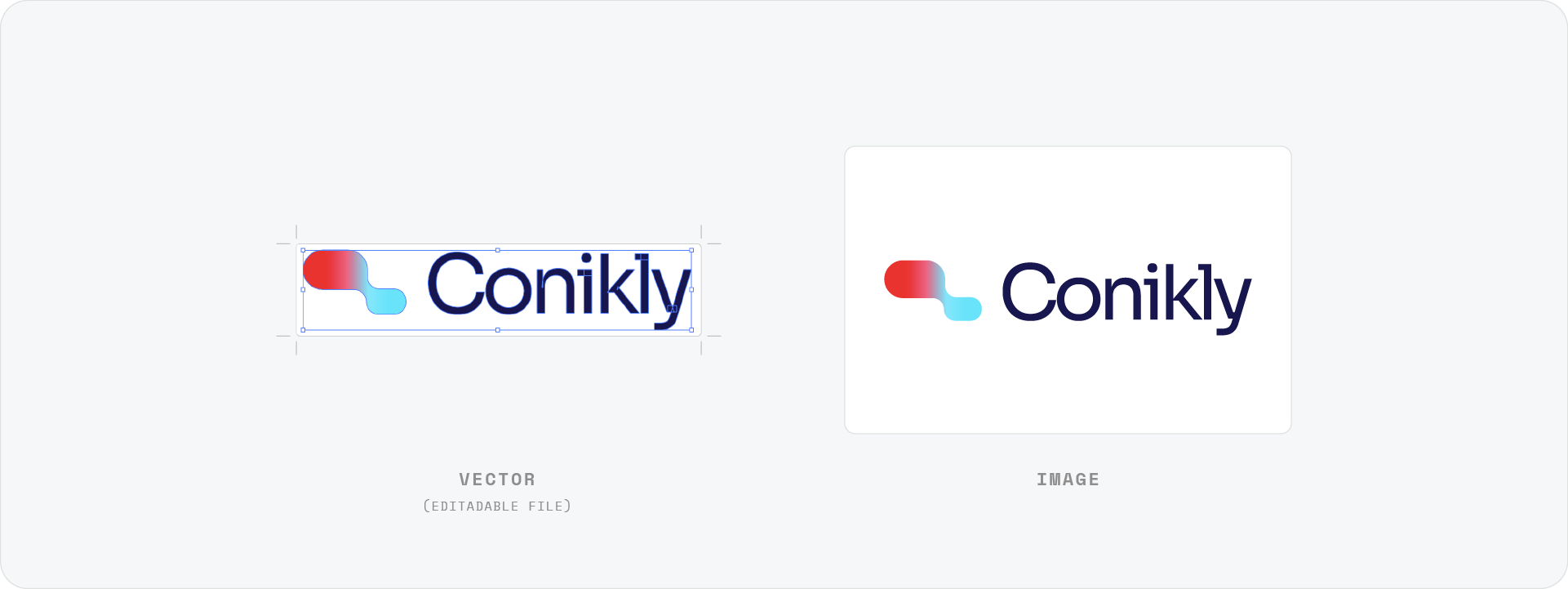
It helps to understand how these six formats split into two categories.
Vector files (AI, PDF, SVG, EPS) are built from mathematical paths. They scale to any size without losing quality and are used for print production, web development, and any context where the logo needs to be infinitely resizable.
Image files (PNG, JPG) are made up of pixels. They are fixed in resolution and are used for digital placements where a raster format is required. Always export them at a large size so the client can scale down without losing quality.
Related Reading: For a deeper look at the difference between the two, I have written a full breakdown of vector vs raster logos and what designers need to know.
Download the Logo File Structure
To save time building your next logo package, download the Logo File Structure freebie - a pre-built folder structure and file naming system with all six formats already organised and ready to fill.

Conclusion
Each of the six formats serves a specific purpose. Include all of them in every delivery and your client will always have the right file for the right context, without needing to come back to you for a different version.







