Kwaku Amprako is a logo and brand identity designer, educator, and founder of Akrivi — pioneering BIDA (Brand Identity Design Automation) to empower designers to create with more speed, precision, and less stress.






Try Akrivi Studio — streamline your entire logo & brand identity workflow

Download Logo Grid Generator FREE
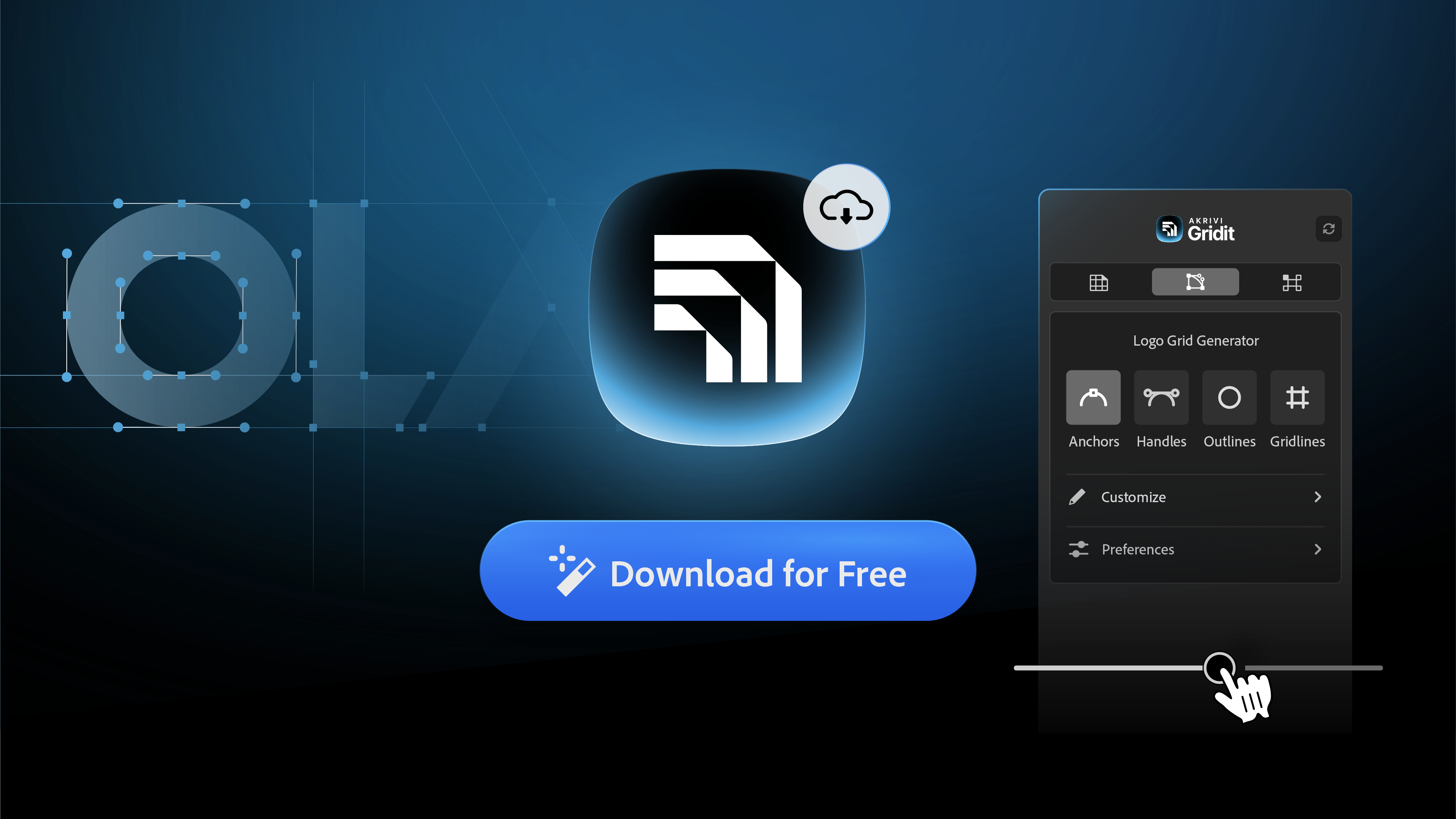
Here's how to get Gridit Logo Grid Generator for Free on Adobe Illustrator
If you are looking for the Logo Grid Generator, the tool that automatically draws professional construction grids for your logos, you are in the right place.
For a long time, this was a standalone script that thousands of designers used to save hours of manual work. Now, it has evolved into something much more powerful: Gridit.
And the best part? You can still use it for free.
In this post, I’ll show you exactly how to download the Logo Grid Generator and start creating precise, engineered logo presentations in Adobe Illustrator today.
How to Download & Install
The Logo Grid Generator is now part of Akrivi Studio, a complete suite of automation tools for brand designers.
Step 1: Get the Free Trial
Visit the Akrivi Website and start your free trial. You will go through a simple checkout process to create your account and get your download link.
Step 2: Install on Your System

Once you download the tool, you’ll receive a ZIP folder that contains the installers. Here is how to install it on your specific operating system:
For Mac users:
- Open the ZIP folder and locate the folder named Mac.
- Double-click the PKG file inside to start the installer.
- Follow the prompts to complete the installation.
- Important: Restart Adobe Illustrator if it was open during the setup.
For Windows users:
- Open the ZIP folder and locate the folder named Windows.
- Double-click the EXE file inside.
- Run the file to complete the installation.
- Important: Restart Adobe Illustrator if it was open during the setup.
Step 3: Launch the Tool & Activate
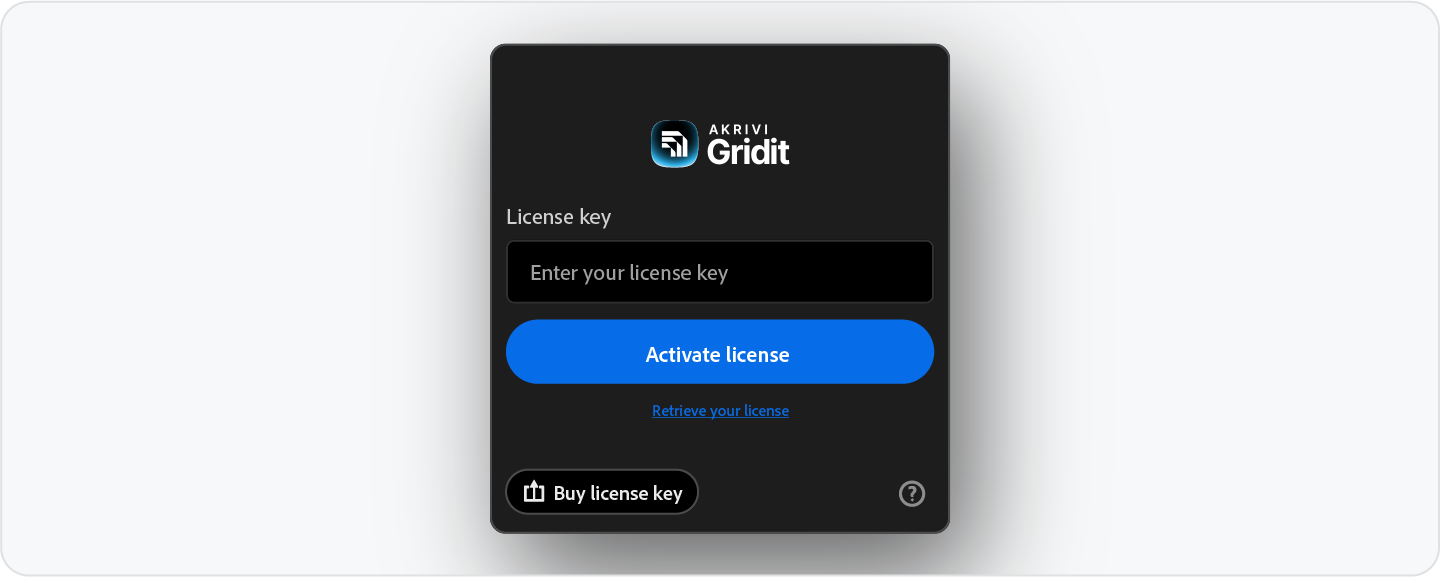
Once installed, open Adobe Illustrator and navigate to: Window > Extensions > Akrivi Gridit
A licene key dialog will appear. Activate with the license sent to your email, and you are ready to start generating grids immediately.
What Else Do You Get?

While you might be here for the Logo Grid Generator, your account gives you access to the entire Gridit ecosystem and beyond. You can also download:
- Base Grid Generator: Instantly create square, isometric, or golden ratio grids before you design.
- Clearspace Grid Generator: Automatically define precise safe zones around your logo for handoff.
- Guideit & Presenta: You also get access to our automated brand guidelines generator and logo presentation tools if you choose to download them.
Why Use the Logo Grid Generator?
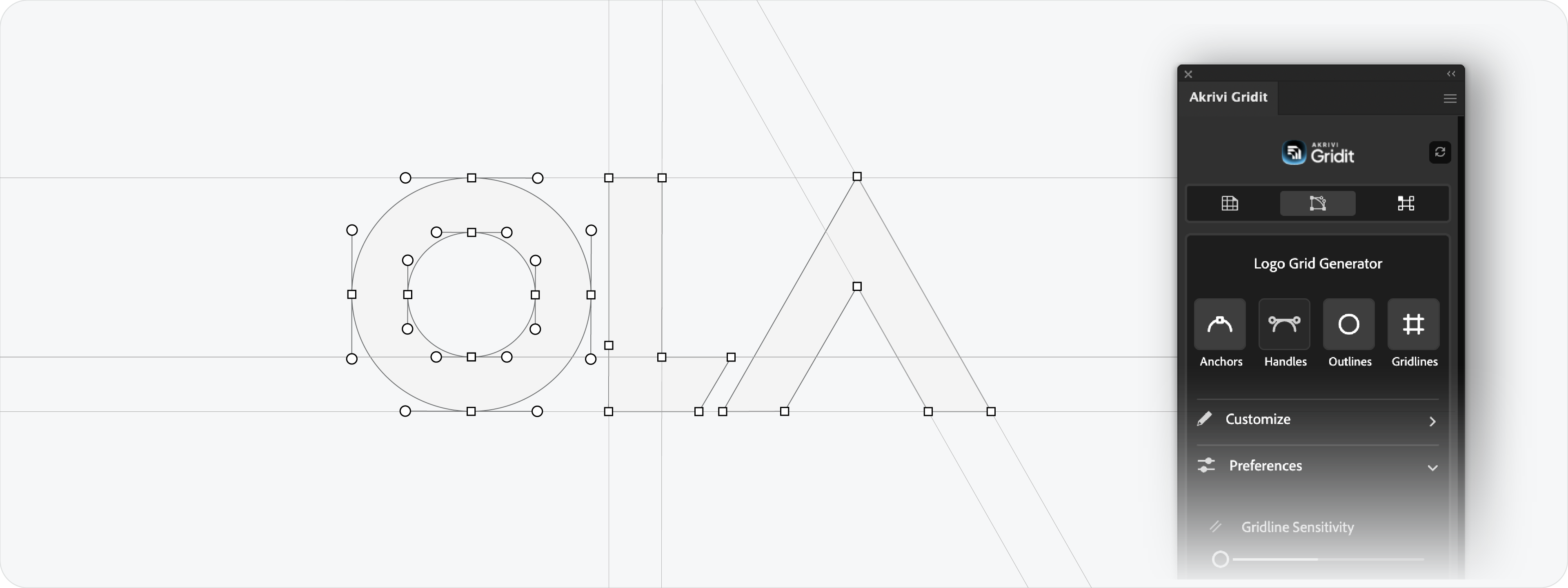
Manually drawing construction grids, mapping out every circle, anchor points, and gridlines, is a slow process. It can take longer than designing the logo itself.
With the Logo Grid Generator, you just select your logo and click Generate.
It analyzes your shapes and builds the geometric blueprint instantly. You can then use the new V3 sliders to adjust the visibility of anchors, handles, and gridlines to make it look perfect for your portfolio or client presentation.
Get Started Now
Don't waste another hour drawing lines manually. Download the tool, streamline your workflow, and make your work look more professional today.
Generate for Free with Akrivi Studio
Conclusion
The Logo Grid Generator was built to let designers focus on creativity, not geometry. By grabbing the free trial, you get the industry-standard grid tool, along with a suite of automation tools that will change how you work forever.