


The all-in-one automation suite for brand identity designers




Deliver flawless
Everything you need, in one poweful suite







Guideit Brand Guidelines Generator: What’s New in 2026
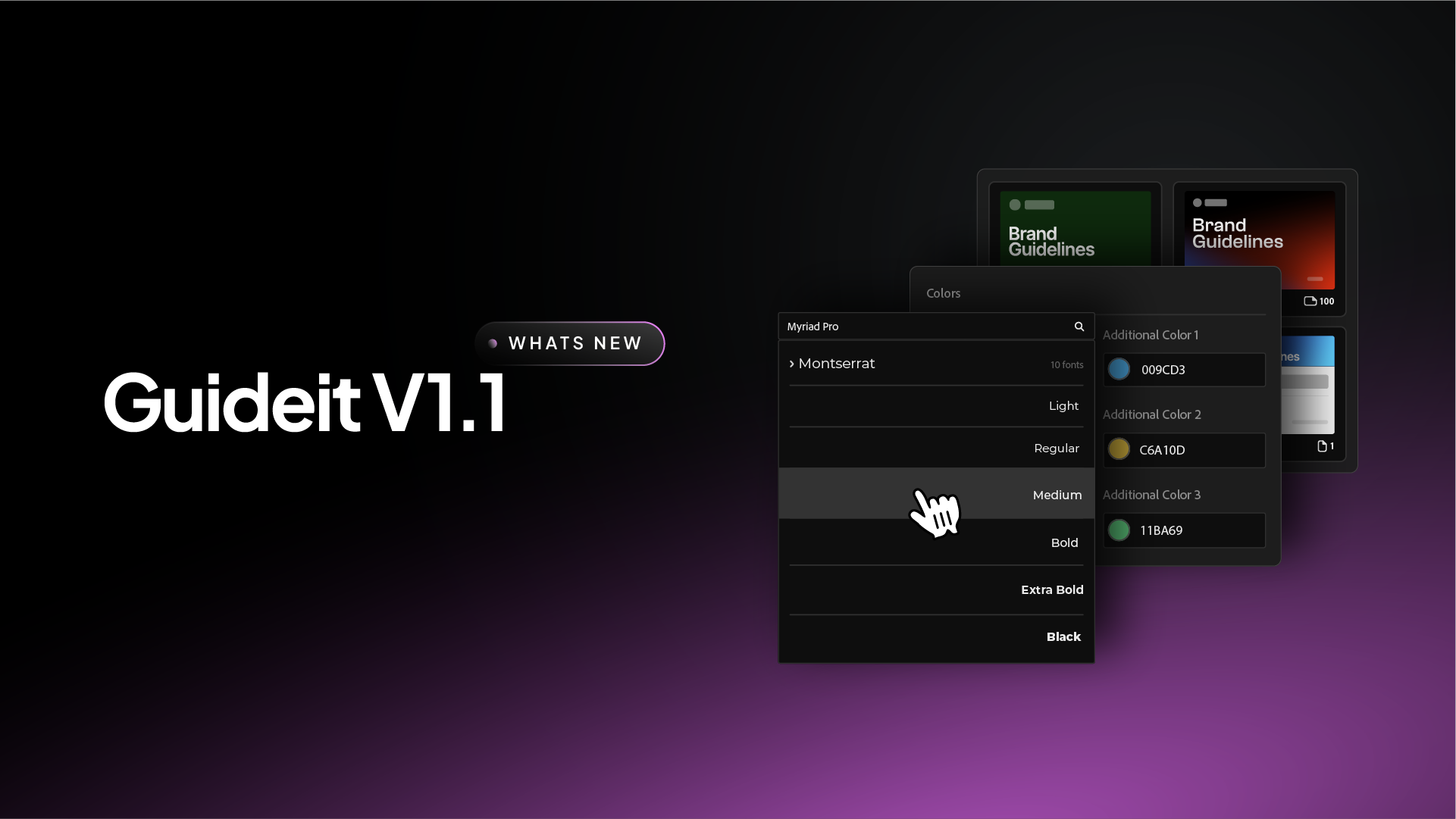
New features and improvements to help designers create brand guidelines faster
I’m always looking for ways to push the speed of our workflow further. I built Akrivi Guideit to remove the admin side of branding, and the feedback from the community has been incredible.
I am excited to share a look at the new features arriving in the V1.1 update.
These changes are designed to give you more creative control without sacrificing the speed that makes this tool essential.
Whether you are building a quick one-pager or a massive brand book, these updates will help you finish your documentation fast.
1. Expanded Color Palettes
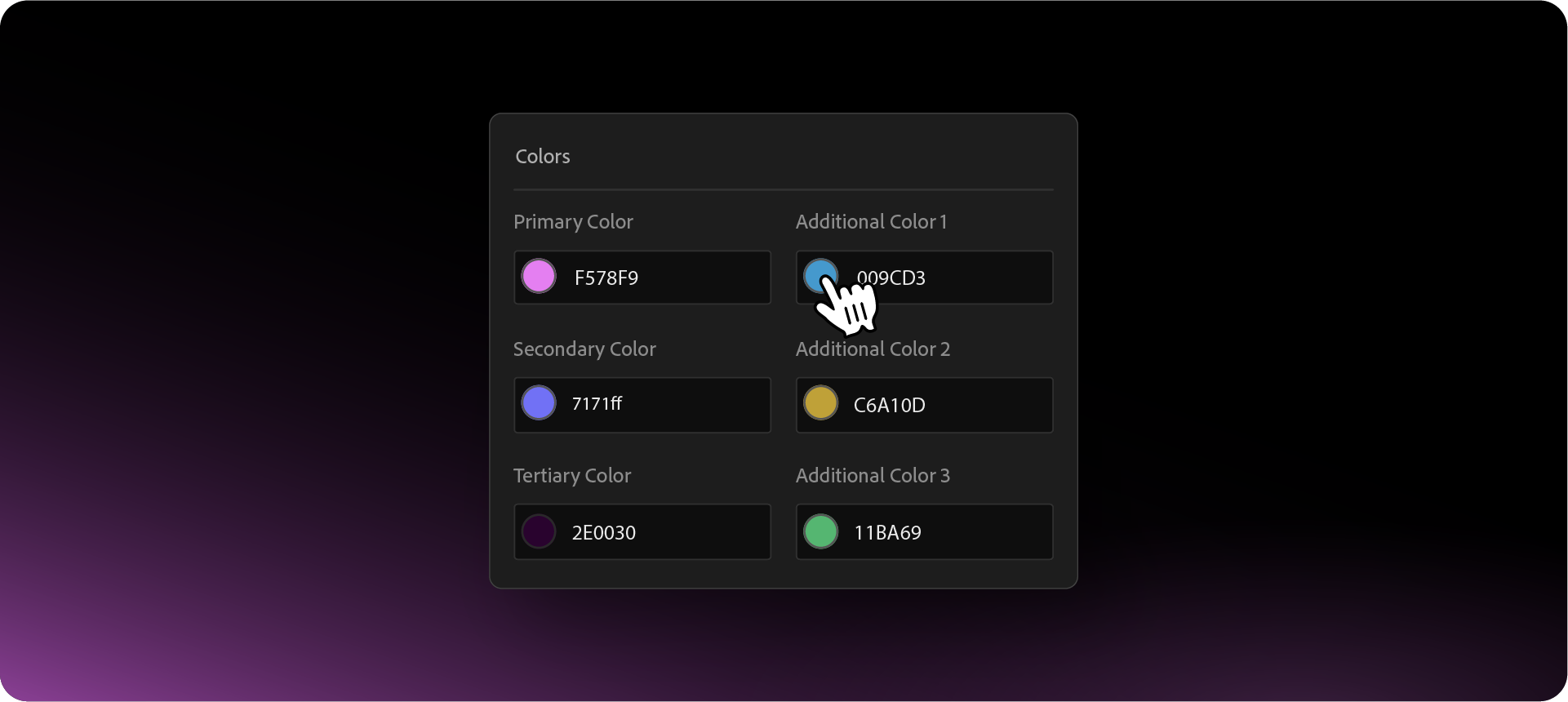
I know that many professional brand guidelines examples require more than just a few colors. Modern brands often have complex secondary palettes that need to be documented clearly.
I have added three additional color slots to the generator, bringing the total to six. This allows you to generate a full primary and secondary palette instantly. Now coming with color picker.
The system will automatically apply these colors across your entire document, ensuring your brand book is consistent from start to finish.
2. New Tiered Automated Templates
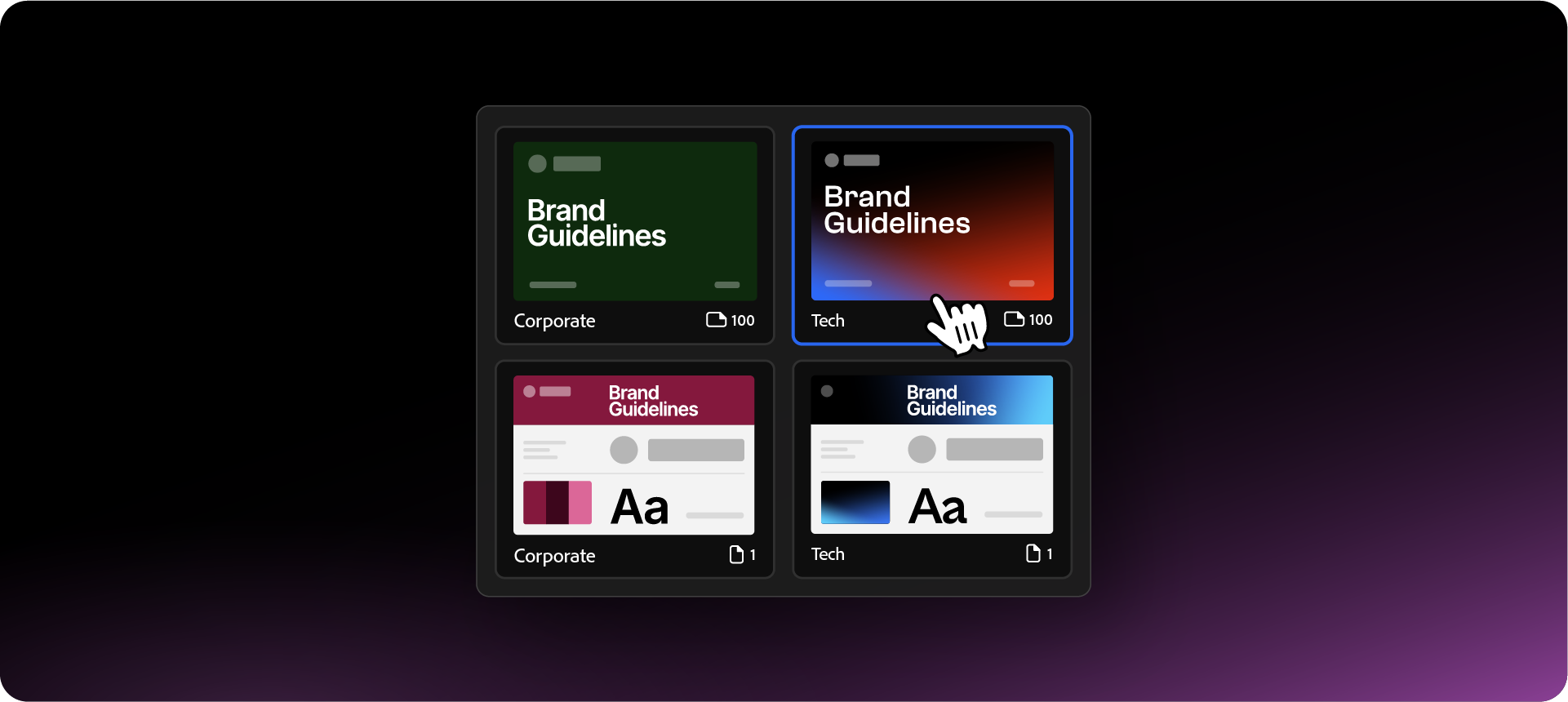
I’ve introduced a new range of brand guidelines templates within the plugin. You can now choose a size that fits your project perfectly:
- Single Page: Ideal for quick brand summaries or small startup projects.
- Medium (40 Pages): Our standard professional document covering all visual identity essentials.
- Large (100 Pages): A comprehensive guide including more merchandise, corporate assets, and brand applications.
I’ve also recently published a guide on where to find the best brand guidelines templates, including a few free options I’ve designed to help you save even more time.
3. Font Search and Filtering
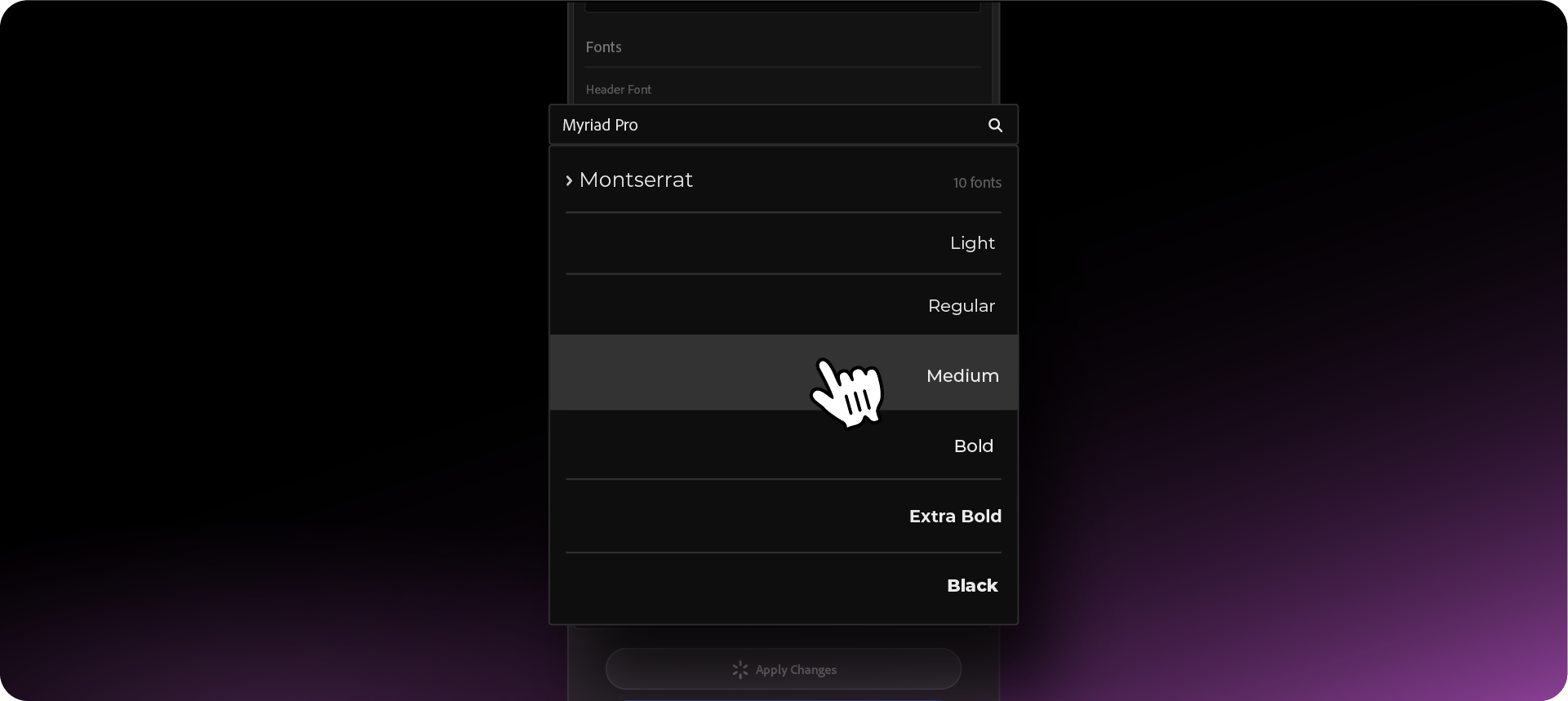
Finding the right typeface in a long list can be a source of friction in your day. In V1.1, I’ve added a Font Search bar directly into the panel.
You can now simply type the name of your font family, and the list will filter automatically. It’s a small UI change, but it keeps you in your creative flow instead of scrolling through hundreds of installed fonts.
Want to try the new features?
These updates are all about giving you more creative control while the automation handles the repetitive layout work. You can start using these new features to deliver professional, technical guidelines to your clients in the coming update.
Generate for Free with Akrivi Guideit.

Conclusion
I believe that documentation should be the easiest part of your project, not the most stressful. With 6-color palettes, font filtering, and expanded templates, Guideit V1.1 is coming to help you deliver premium work with total precision and speed.







