


The all-in-one automation suite for brand identity designers




Deliver flawless
Everything you need, in one poweful suite







Guideit VS uBrand: The best brand guidelines generator

A detailed comparison to find the best brand guidelines generator for designers and non-designers
Everyone wants to finish a project faster. In 2026, the goal for most of us is to spend less time on documentation and more time on the actual design.
There are two main ways to speed up this process. Using a web-based platform or using a native plugin. In this post, I am going to compare uBrand and Guideit to help you decide which one fits your workflow.
Both are technically a brand guidelines generator, but they are built for two very different types of users.
uBrand: Built for Non-Designers
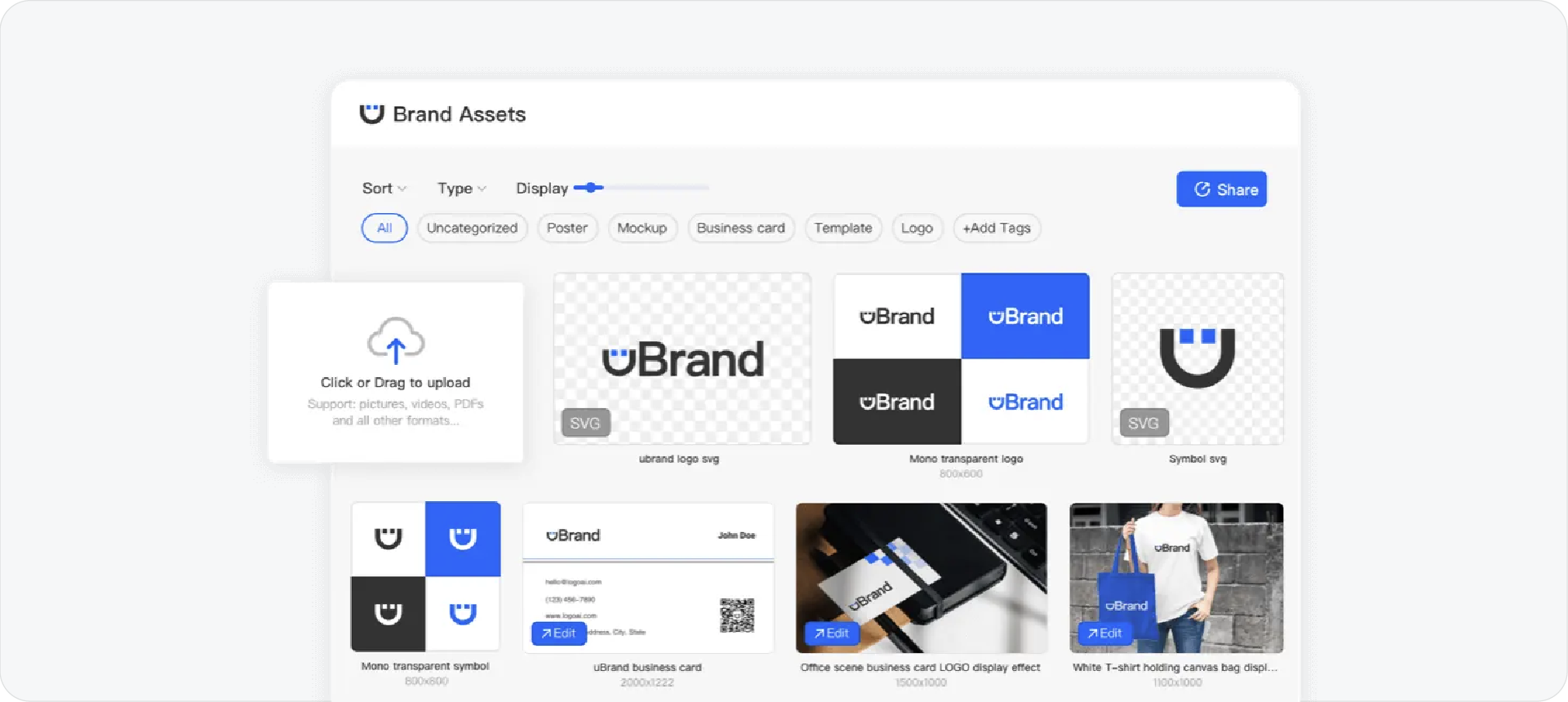
uBrand is an online platform that lives in your web browser. It is designed for small business owners or non-designers who don't have experience with professional design software.
The process is simple. You upload a logo, and the platform generates a basic document for you. The main benefit is that it is very fast if you just need something functional to show.
However, generating your guidelines online comes with restrictions. Because you aren't in a vector environment, you cannot reach in and customize the technical details of the layout.
Guideit: Built for Professional Designers
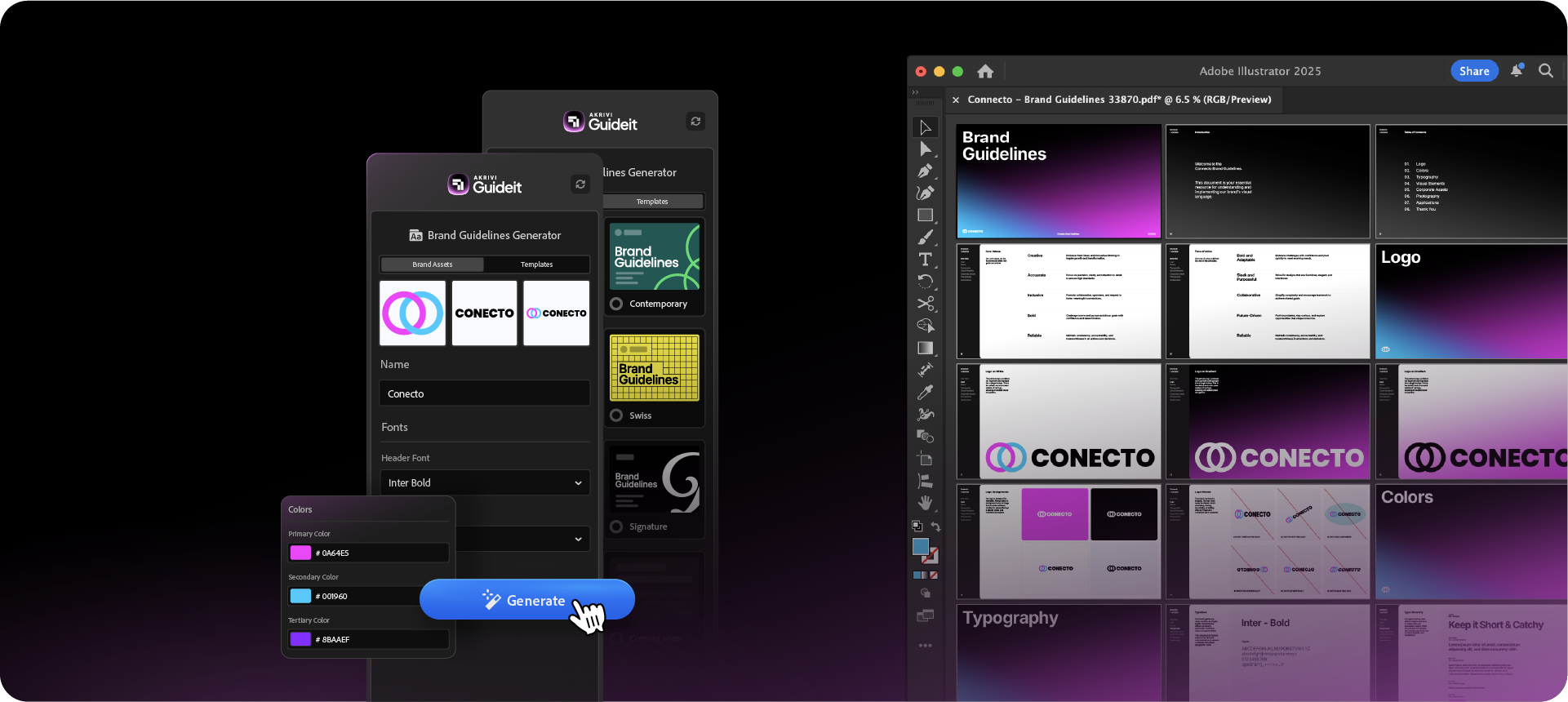
I built Akrivi Guideit specifically for professional brand designers who already work in Adobe Illustrator. It is a plugin that lives directly inside your workspace, so you never have to leave your creative flow.
The main advantage here is that the document it generates is 100% editable. It automates the layout and places your assets for you, but because it’s a native Illustrator file, you still have total control.
You can use the automated templates to build your pages in seconds. Since we are working with vectors, you can easily add technical construction grids, custom textures, or unique layouts that a web-based tool simply cannot handle.
Related Reading:
If you are still using manual files, you can find my professional brand guidelines templates here. I’ve also written a guide on what a brand book is if you need a refresher on the basics.
Customization and Technical Precision
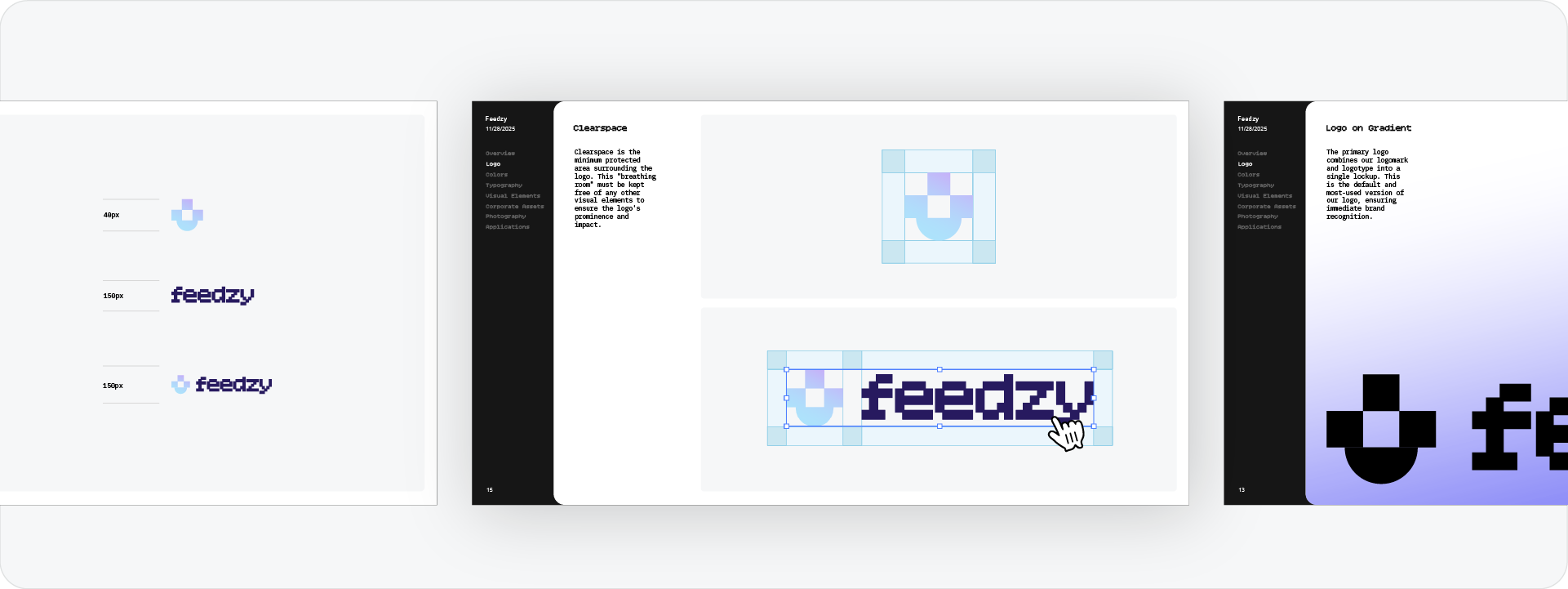
When you look at high-end brand guidelines examples, the difference is usually in the technical precision. Professional branding requires more than just a logo and a color palette. It requires clear rules for spacing, alignment, and hierarchy.
Since Guideit keeps you in Illustrator, you can ensure that your technical pages look just as good as your design.
You have the freedom to show grids, adjust line weights, and scale your logos and perfectly. Web tools often lack this level of detail, which can make the final result look a bit generic.
The Final Verdict
The choice between these two tools comes down to your skill level and your project needs.
Choose uBrand if:
You aren't a designer and you just need a simple, quick PDF for a small project without needing to learn complex software.
Choose Guideit if:
You are a professional designer who wants to work 10x faster but still needs the ability to edit and customize every vector inside Adobe Illustrator.
Ready to Generate Your Next Brand Book?
Speed is important, but as a professional, you shouldn't have to sacrifice quality. I built Guideit to give you the best of both worlds: the speed of automation with the precision of a professional design environment.
Conclusion
Finding the right tool is about understanding your own workflow. If you want to deliver high-quality, technical brand guidelines to your clients without the manual layout work, a native plugin is almost always the better choice.








