


The all-in-one automation suite for brand identity designers




Deliver flawless
Everything you need, in one poweful suite







How to Create Logo Grid Systems In Illustrator Using Gridit
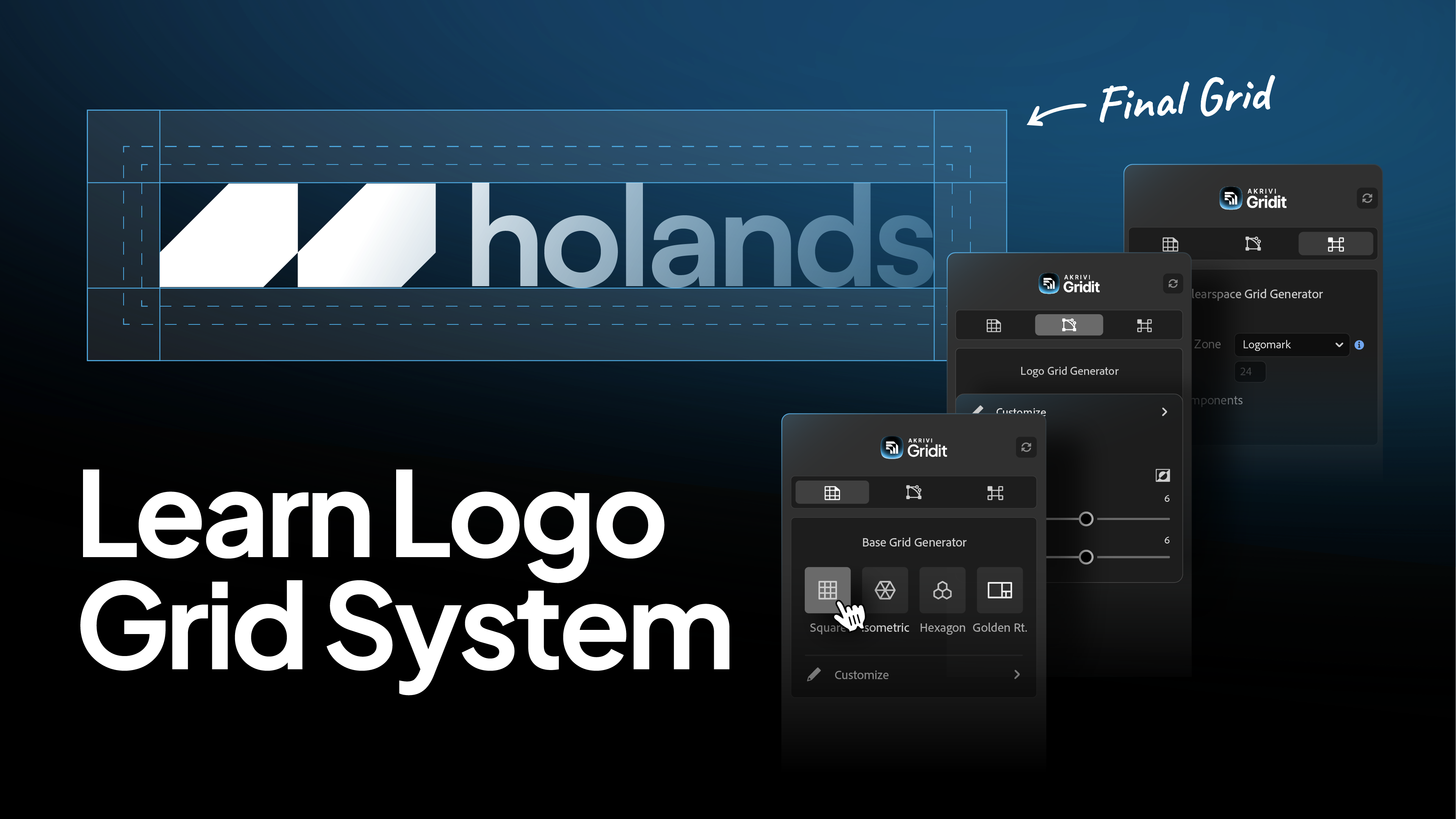
Learn the fastest and easiest way to generate base, construction, and clearspace grids in Illustrator with Gridit.
Logo grids are essential for creating balanced, consistent, and scalable identities. But creating them manually is a slow, mathematical process that kills creative flow.
That is why I built Gridit. It isn't just a single tool; it is a complete automation suite designed to handle the entire grid ecosystem within Adobe Illustrator.
In this guide, I’ll show you how to use Gridit to automate the three main grid systems professional designers use.
If you need a refresher on the theory behind these systems, check out my guide on What is a Logo Grid?.
Watch Full Process Tutorial
1. Base Grids (The Foundation)
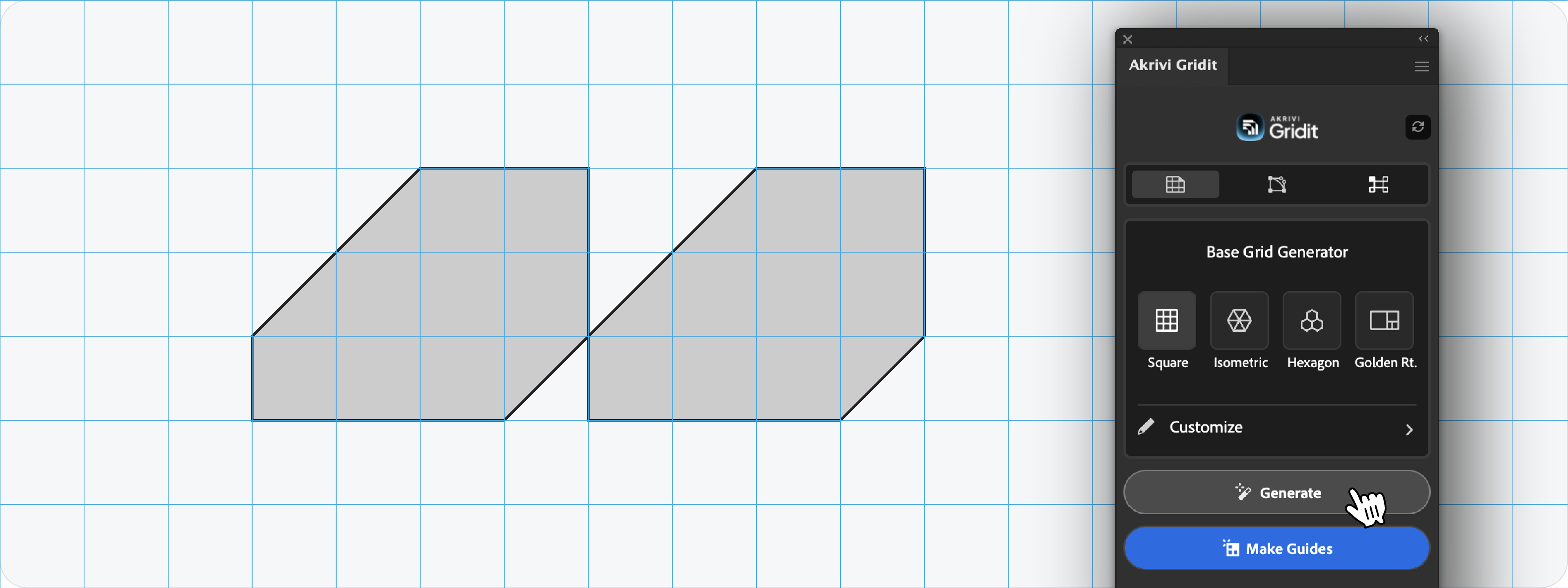
A base grid is used before you start designing. It provides the underlying structure—like graph paper—to ensure your initial sketches and vector paths are proportional.
How to create it with Gridit:
- Open the Base Grid Generator tab in the Gridit panel.
- Select your desired grid type: Square, Isometric, or Golden Ratio.
- Click Generate.
The tool instantly draws a precise grid across your artboard, ready for you to snap your vectors to.
Watch the Base Grid Generator Tutorial
2. Construction Grids (The Engineering)
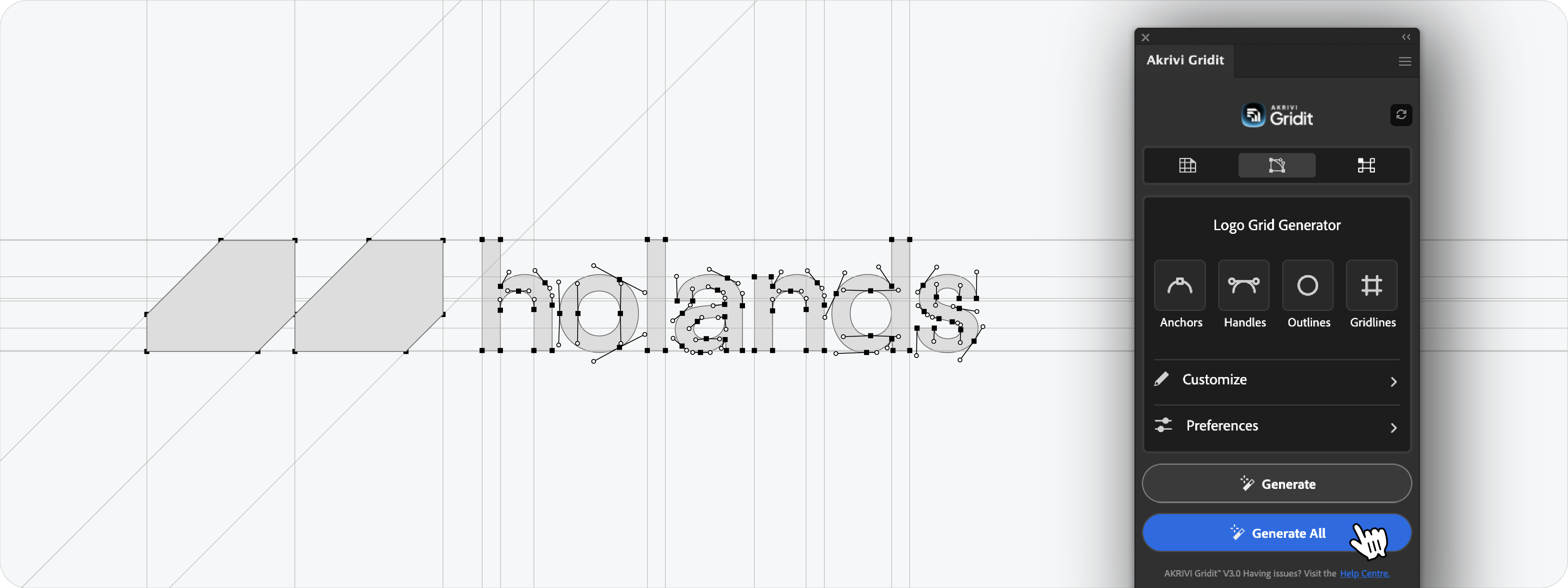
A construction grid is used after you have drawn your concept. It maps out the geometric logic of your logo, revealing the specific circles, angles, and lines that make up the shape. This is crucial for refining your curves and presenting your work to clients.
How to create it with Gridit:
- Select your finished logo.
- Open the Logo Grid Generator tab.
- Click Generate All for an instant result, or use the toggles to customize anchors and handles.
Gridit analyzes your shape and builds the "blueprint" of your logo in seconds.
Watch the Logo Grid Generator Tutorial
3. Clearspace Grids (The Protection)

A clearspace grid is used before handoff. It defines a safe zone around the logo to ensure no other elements encroach on it. Professional designers usually define this zone using an element from the logo itself, like the height of the letter 'x' or 'N'.
How to create it with Gridit:
- Select your logo.
- Open the Clearspace Grid Generator tab.
- Choose your measurement unit (e.g., logomark) and click Generate.
The tool calculates the safe zone and draws the exclusion box automatically.
Watch the Clearspace Grid Generator Tutorial
Coming Soon: Lockup Grids
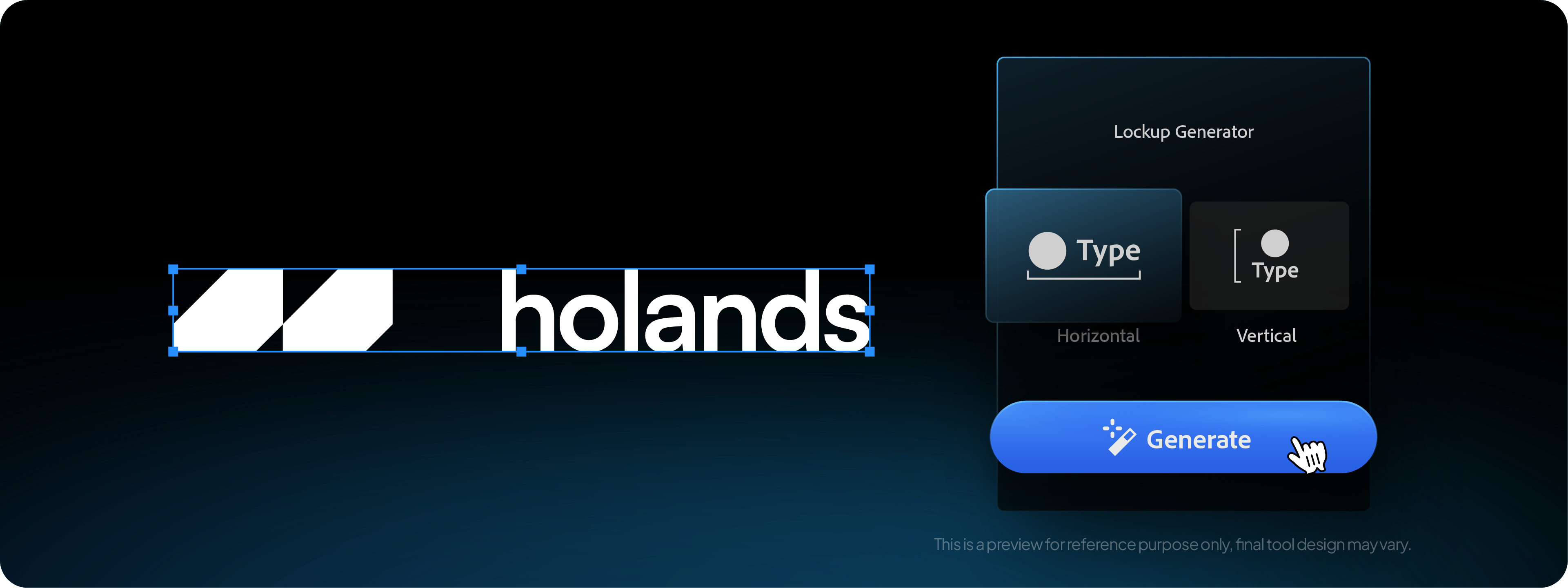
There is a fourth essential system: Lockup Grids. This is used to perfectly align your logomark with your logotype.
I am currently developing a dedicated Lockup Grid Generator for Gridit to automate this step as well. Stay tuned for that update.
Ready to Automate Your Grids?
You don't need to be a math genius to use grid systems; you just need the right automation. Gridit handles the geometry so you can focus on the design.
{{IDENTIFIER="/learn/create-logo-grid-systems-illustrator-gridit"}}
Conclusion
By integrating these three automation tools into your workflow, you ensure that every stage of your logo design process, from sketch to handoff, is precise, professional, and efficient.







