


The all-in-one automation suite for brand identity designers




Deliver flawless
Everything you need, in one poweful suite







How to download Logo Grid Generator™

How to download Logo Grid Generator™
Whether you are on Mac or Windows, here's how to get up and running with Logo Grid Generator™.
The Logo Grid Generator is now part of Gridit™, a powerful plugin within the Akrivi Studio suite. Learn how to get access, purchase a license, or start a free trial.
Accessing Logo Grid Generator™

To download Logo Grid Generator™, you need to access Akrivi Studio.
You can get access in three ways:
- Start a Free Trial: Download Akrivi Studio to use Logo Grid Generator (and the full Gridit™ suite) for free without paying upfront. Get the Free Trial
- Purchase the Script: If you prefer a one-time purchase without the full studio suite, you can buy the standalone script on Gumroad. Buy on Gumroad
- Subscribe: Sign up for a Gridit™ subscription via Akrivi Studio to unlock all premium features.
Once you complete your sign-up or purchase, your download link or license key will be emailed to you.
Simply download the extension, enter your license key (if applicable) in Adobe Illustrator, and you’re ready to start generating professional logo grids instantly.
⚠️ Important Warning About Unofficial Versions
We’ve received reports of unofficial and cracked versions of Logo Grid Generator™. These versions are unauthorized, illegal, and have been linked to malware, viruses, and data security breaches.
Installing these cracked copies will harm your computer, compromise your personal data, and disrupt your system.
Please note: We are not responsible for any damage or data loss caused by unofficial or pirated versions of our software.
To stay safe and ensure full functionality, always download Logo Grid Generator™ through official Akrivi channels only.
Downloading Instructions

Downloading Logo Grid Generator™ (via Akrivi Studio) is quick and easy for both Mac and Windows users.
Once you download the tool, you’ll receive a ZIP folder that contains two subfolders: one for Mac and one for Windows.
For Mac users:
- Open the ZIP folder and locate the folder named Mac.
- Double-click the PKG file inside to start the installer.
- Follow the prompts to complete the installation.
- Important: Restart Adobe Illustrator if it was open during the setup.
For Windows users:
- Open the ZIP folder and locate the folder named Windows.
- Double-click the EXE file inside.
- Run the file to complete the installation.
- Important: Restart Adobe Illustrator if it was open during the setup.
Once installed, open Adobe Illustrator and navigate to:
Window > Extensions > Akrivi Gridit to start using the tool.
How to Use Logo Grid Generator™
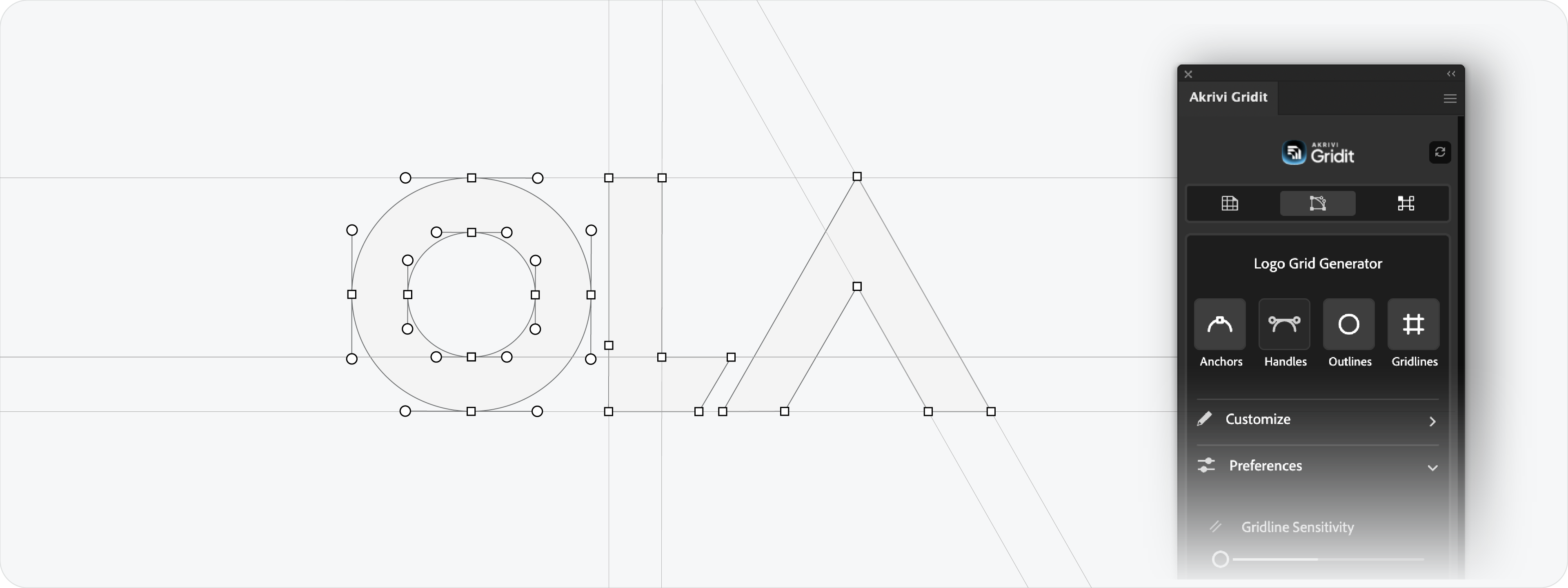
Once you’ve downloaded the extension, it’s time to start using it.
To avoid any issues or confusion while using the tool, I recommend learning the basics first. Read this blog for a step-by-step guide on how to use Logo Grid Generator™
Prefer video? Watch the tutorial below.
Installation Issues
If you’re experiencing any issues during installation, please visit our Help Center for step-by-step guidance and troubleshooting tips.







