


The all-in-one automation suite for brand identity designers




Deliver flawless
Everything you need, in one poweful suite







Logo File Export Tools for Designers (Free and Paid Options in 2026)

The best Adobe Illustrator plugins for exporting logo files for client delivery
Exporting a logo package manually is one of the most repetitive tasks in brand identity work. Every format, every colour variant, every size, done one at a time. For a complete package across four variations and four colour variants, that is dozens of individual exports before you have even started naming and organising them.
These plugins handle that work inside Adobe Illustrator. Here are the three worth knowing about.
1. Akrivi Exportit: Logo File Generator
Coming soon
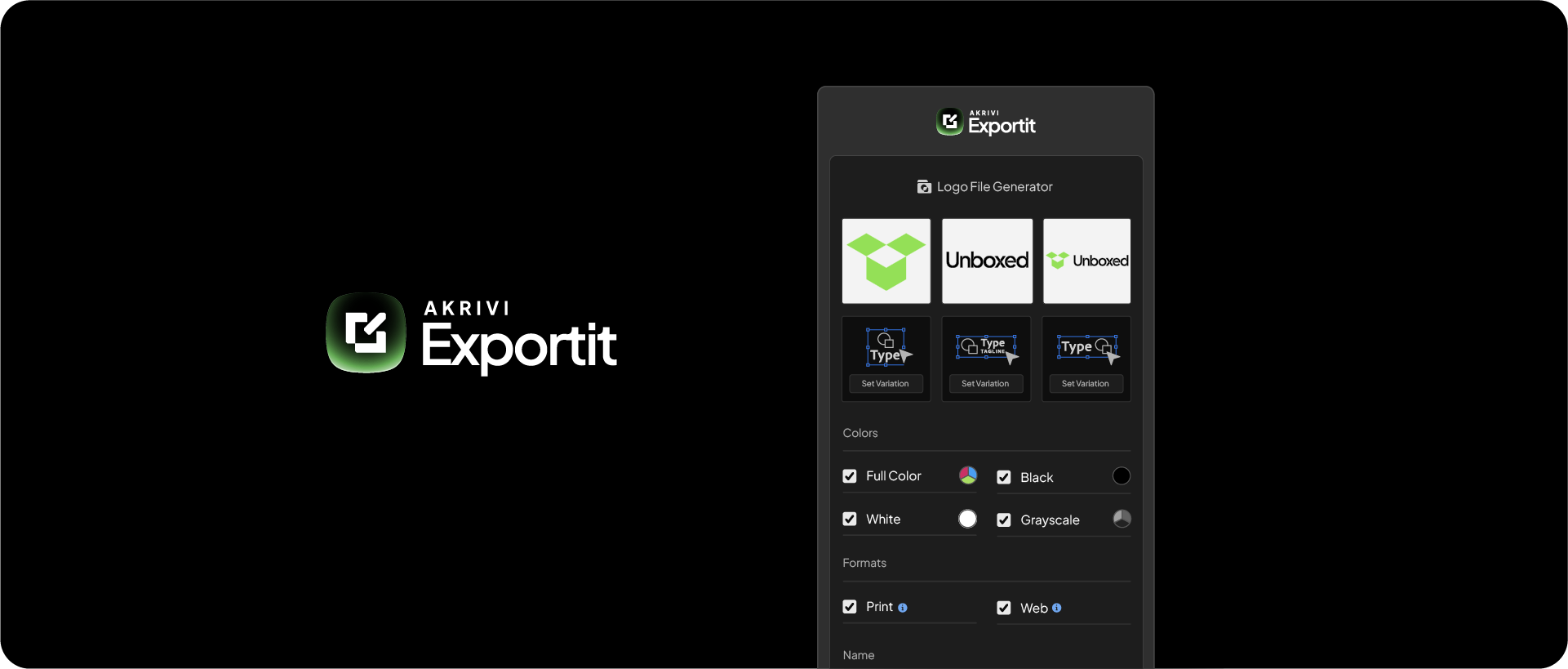
Exportit is Akrivi's upcoming logo file export plugin for Adobe Illustrator. Built specifically for professional brand identity designers, it generates a complete, organised logo package directly from your Illustrator file: all formats, all colour variants, all sizes, in the correct folder structure.
What makes Exportit different from other export tools is that it is part of a complete brand identity suite. Akrivi Studio already includes:
- Gridit for generating logo grids and construction systems
- Guideit for generating brand guidelines documents in seconds
Exportit completes the delivery workflow, from logo construction, to brand documentation, to file export, all inside Illustrator, all under one subscription.
Exportit is not yet available, but you can join the waitlist to be notified on launch.
Related Reading: For a full breakdown of every file a logo package should contain, visit the logo files hub.
2. Logo Package Express
Paid: logopackage.com
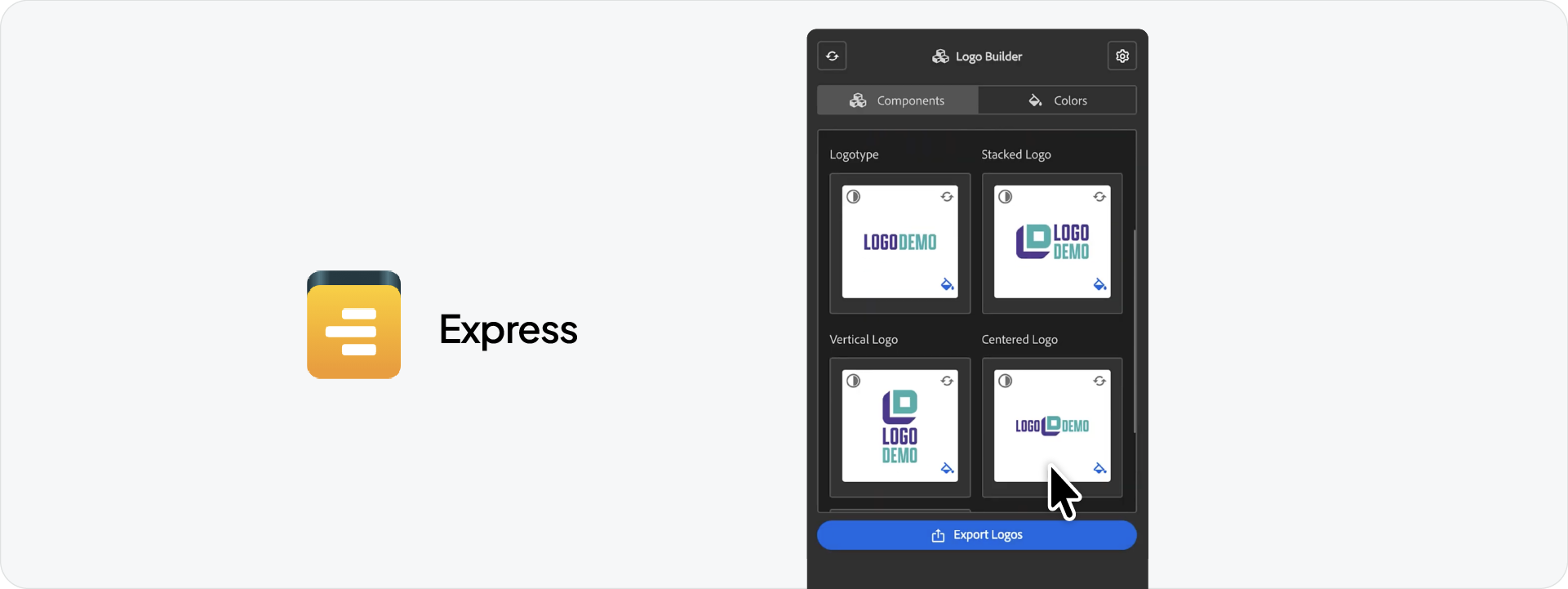
Logo Package Express is the most widely used logo export plugin for Adobe Illustrator. It generates 200+ logo files in under 5 minutes, covering every file format, colour scheme, and configuration automatically.
What it does:
- Exports AI, PDF, SVG, EPS, PNG, and JPG in one run
- Automatically generates RGB, CMYK, and Pantone colour variants
- Creates a named folder structure ready for client delivery
- Customisable file names, folder structure, scale, and padding settings
- Includes Logo Package Portal for cloud-based client handoff
Requirements:
- Adobe Illustrator CC 2021 or higher
- Mac and Windows
Logo Package Express is the established standard in the industry for automated logo exports. It is a paid tool available on their website and Gumroad.
3. Logo Packer
Free: Adobe Exchange
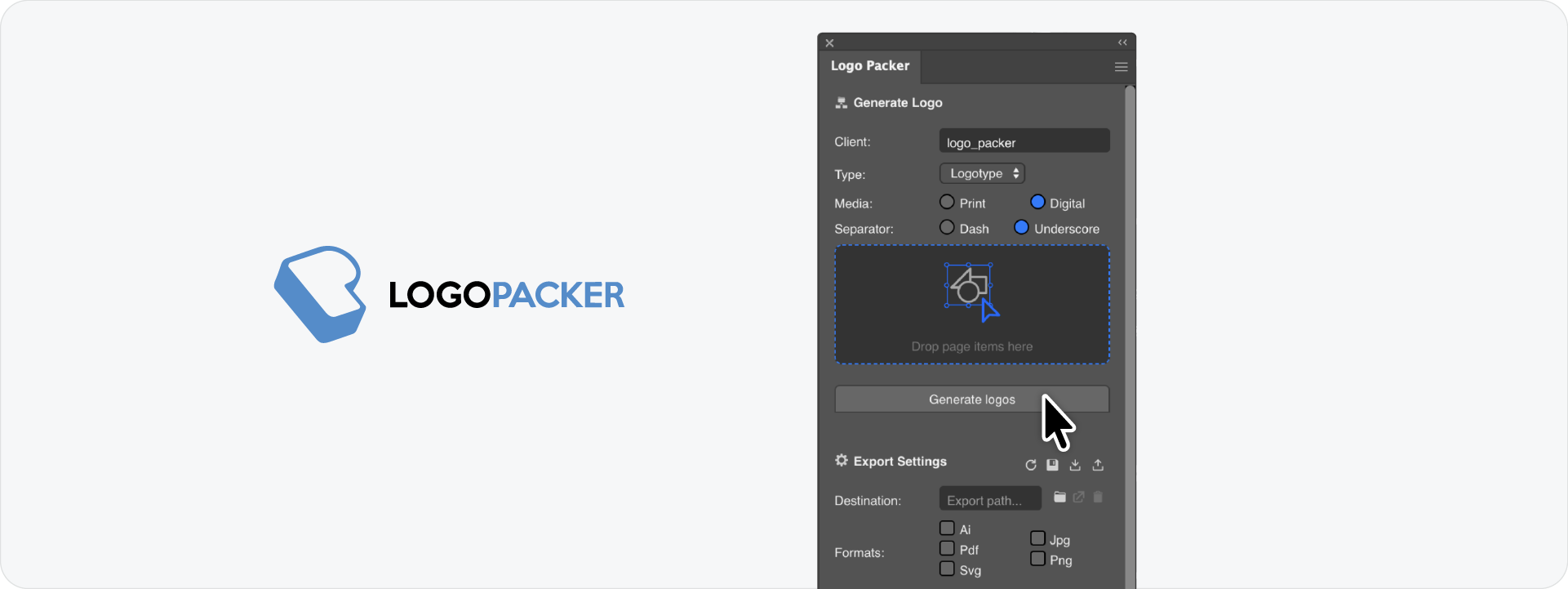
Logo Packer is a free, open-source Adobe Illustrator extension that generates multiple logo variations and exports them automatically. It is a lighter tool than Logo Package Express but covers the essentials for designers who want to automate exports without a paid subscription.
What it does:
- Generates colour variants: full colour, CMYK, black, white, inverted, and grayscale
- Exports files into a structured, named folder directory
- Available free via Adobe Exchange or GitHub
Requirements:
- Adobe Illustrator CC 2019 or higher
- Mac and Windows
- Manual installation via CEP extension folder if not using Adobe Exchange
Logo Packer suits designers who want a free starting point. It does not match the output volume or customisation of Logo Package Express, but it is a solid option for straightforward exports.
Which tool is right for you?
Why Exportit is built for brand identity designers
Most logo export tools focus on one part of the workflow: the export. Exportit is designed as part of a complete system for professional brand identity delivery.
When you work inside Akrivi Studio, the entire project lives in Illustrator from start to finish:
- Build and refine the logo construction with Gridit
- Generate the brand guidelines document with Guideit
- Export the complete logo package with Exportit
No switching between tools, no separate subscriptions, no manual file management. One subscription, one workspace, one delivery workflow.
Join the waitlist to be first to access Exportit when it launches.

Conclusion
Exporting logo files manually is a solved problem. Logo Package Express is the paid industry standard. Logo Packer is a solid free alternative. And Exportit, coming soon from Akrivi, will be the option built specifically for designers who want the full brand identity workflow in one place.







