


The all-in-one automation suite for brand identity designers





Works with Adobe Illustrator 2021 - 2026
Deliver flawless
Everything you need, in one poweful suite





Try Akrivi Studio, includes automated templates that generates layouts for you

Logo Grid Generator: New Features and Updates for 2026


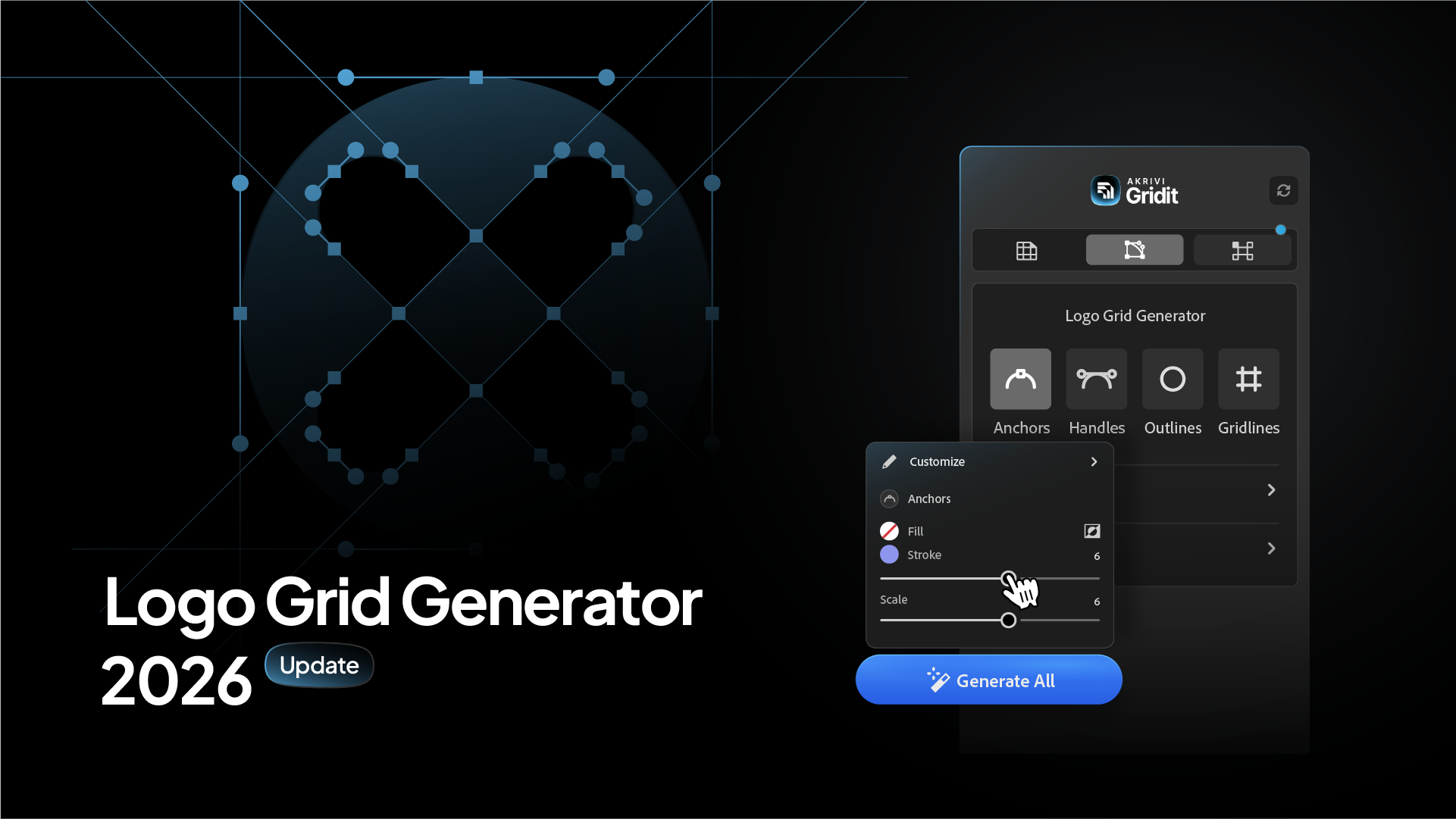
Introducing Gridit 3.0. The most powerful logo grid tool I have ever built.
I didn’t just update the Logo Grid Generator. I completely reimagined it.
My goal was simple: to create the ultimate grid experience for Adobe Illustrator. I wanted to build a tool that wasn't just a utility, but a natural extension of your creative process.
The result is Gridit 3.0. It is faster, smarter, and more precise than anything I have done before. It is the best way to engineer your logos, period.
Here is what makes this the biggest leap forward for Gridit yet.
1. A Unified Grid Ecosystem
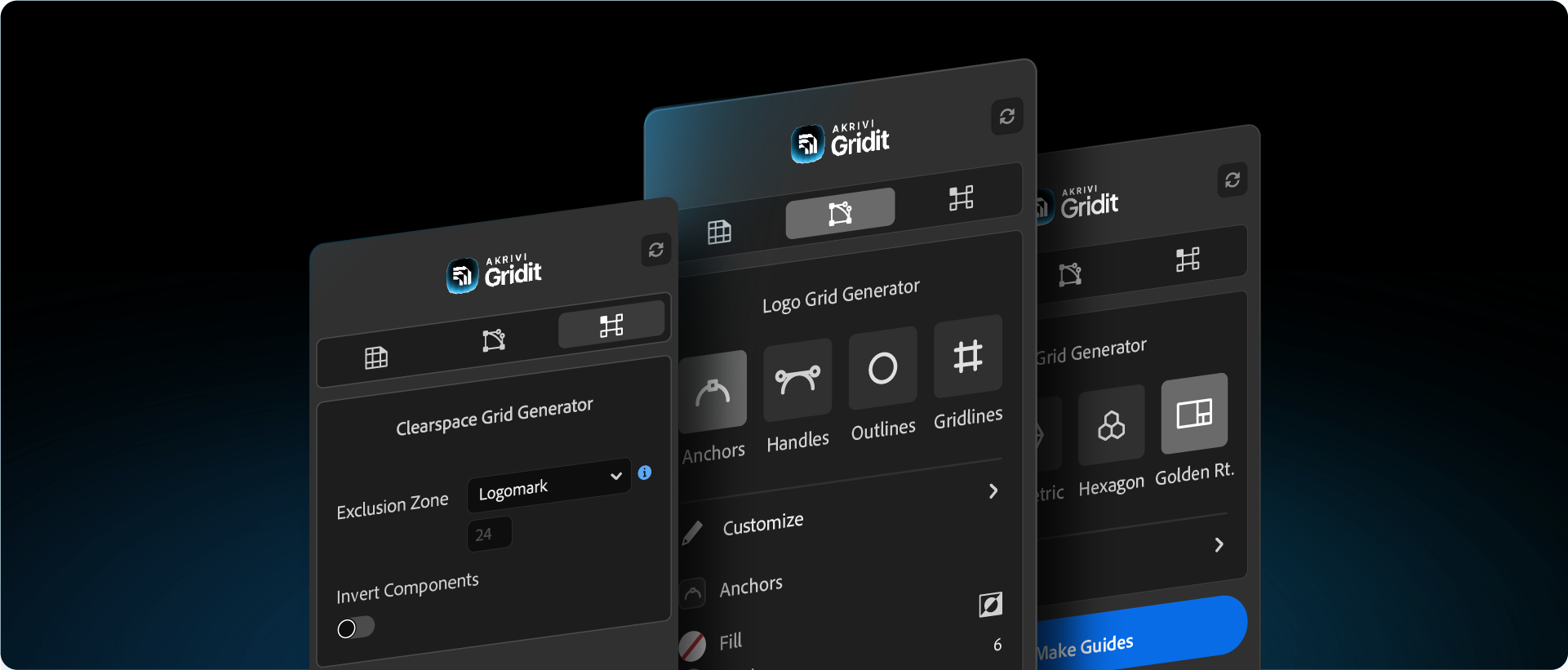
For the first time, I have brought every grid system together.
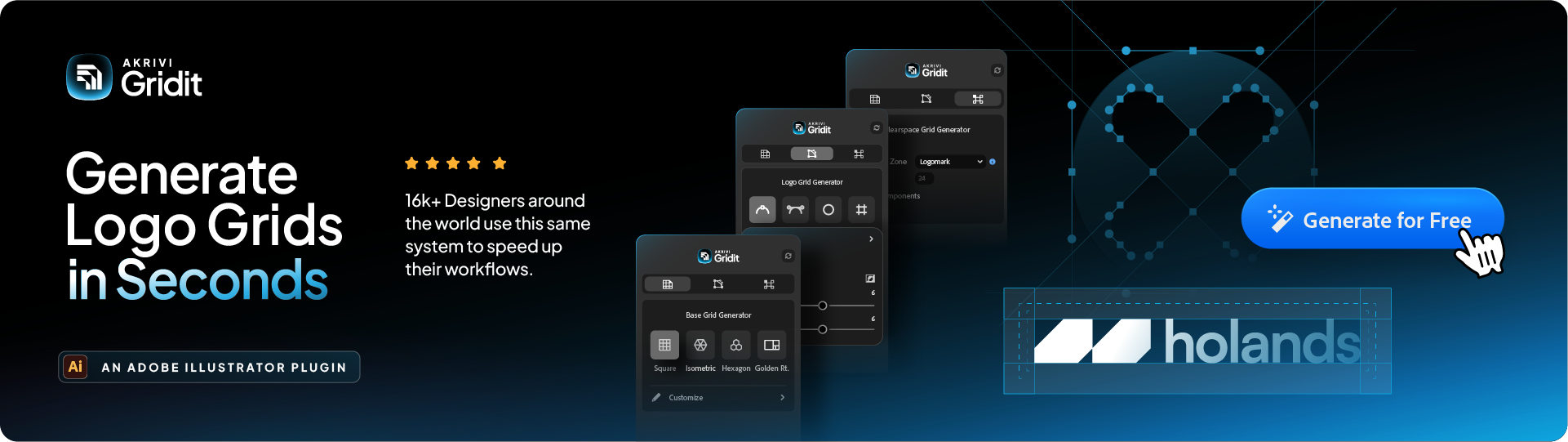
You no longer need separate tools for different tasks. I have integrated the Logo Grid, Base Grid, and Clearspace Grid generators into one stunning, unified interface.
It is a seamless experience. You can switch from engineering your logo structure to defining its safe zone instantly, without ever leaving the panel. It is all right there, exactly where you need it.
2. Live Sliders. A New Way to Design.
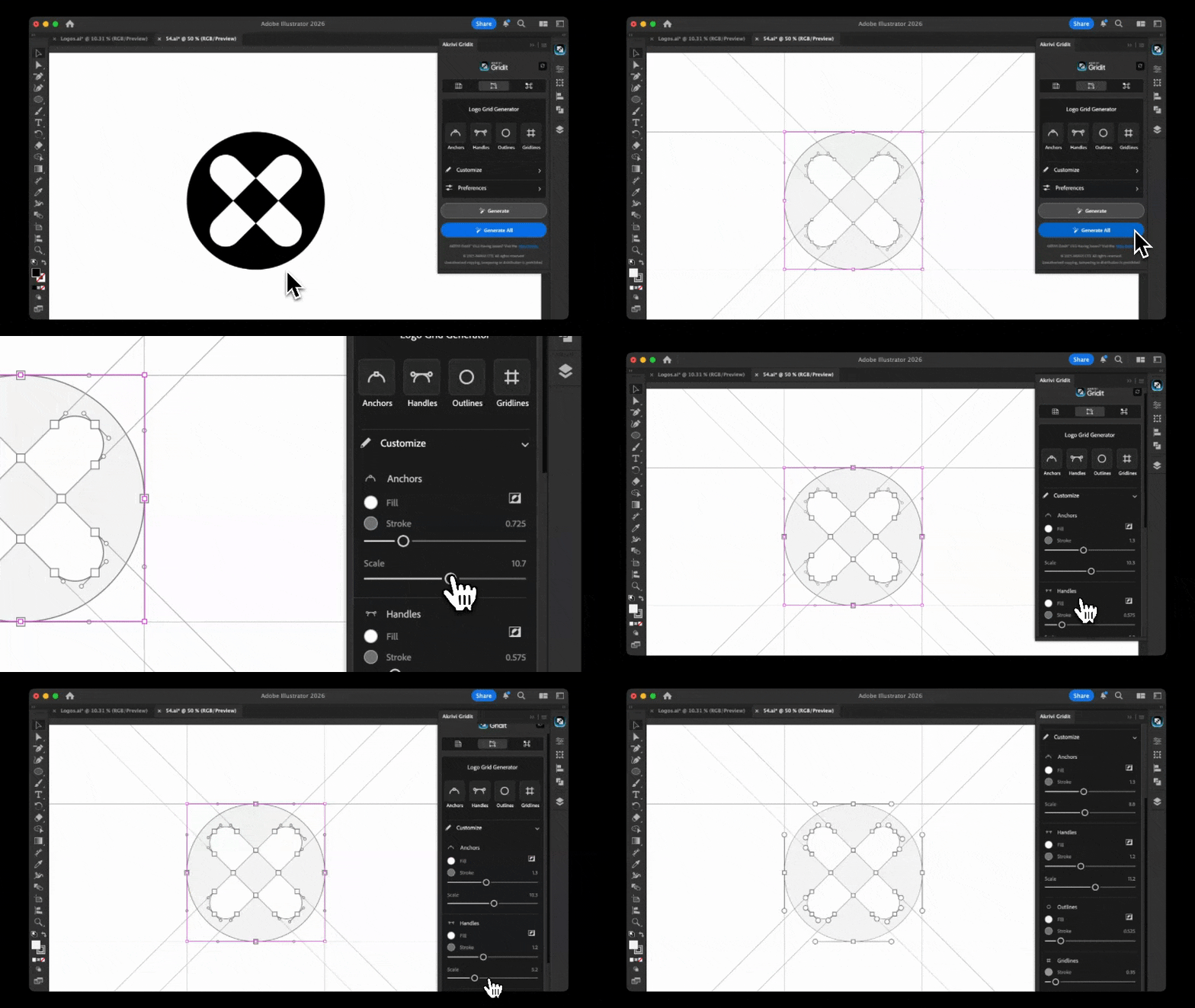
This is a feature I have never done before. And once you use it, you will never go back.
I have introduced Live Sliders to the customization workflow. Gone are the days of guessing values or typing in numbers. Now, you simply drag a slider, and your grid adapts instantly.
You can scale your anchors, adjust your gridline weight, and fine-tune your handles in real-time. It feels fluid, responsive, and incredibly precise. It is the most intuitive way to interact with Gridit I have ever created.
3. Designed for Illustrator
I redesigned the entire user interface to feel completely at home inside Adobe Illustrator.
With a sleek new dark UI and refined controls, Gridit 3.0 doesn't feel like a plugin. It feels like a native feature that has always been there. It is cleaner, sharper, and more beautiful to use.
4. Introducing the Clearspace Grid Generator
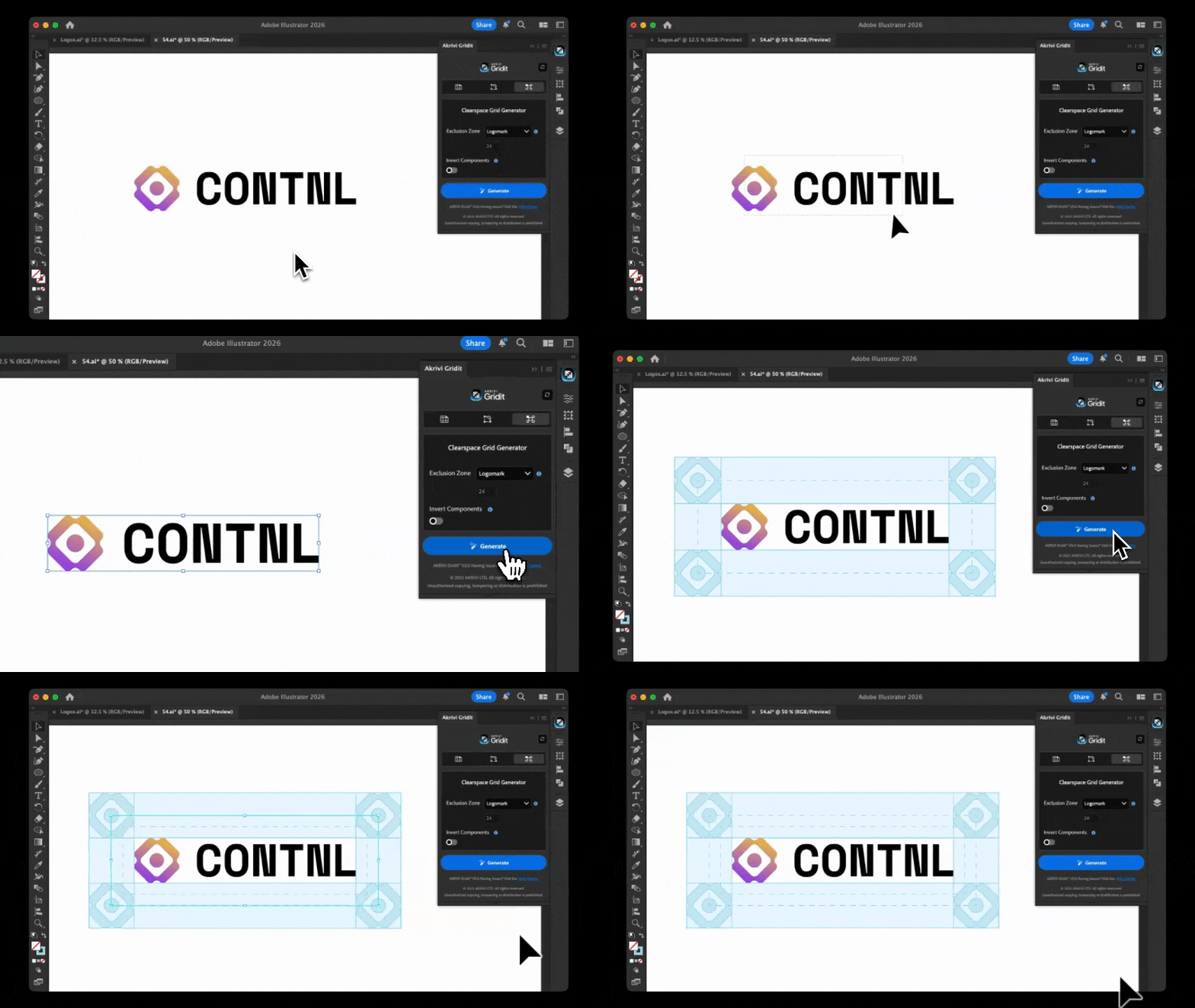
I am thrilled to finally unveil a major addition to the suite: The Clearspace Grid Generator.
I believe protecting your logo is just as important as designing it. If you're new to this concept, read my guide on What is Clearspace?. That is why I built a dedicated tool for generating mathematically perfect safe zones.
Now, with just a click, you can generate a precise exclusion zone around your mark, ensuring your brand integrity is preserved from the moment you finish designing. It is faster and more accessible than ever before.
Getting Started
Since you are here, you may have already installed Gridit, watch a walkthough tutorial.
Experience the Best Version of Gridit
I poured everything I know about precision design into this update. It is not just a new version; it is a whole new standard for what a grid tool can be.
You can download the update or start your free trial today to see it in action.
Get Gridit for Free with Akrivi Studio
Conclusion
Gridit 3.0 represents a new chapter for logo design automation. With Live Sliders and a unified ecosystem, I have created a tool that empowers you to work with a level of speed and precision that simply wasn't possible before.



