


The all-in-one automation suite for brand identity designers




Deliver flawless
Everything you need, in one poweful suite







4 Logo Sizes for Client Delivery (Complete Guide for Designers)
A practical guide to logo sizes, dimensions, and exports for professional client delivery across digital and print
You finish a logo project and need to export the files. The formats are clear, but which sizes? Send one size and the client will use it everywhere, regardless of whether it is right for the context.
This guide covers the four raster export sizes every logo package needs, why only web files need multiple sizes, and a full dimension reference by platform and use.
What size should a logo be?

There is no single answer. Logo size depends entirely on where it is being used. A website header, a social media profile, an email signature, and a business card all need different dimensions.
What matters more than any specific size is understanding two things: vector files do not have a size constraint, and raster files do.
Vector files (AI, PDF, SVG, EPS) scale infinitely without losing quality. One file covers every context from a business card to a billboard. For print, always provide a vector file. Size is irrelevant.
Raster files (PNG, JPG) are pixel-based and fixed in resolution. A file exported at 512px will look pixelated if the client tries to display it at 2048px. This is why only web and digital use requires multiple export sizes.
Related Reading: For the complete formats and folder structure to pair with these sizes, read the guide on what logo files to send to clients.
The 4 export sizes for raster files

These four sizes cover every digital context a client will encounter and align with the default size presets in the Exportit Logo File Generator.
16px: Favicon
The minimum favicon size, used in browser tabs, bookmarks, and some mobile shortcut contexts. At 16px, only the brandmark makes sense. No logotype or full lockup will be legible at this size. Also export at 32px and 48px for high-resolution displays.
512px: Social media and small assets
The standard upload size for social media profile images across Instagram, Facebook, LinkedIn, YouTube, and most other platforms. Most platforms display profile images at 150 to 200px, but upload at 512px to ensure it stays sharp across all screen densities. Use the brandmark or logomark only, wordmarks and full lockups will not read clearly cropped into a circle.
1024px: General digital use
The medium size for presentations, document headers, website bodies, and digital marketing assets. Large enough to look sharp in most digital contexts without being unnecessarily heavy.
2048px: High-res and retina screens
The large size for website headers, retina displays, and any digital context where the logo is displayed prominently. A safe size for the client to scale down from for any unforeseen use. Keep PNG files under 200KB where possible for web performance.
Logo size guide by platform
Only web and digital use requires specific pixel dimensions. Print is handled with vector files at whatever size the print supplier requires.
Website logo sizes
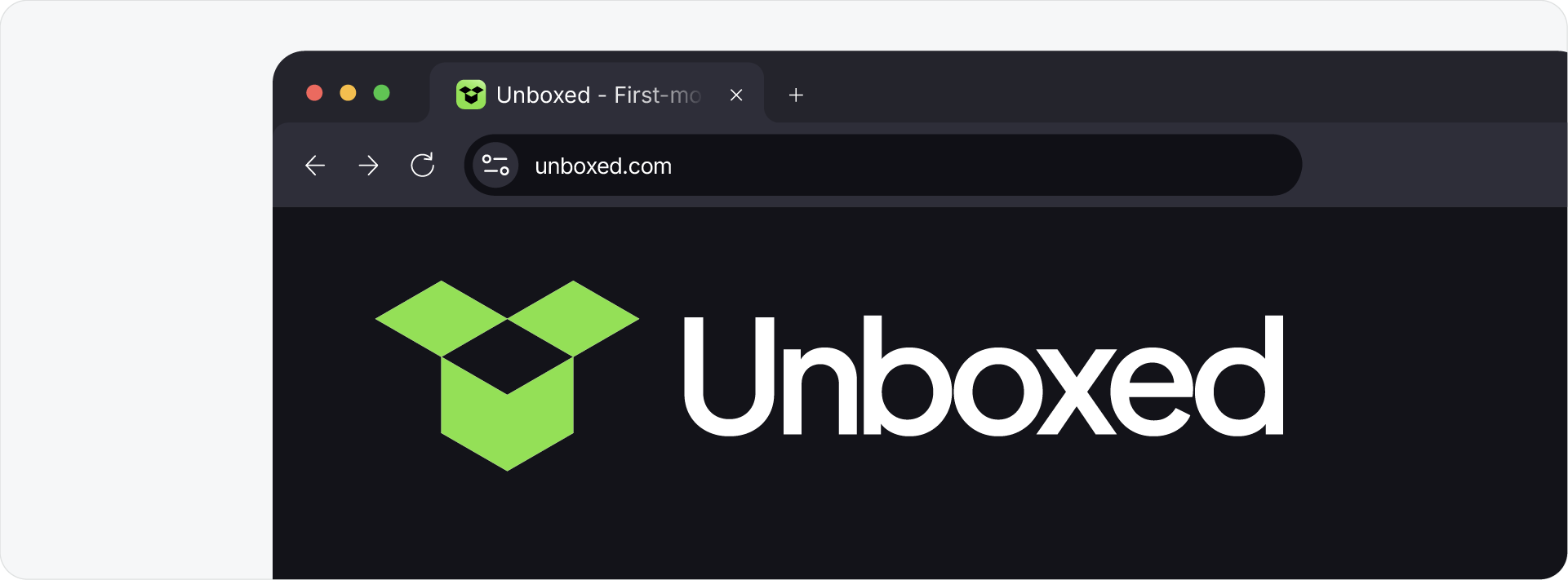
The website header is typically where the logo gets the most consistent visibility. Standard horizontal header logos sit between 250x100px and 400x100px. For vertical or square layouts, 160x160px is the standard.
For web use, SVG is always the preferred format - the browser renders it at whatever size the CSS defines so the file never needs resizing. For PNG on the web, keep the file under 200KB to avoid affecting load times.
Favicons should be exported at 16px, 32px, and 48px. At this size only the simplified brandmark or a monogram will work. Test it against a busy browser tab before delivery.
Social media logo sizes

Every platform displays profile images at a different size, but 512x512px as the export size covers all of them. Most social platforms crop profile images into a circle, so the brandmark should be centred with clear space on all sides.
Avoid sending the full horizontal lockup for social profile use. At 150 to 200px display size, the logotype will not be legible.
Email signature logo sizes

Keep email signature logos small: 320px wide maximum, under 100px tall, and under 10KB file size. A large PNG in an email signature increases the email file size and can trigger spam filters or cause slow load times in email clients.
PNG is the right format here - JPG works but PNG handles transparent backgrounds better if the email background is not white.
Print logo sizes

For print, always provide a vector file in CMYK. There is no specific size to export, the vector scales to whatever the print supplier needs, from a business card to a billboard.
If a client or supplier asks for a raster file for print, provide the largest PNG at 300dpi in the dimensions required for the job. This should be the exception, not the standard.
Related Reading: For the full breakdown of which formats belong in the digital versus print folder, read the logo file formats guide.
Download the Logo File Structure
To save time on every delivery with sizes already organised, download the Logo File Structure freebie - a pre-built folder structure and naming system ready for your next project.

Conclusion
Vector files handle print at any size. Raster files need four export sizes, 16px, 512px, 1024px, and 2048px, to cover every digital context a client will encounter. Get the structure right once and every future delivery is consistent from the start.







