


The all-in-one automation suite for brand identity designers




Deliver flawless
Everything you need, in one poweful suite







How to Create a Brand Bible
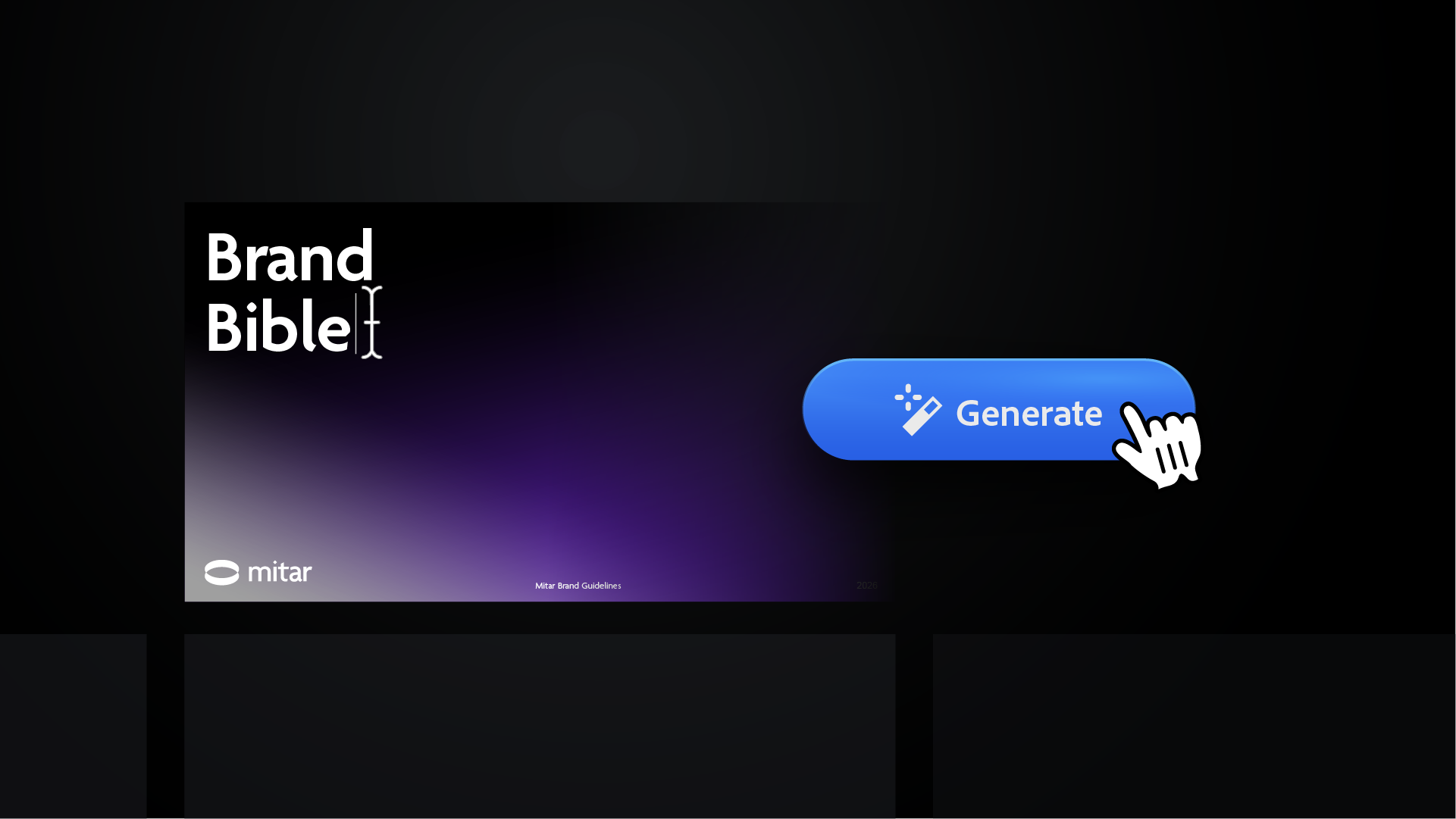
A step-by-step guide for designers creating clear and consistent brand bibles
A brand bible is the master document for any brand identity project. It is essentially a comprehensive brand book that contains all the rules for how a brand should look and act. It ensures that your design work stays consistent after you hand it over to the client.
Before you start, there are three common ways to build this document:
- Manual Creation: Building every page from scratch in Illustrator. This is the slowest method and involves a lot of repetitive layout work.
- Static Templates: Using pre-made brand guidelines templates. This is faster, but you still have to manually place every logo and update every color code.
- Automation: Using a brand guidelines generator like Guideit. This is the fastest way to build a technical, professional document in seconds.
In this guide, I will show you how to use Guideit to create a brand bible that is accurate and easy to manage.
Step 1: Upload Your Logo Assets
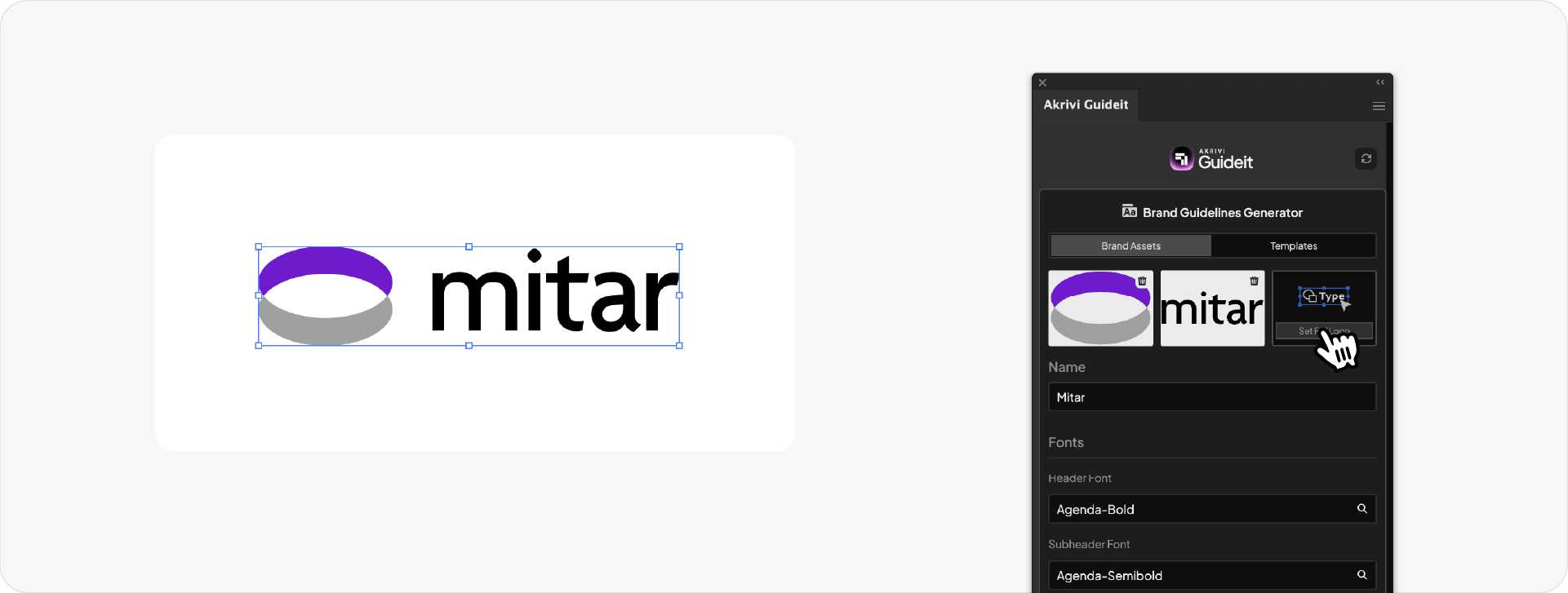
Open the Akrivi Guideit panel in Adobe Illustrator (Window > Extension > Akrivi Guideit). You can upload your primary logo, logomark, and logotype variations directly into the panel.
The system understands different logo structures. It will automatically know where to place each version of the logo throughout the document. This removes the need for you to drag and align assets on every page.
Step 2: Set Your Typography and Colors
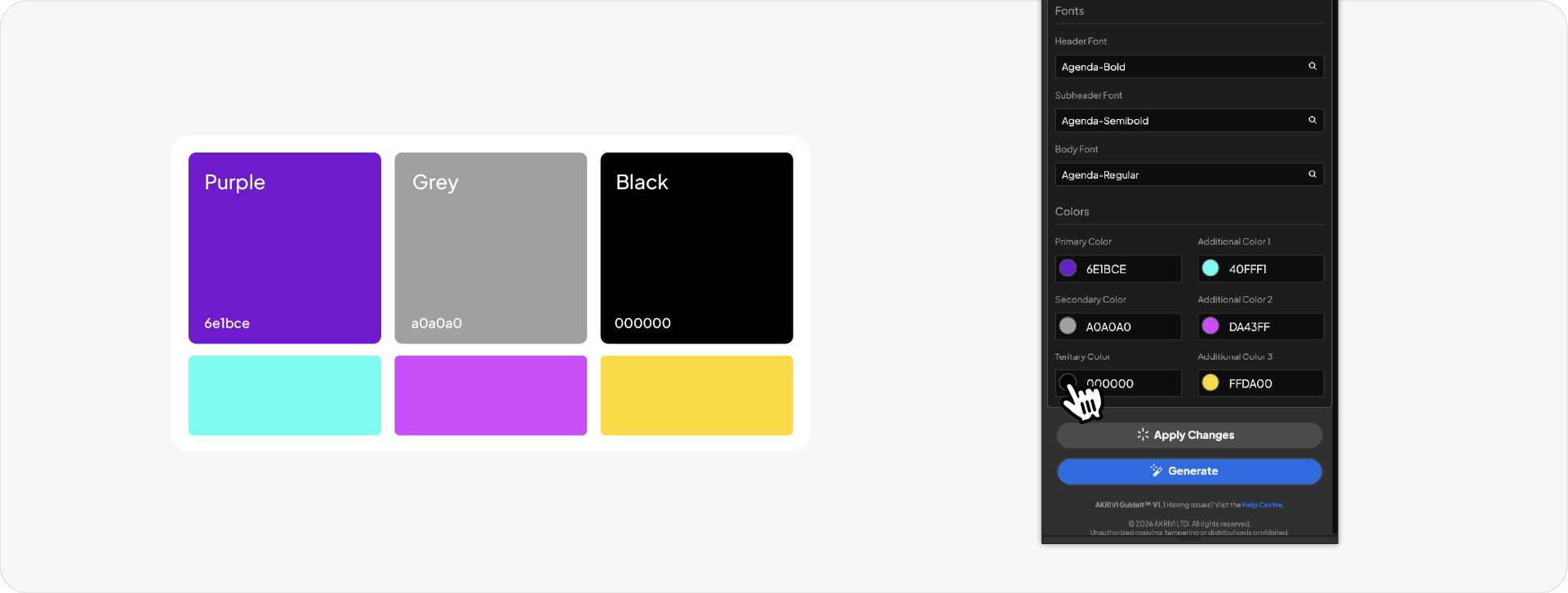
With Guideit V1.1 you can now define up to six colors in your palette. This is helpful for a detailed brand bible because you can include both primary and secondary colors. The automation will apply these colors to the correct pages for you.
For typography, use the search bar in the panel to find your font. The list filters as you type, so you can select your weights quickly. This ensures your brand book uses the exact fonts you intended.
Step 3: Choose Your Template Size
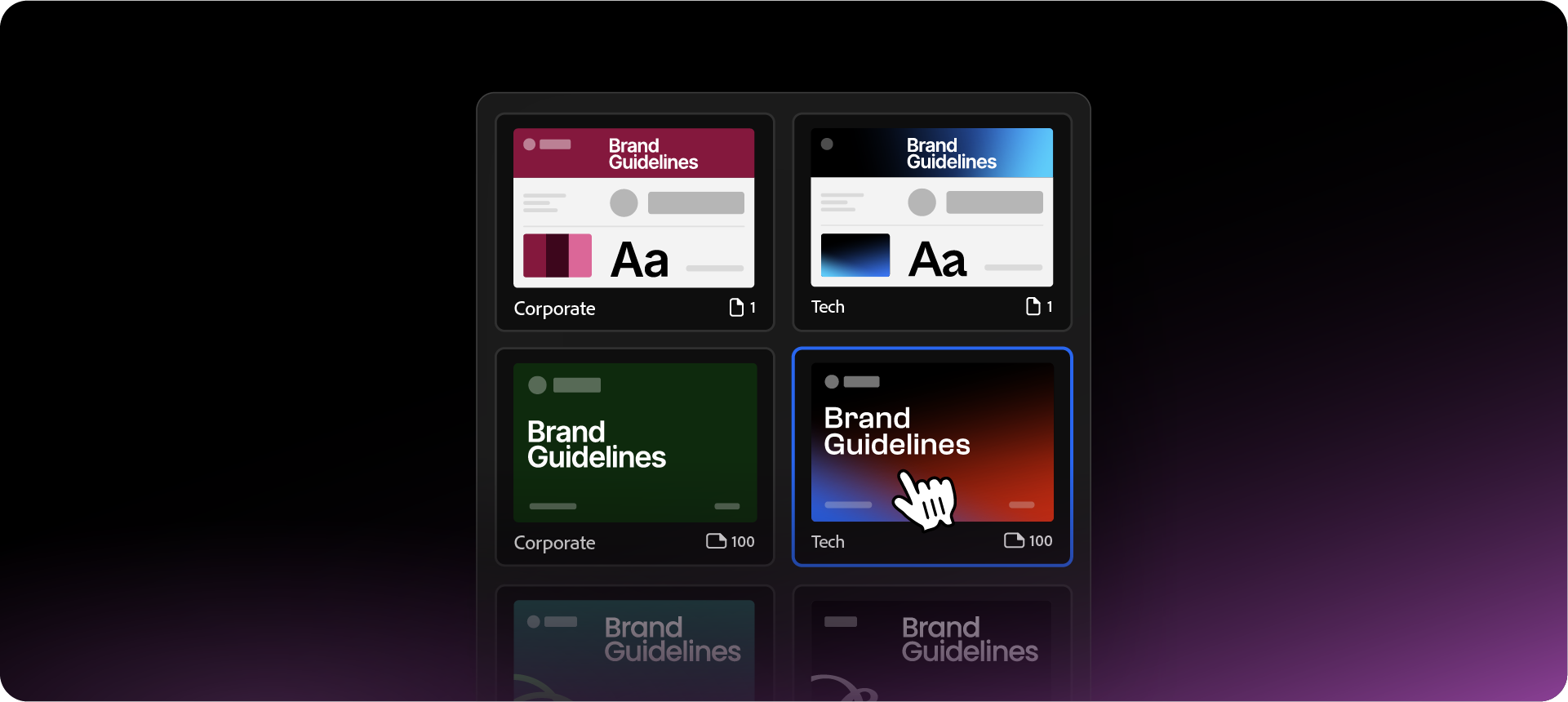
Different clients need different levels of detail. You can look at various brand guidelines examples to decide how much information to include. Guideit offers tiered sizes:
- Single Page: For simple brand summaries
- Medium (40 Pages): For standard professional projects.
- Large (100 Pages): For a full brand bible with expanded asset and application sections.
Step 4: Generate and Edit
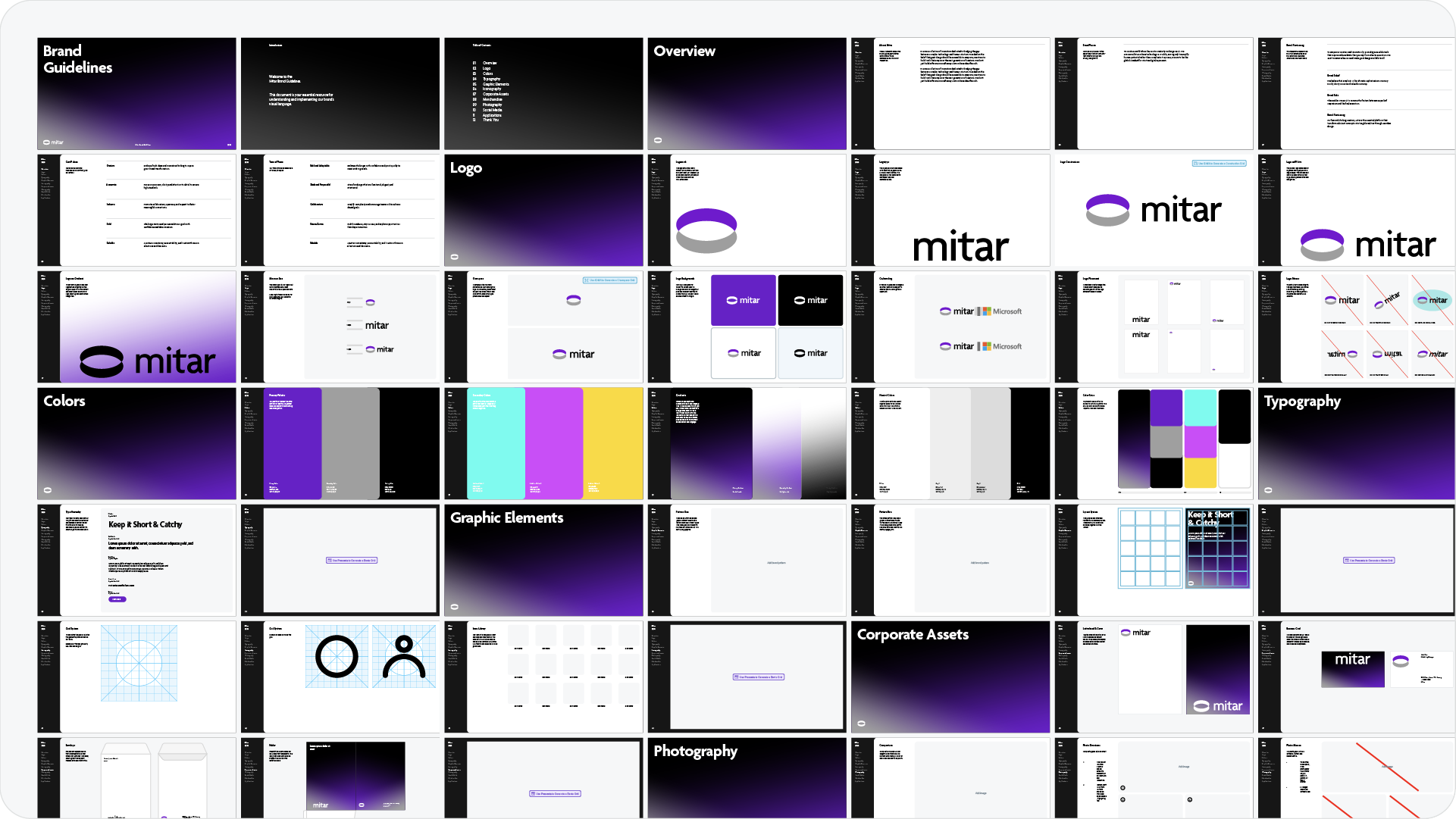
Click Generate and the tool will build the document on your artboards. Since this happens inside Illustrator, the file is 100% editable. You can move any element or add custom graphics whenever you like.
If your client asks for a revision, you can update your assets in the panel and click Apply Changes. This will refresh the entire document instantly, saving you from manual edits.
Want to try this in your next project? Give it a go.
Creating a brand bible does not have to be a slow process. By using automation, you can deliver high-quality, technical documents to your clients in record time.
Try the Brand Guidelines Generator inside Akrivi Studio and see how it fits your workflow.
Generate for Free with Akrivi Guideit
Conclusion
A brand bible is a valuable tool for maintaining consistency. By using an efficient workflow, you can focus more on the design and less on the documentation. Whether you use manual layouts or automation, the goal is to provide a clear set of rules that protect the brand's identity.








