


The all-in-one automation suite for brand identity designers




Deliver flawless
Everything you need, in one poweful suite







Which Logo File Formats Should You Use for Print?
A clear guide to the logo file formats and colour modes used for professional print production
Sending the wrong logo file to a printer is one of the most common mistakes in brand delivery. A PNG exported for web will degrade in print. A JPG cannot scale. An RGB colour space will shift when converted to CMYK on press.
Print requires vector logo files in the correct colour mode. This guide covers which print logo file formats to use, which colour modes to provide, and what a complete print-ready logo delivery looks like.
Related Reading: For a full overview of every logo file format across both print and digital, read the logo file formats guide.
Why print requires vector files

Raster files like PNG and JPG are pixel-based. They have a fixed resolution and cannot scale beyond their original dimensions without losing quality. A PNG exported at 2048px will pixelate on a business card printed at 300dpi if the dimensions do not match.
Vector files like AI, PDF, EPS, and SVG are built from mathematical paths and scale to any size without any loss of quality. A logo on a business card and a logo on a 10-metre billboard both come from the same vector file.
For print, always provide a vector logo file. Never send a raster file to a printer unless they specifically ask for one at a defined size and resolution.
Related Reading: For a deeper breakdown of how vector and raster files behave differently, read Vector vs Raster Logos: What Designers Need to Know.
The best logo formats for print

The preferred handoff format for professional print. A print-ready PDF preserves vector paths, embeds fonts as outlines, and is universally supported by print suppliers and design software. For most print jobs, PDF is the first file to reach for.
Export as PDF/X-1a or PDF/X-4 for professional print production. Both flatten transparency and embed all assets correctly for press workflows.
EPS

An older vector format still requested by some print suppliers, embroidery machines, and sign makers running legacy software. Not all suppliers need EPS alongside PDF, but it is worth including as a fallback.
Export at Illustrator 8 compatibility with all fonts converted to outlines for maximum compatibility.
Print colour modes
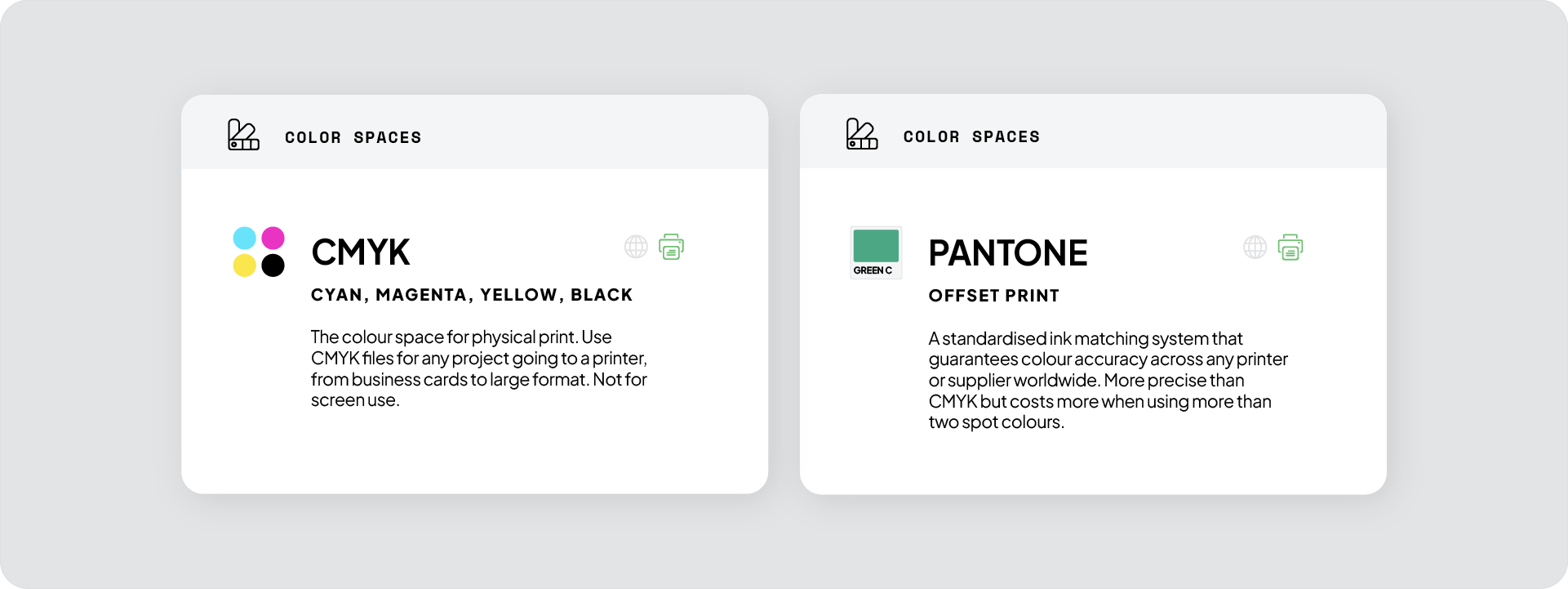
Colour mode is as important as file format for print. Sending an RGB file to a printer will result in colour shifts because print presses use CMYK inks, not light.
CMYK
The standard colour mode for professional print. CMYK stands for Cyan, Magenta, Yellow, and Black. Every vector logo file in the print folder should be in CMYK.
Convert the document colour mode in Illustrator via File > Document Color Mode > CMYK before exporting.
Pantone
A standardised spot colour system used when exact colour accuracy is critical: packaging, merchandise, signage, and two-colour print jobs. Pantone colours are matched precisely by print suppliers regardless of the press or printer used.
Include Pantone versions when the brand has defined Pantone colours. Not every print job requires them, but having the files ready means the client never has to come back to you for a specialist job.
What a complete print delivery includes
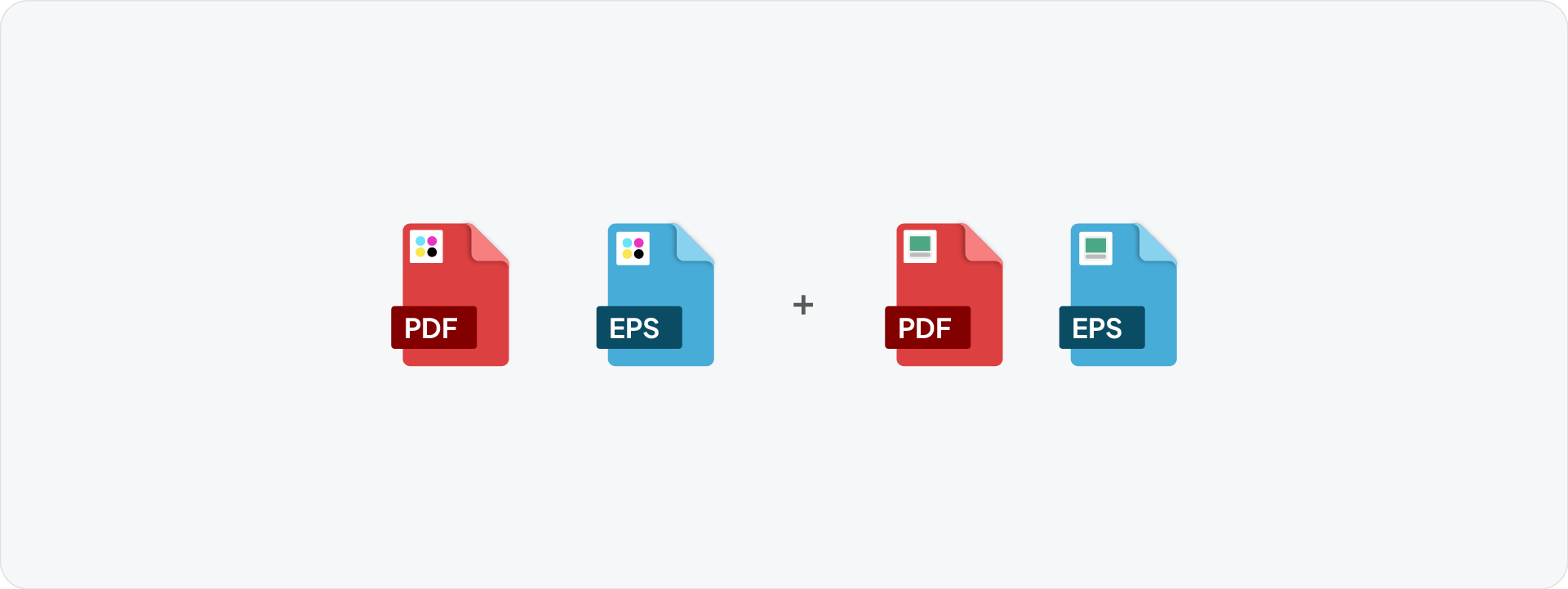
A full print-ready logo package for one colour variant contains:
- PDF in CMYK
- EPS in CMYK
- PDF in Pantone (where applicable)
- EPS in Pantone (where applicable)
Repeat this across every colour variant: Full Colour, Black, White, and Inverse where applicable. Each variation gets its own set of print logo files.
Related Reading: For the complete folder structure to organise all print and web files, read the guide on what logo files to send to clients.
What to never send to a printer
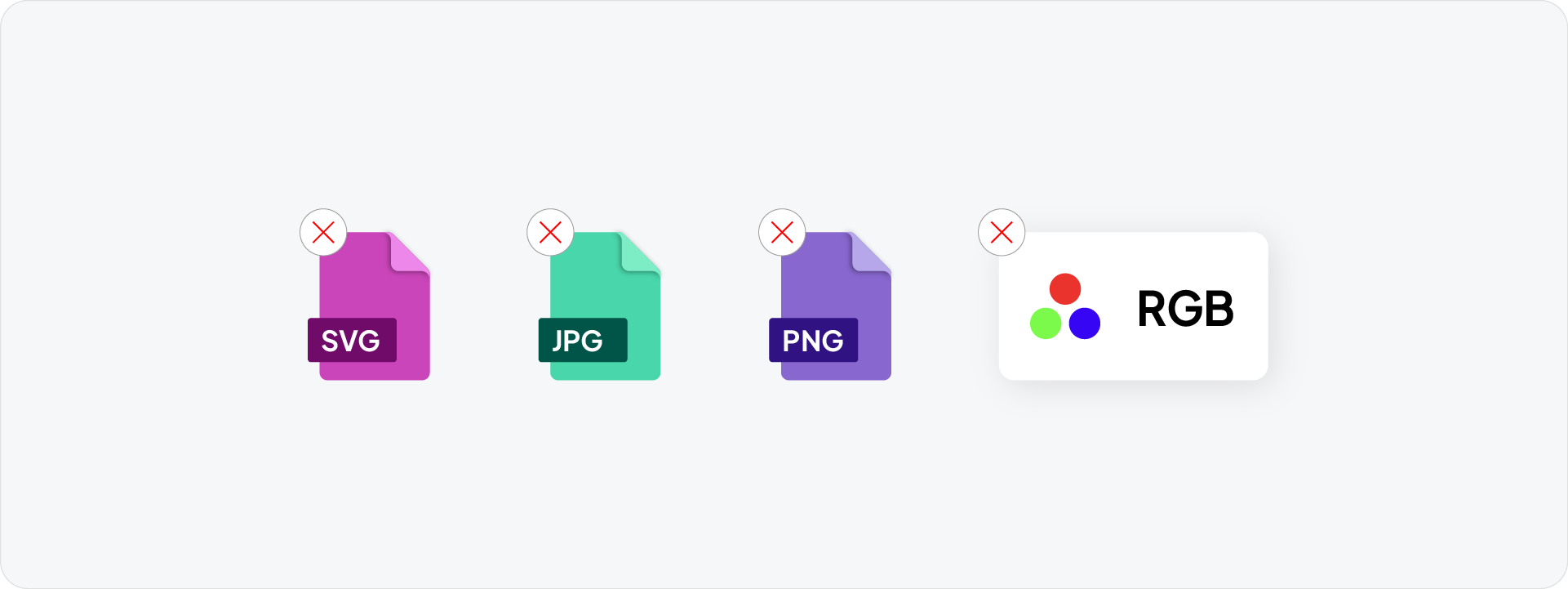
- PNG: pixel-based, no print colour mode support
- JPG: pixel-based, lossy compression, no transparency
- SVG: a web format, not supported by most print workflows
- RGB files: colour will shift on press
If a client asks you to send a JPG or PNG to a printer, send the PDF instead and explain why.
Generate all print files instantly with Exportit
Exportit is Akrivi's Logo File Generator built inside Adobe Illustrator. Select your logo lockups, check the Print option, and Exportit generates all CMYK vector logo files, organised into the correct folder structure, ready to deliver.
No manual exports, no colour mode switching, no naming files one by one. The complete print package is ready in minutes.

Conclusion
For print, use AI, PDF, and EPS in CMYK. Include Pantone versions where the brand requires exact colour matching. Never send a raster file to a printer. Get the print logo file formats and colour mode right on every delivery and the client will always have what they need.







