


The all-in-one automation suite for brand identity designers





Works with Adobe Illustrator 2021 - 2026
Deliver flawless
Everything you need, in one poweful suite





Try Akrivi Studio, includes automated templates that generates layouts for you

How to Share Brand Guidelines Documents Online Using Google Drive or Dropbox


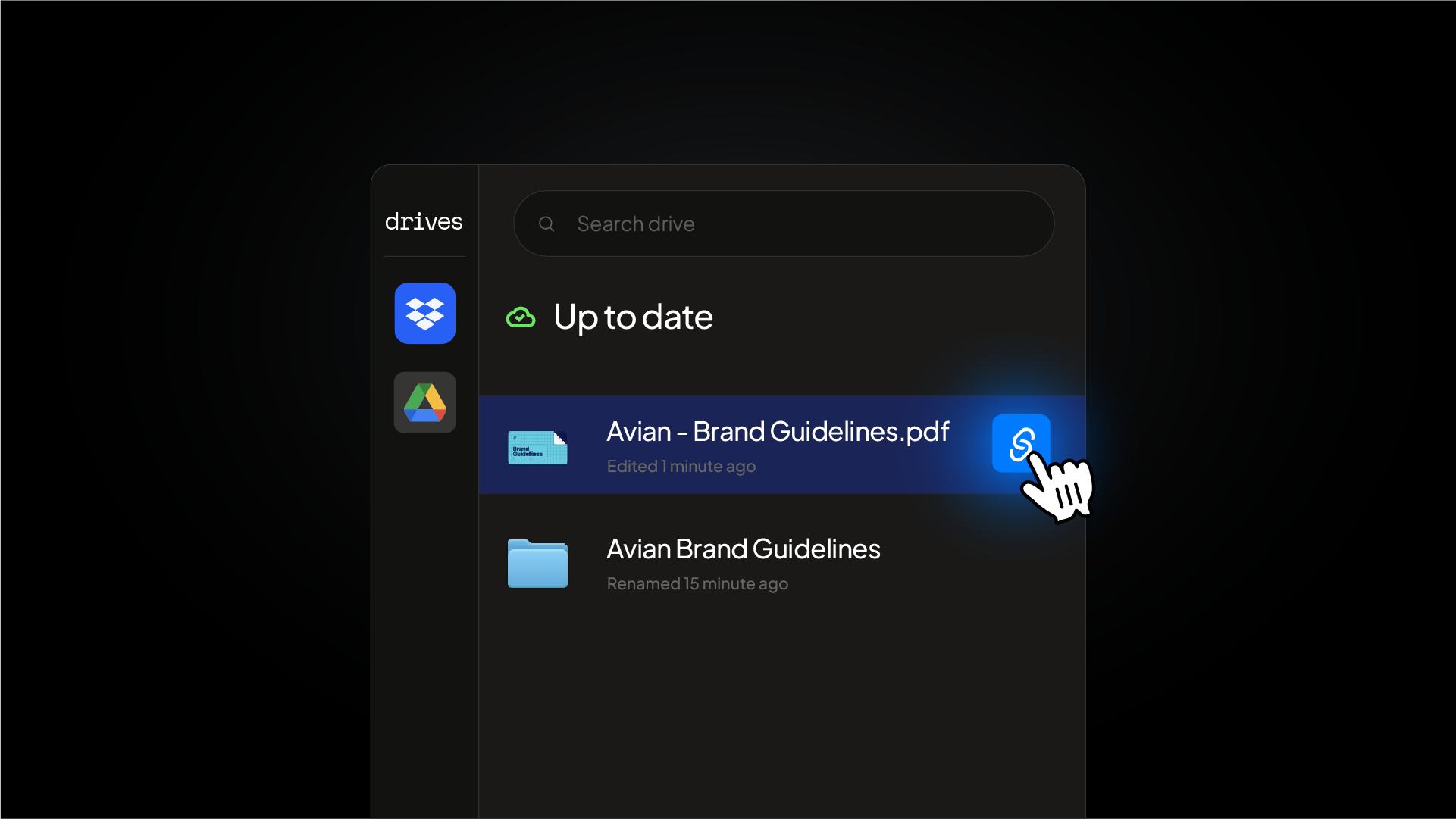
Stop sending files as email attachments
Most designers finish a brand guidelines document and email it as a PDF. The client gets it, requests a change, and you export again. This cycle adds up quickly across every project.
Sharing via Google Drive or Dropbox removes that back and forth entirely. Your client always has access to the latest version through one link, and you never have to re-send a file.
How to share brand guidelines using Google Drive
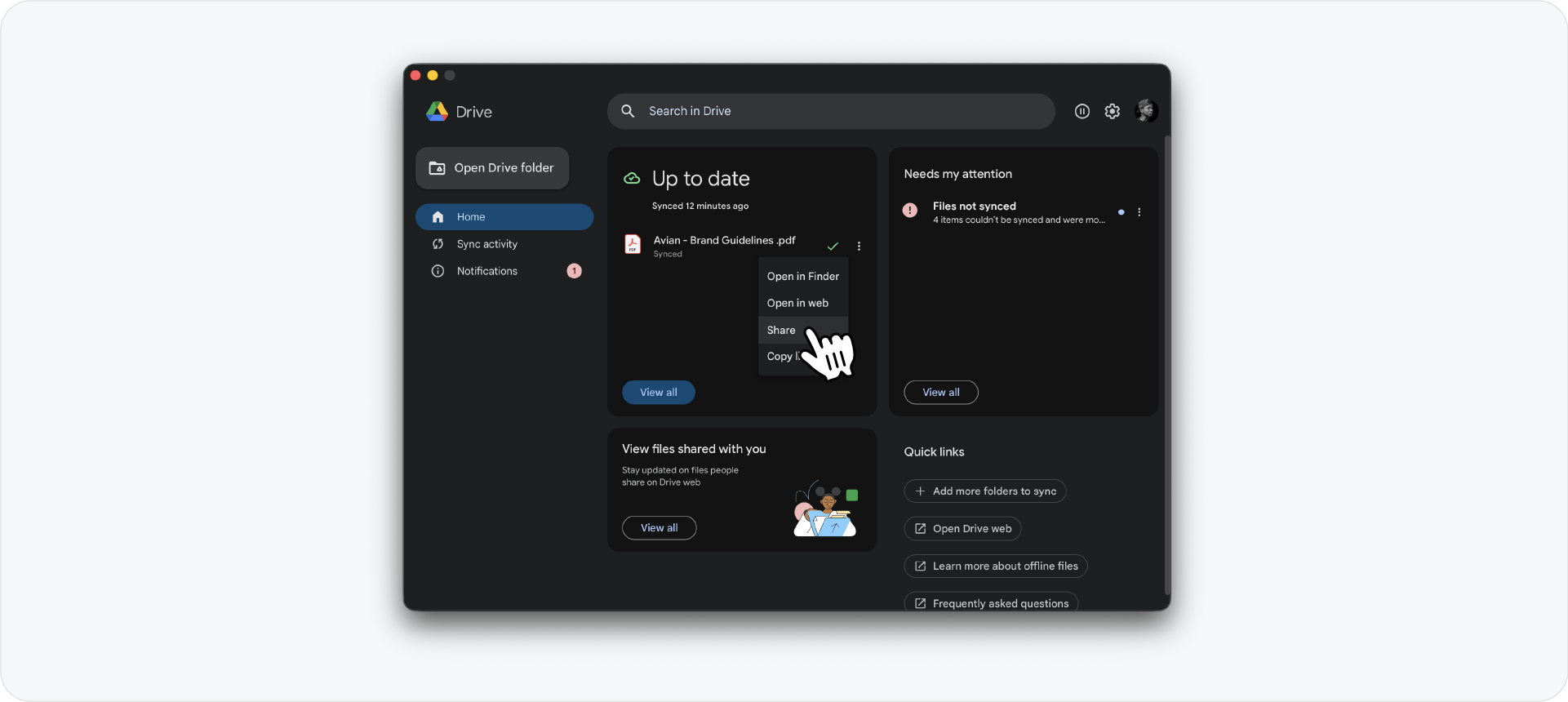
Install Google Drive for Desktop on your machine. Save your brand guidelines file directly into your synced Google Drive folder, this works whether it's a PDF or a native Illustrator file.
Once the file has synced, right-click it and copy the share link. Set the access to "Anyone with the link can view" and send it to your client. They can open and download it from any device without needing a Google account.
Related Reading: If you're still building brand guidelines manually, here's how to create brand guidelines faster using Guideit before you start thinking about sharing.
How to share brand guidelines using Dropbox
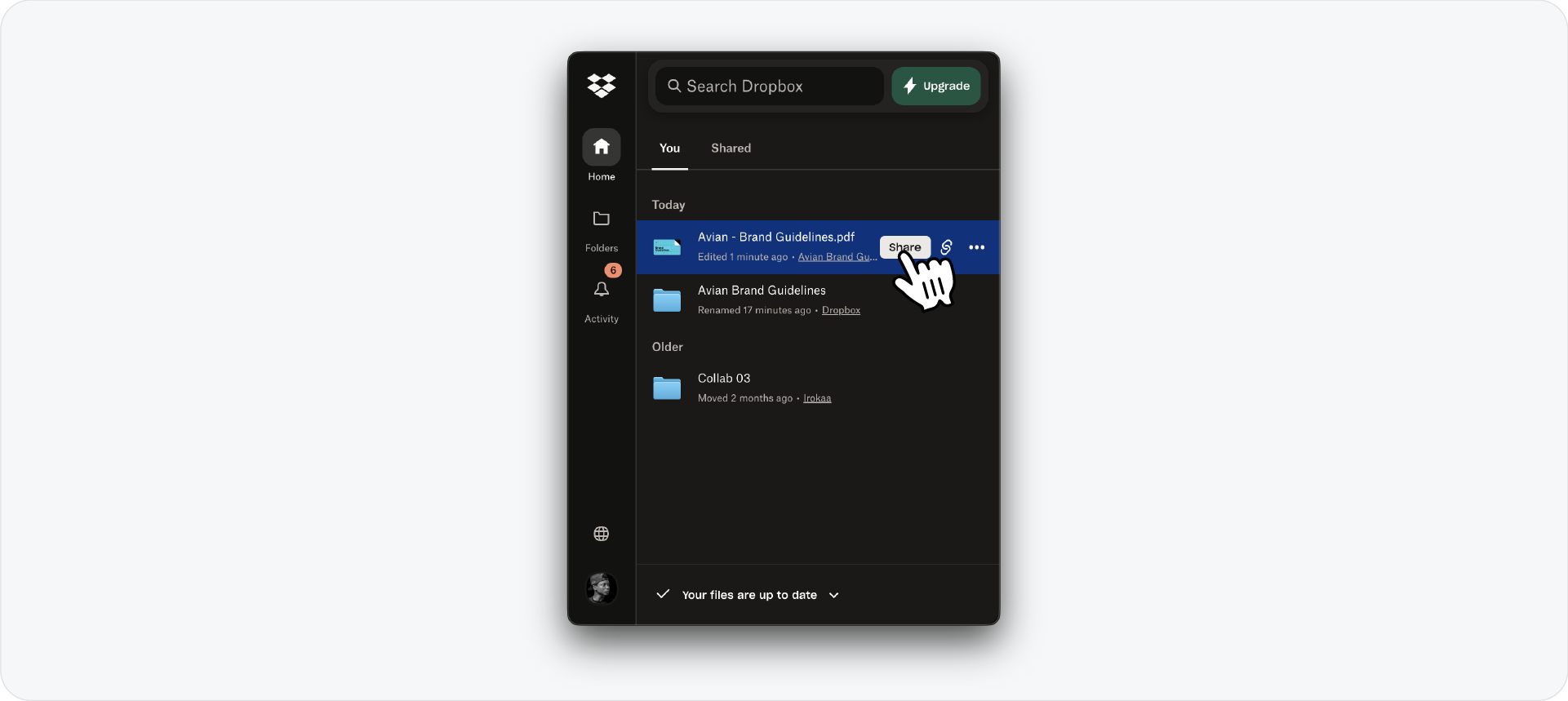
The process in Dropbox is the same. Save your file into a synced Dropbox folder, right-click and generate a shared link, and send it directly to your client.
Dropbox also lets you set expiry dates on shared links, which is useful if you want to control access after the project closes.
Why this workflow is better than sending a PDF
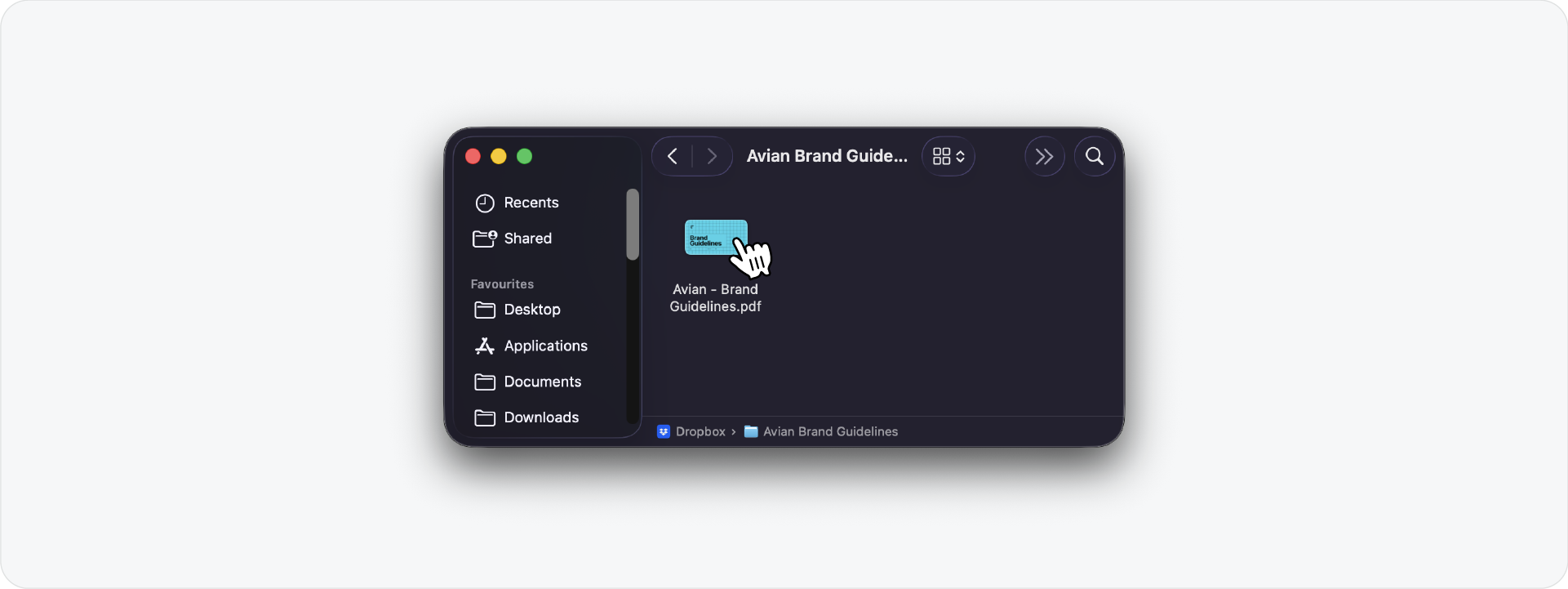
When you send a static PDF, any revision means sending a new file. With a synced cloud link, the client always opens the same URL and sees whatever version is currently saved in your folder.
If your client requests a logo or colour change, you update the file, save it, and the changes are live immediately. No new email, no new attachment.
Related Reading: If you're using Guideit to generate your brand guidelines, the Apply Changes feature updates every page across the document instantly before you save.
Using Guideit with Google Drive for live brand guidelines
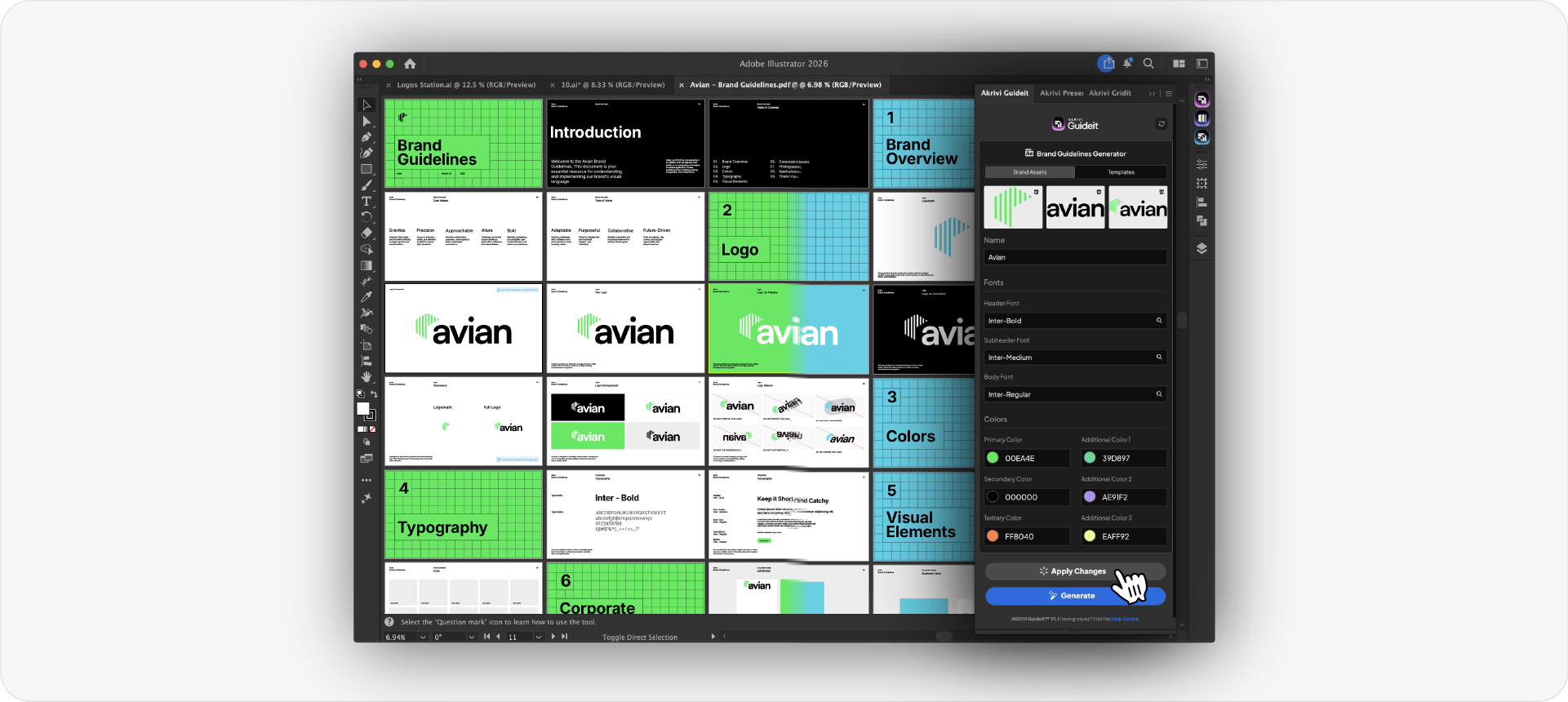
This workflow becomes even more efficient when your brand guidelines are generated with Guideit. Generate the full document inside Adobe Illustrator, save a pdf file into your Google Drive folder, and share the link with your client.
If the client asks for a colour or font change, open the file, update the brand assets in Guideit, click Apply Changes, and save. The file updates in Google Drive automatically and your client sees the latest version without you sending anything.
Related Reading: Not sure which template to use when generating? I've written a breakdown of how to use automated templates in Guideit to help you pick the right one.
Try it on your next project
If you're not already using Guideit, the free trial gives you full access to generate your first brand guidelines document at no cost. Pair it with Google Drive and you have a complete delivery workflow sorted from day one.
Conclusion
Google Drive and Dropbox both solve the same problem - one link, always up to date, no file re-sending. Pair either with Guideit and revisions become a matter of seconds rather than hours.




