


The all-in-one automation suite for brand identity designers





Works with Adobe Illustrator 2021 - 2026
Deliver flawless
Everything you need, in one poweful suite





Try Akrivi Studio, includes automated templates that generates layouts for you

Best Paid Brand Guidelines Templates 2026


The highest-reviewed brand guidelines templates designers are buying in 2026
There are a lot of brand guidelines templates out there. The challenge is knowing which ones are actually worth buying before you spend the money.
I went through the most reviewed templates across Gumroad and Creative Market to find what designers are actually buying and what they're saying about them.
Disclaimer: I haven't personally purchased every template in this list. This is based on research into reviews and ratings across marketplace platforms.
Typefool - Multiple Templates

Typefool is one of the most reviewed brand guidelines template sellers across both platforms, with over 33 products ranging from concise 19-page documents to a 145-page brand books. All available in Adobe InDesign, Adobe Illustrator, and Figma.
Reviewers consistently mention how well-structured the files are, paragraph and object styles are set up so font and colour changes propagate through the document. Worth noting: some templates use licensed preview fonts that aren't included in the download.
Related Reading: Not sure what a complete brand guidelines document should cover? I've written a full breakdown of what to include in brand guidelines before you choose a template.
Aperios Design - Minimal Brand Guidelines Template
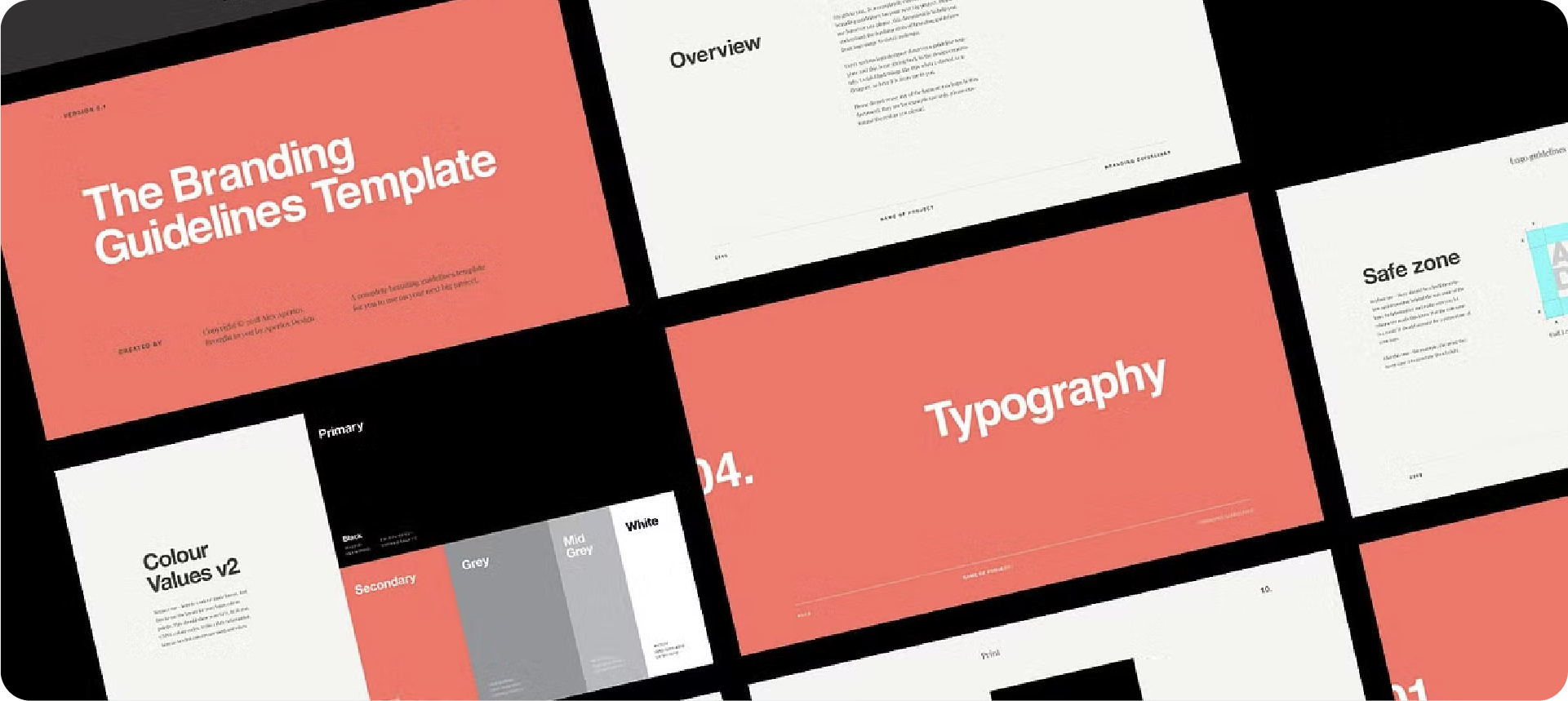
Built on a 12-column grid at 1920×1080px, this is one of the most reviewed minimal options on Creative Market. Available in Adobe Illustrator, Adobe InDesign, and Keynote.
Reviewers praise it for covering the essentials, logo, colour, typography, and application, cleanly. A few noted it's on the shorter side for larger projects.
Circular Laurent - Brand Guidelines Template
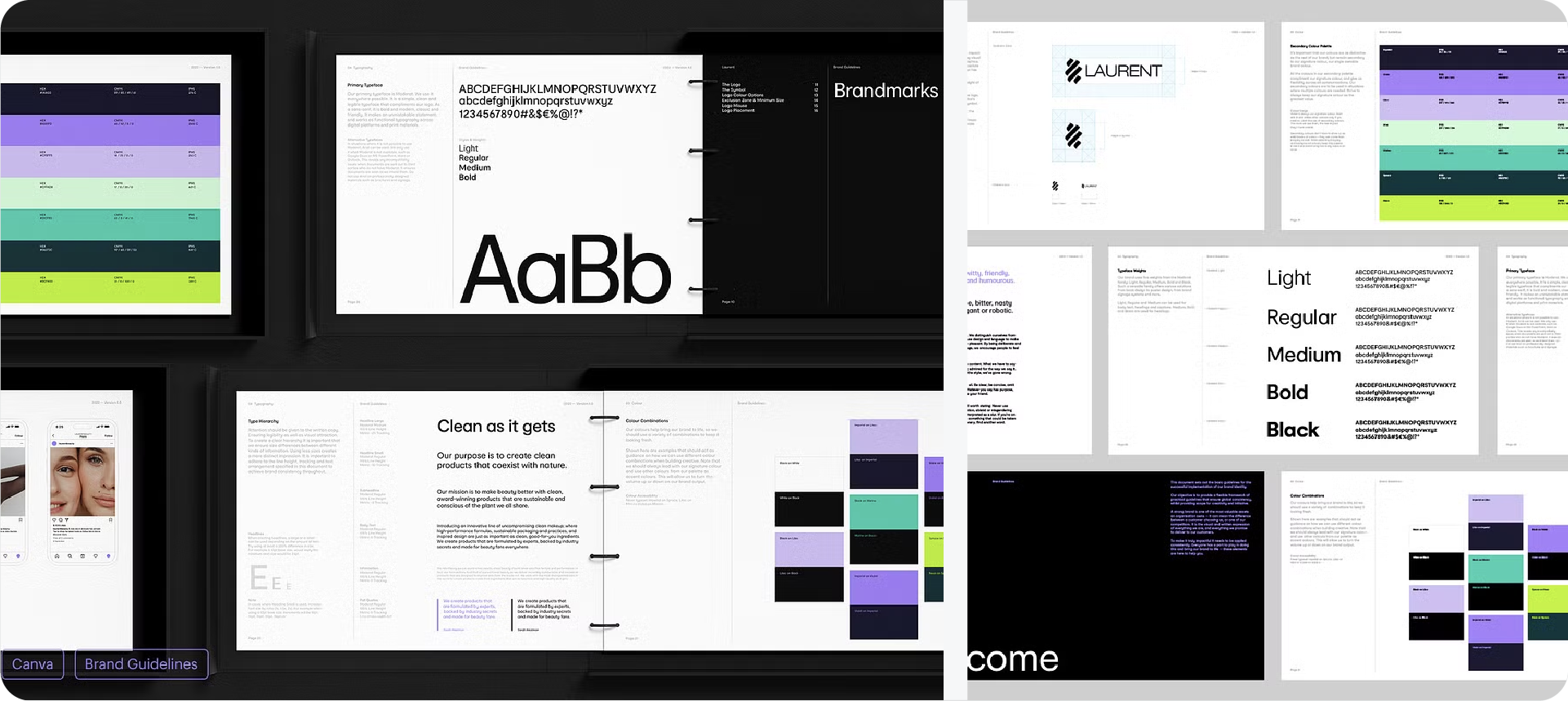
A 40+ page template available across Adobe InDesign, Canva Pro, and Figma, one of the few options that covers all three well. Reviewers highlight the Canva version especially, for clients who want to make their own updates after handoff.
Related Reading: Want to see how some of the best brand guidelines documents are structured before picking a template? Here are some brand guidelines examples worth looking through.
Nolox - The Ultimate Brand Guidelines Template
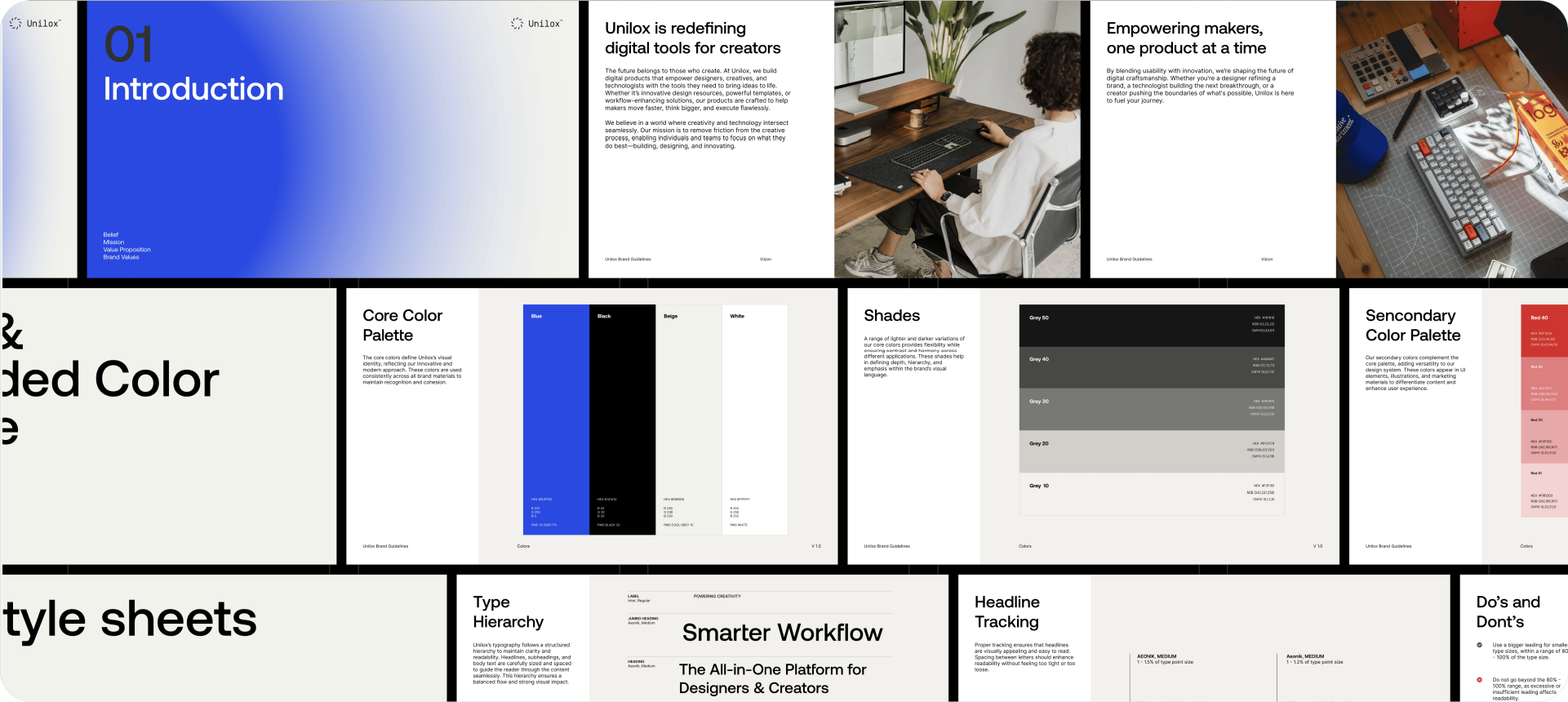
100+ pages with real copy throughout, no lorem ipsum. Every section is written out so you can see exactly what goes where before you start replacing. Available in Figma, Adobe Illustrator, and InDesign, with a modular structure so you can remove pages depending on the project scope.
Studio Evergreen - Brand Guidelines Template
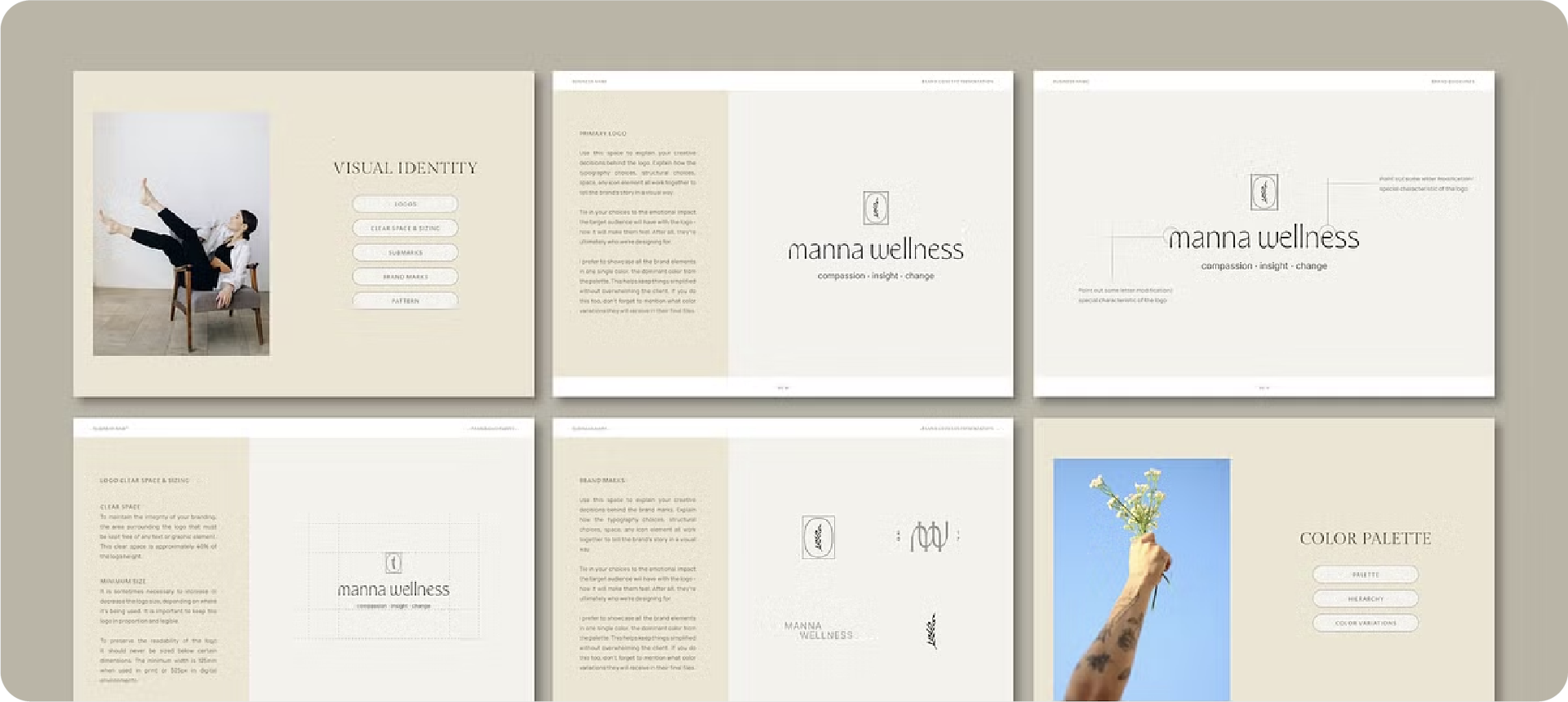
A 36-page InDesign template that includes all photos and fonts used in the layout, no separate licensing, no extra purchases. Reviewers mention this is one of the faster templates to work through because everything is included and the sections are in a logical order.
Related Reading: If you're deciding whether a full brand guidelines document is even necessary for your client, I've written about when every client needs brand guidelines and when a lighter version is enough.
Skip the template process entirely with Guideit
If you'd rather generate than adapt, Guideit builds a complete brand guidelines document from your actual brand assets directly inside Adobe Illustrator in seconds. No placeholder content, no manual layout work. The free trial gives you full access to generate your first document at no cost.
Conclusion
There are strong paid options across every page count and platform. Pick the one that fits how you work and what your client actually needs.




