


The all-in-one automation suite for brand identity designers




Works with Adobe Illustrator 2021 - 2026
Deliver flawless
Everything you need, in one poweful suite





Try Akrivi Studio, includes automated templates that generates layouts for you

What is a Logo Package?


A clear breakdown of what a logo package is and why designers create it for client delivery
Most designers know they need to send logo files at the end of a project. Fewer take the time to structure them properly. A logo package is what separates a professional delivery from a folder of random exports.
One thing worth clarifying upfront: a logo package refers to the set of files delivered to a client, not a design service or pricing tier some designers sell by that name. This post is about the files.
What is a logo package?
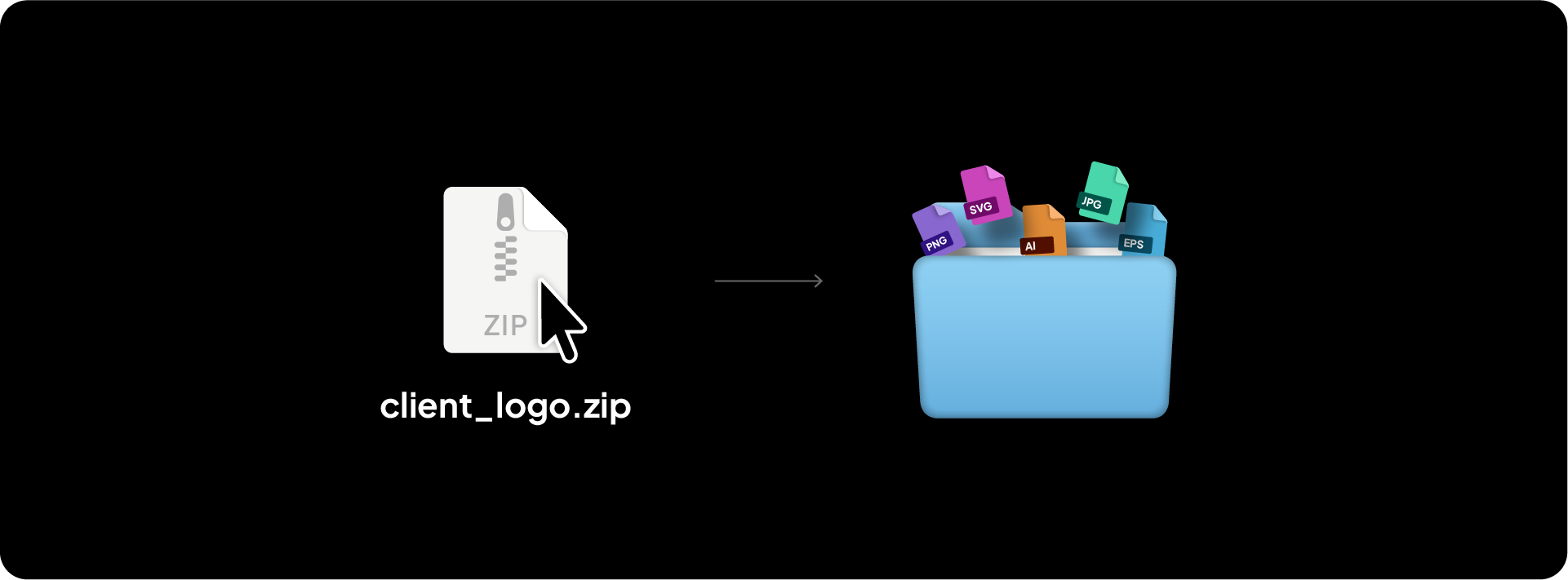
A logo package is the complete set of logo files, formats, and variations delivered to a client for use across a brand's digital and print assets.
It is the final deliverable that gives the client everything they need to use their logo correctly, on any platform, in any context, without coming back to you for a different version.
Related Reading: For a full breakdown of exactly which files to include in your delivery, I have written a detailed guide on what logo files to send to clients.
What is inside a logo package
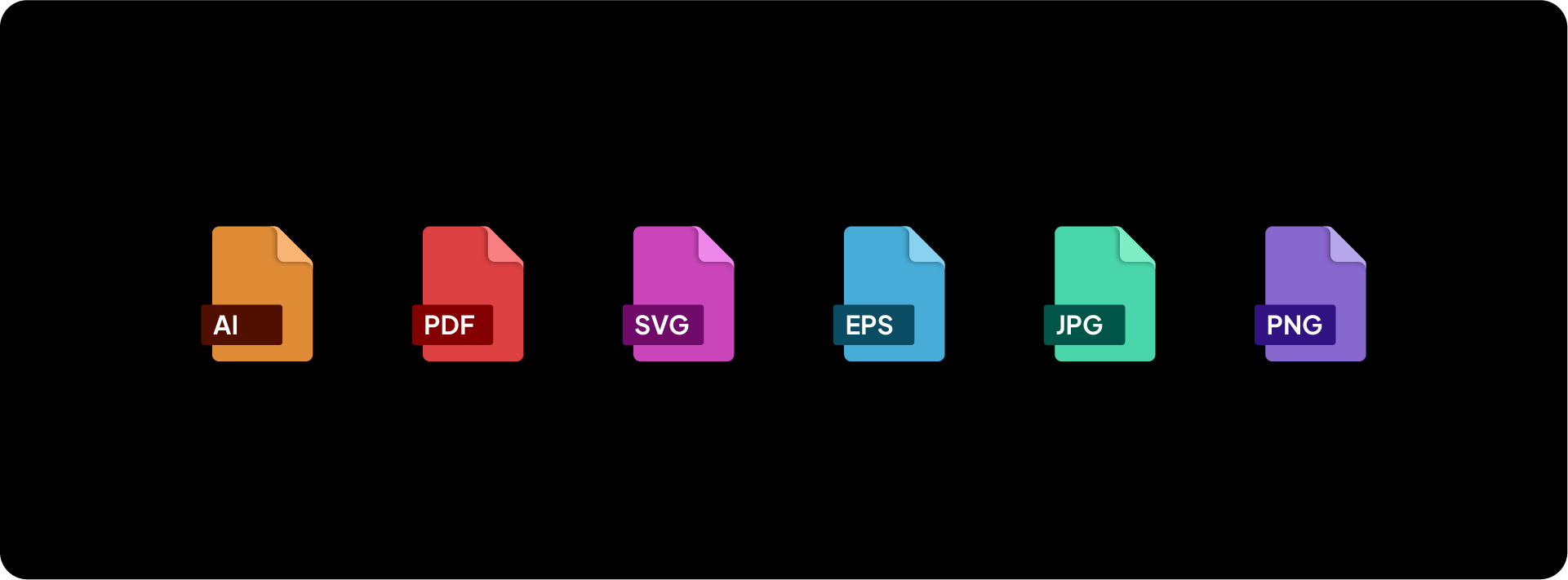
A complete logo package includes multiple file formats, each serving a different purpose across digital and print use.
Each format is provided across multiple colour variants: Full Colour, Black, White, and Inverse where applicable. The package also covers each logo variation, Primary Lockup, Secondary Lockup, Logomark, and Logotype, so the client has the right version for every context.
Why designers create a logo package

A logo is used everywhere. Websites, business cards, merchandise, signage, social media profiles, email signatures, print brochures. Each of these contexts requires a different file format or colour variant to look correct.
Without a properly structured package, clients end up using the wrong file, stretching a JPG on a billboard, or sending a screen-resolution PNG to a printer. A logo package prevents that by giving the client the right file for every situation, clearly labelled and organised.
It also protects the integrity of the brand. When a client has the correct files from the start, the logo looks consistent everywhere it appears.
Related Reading: If you want to understand the different logo variations every brand should have, I have written about the 4 logo variations every brand needs and when to use each one.
How a logo package is created
Logo packages are created and exported in Adobe Illustrator. Each logo variation is set up on its own artboard, then exported in the required formats using File > Export > Export As for vectors and File > Export > Export for Screens for raster files.
For a full step-by-step walkthrough of the export process, I have covered how to export logo files for clients in Adobe Illustrator in detail.
To save time on every delivery, download the Logo File Structure freebie, a pre-built folder structure and file naming system you can drop straight into your next project.
Exportit will also be joining the Akrivi Studio line-up, an Adobe Illustrator plugin that generates logo files in the correct colours, sizes, and formats in seconds.

Conclusion
A logo package is the complete set of files a client needs to use their logo correctly across every platform and medium. Getting the structure right once means you can replicate it on every project from that point forward.



