


The all-in-one automation suite for brand identity designers




Deliver flawless
Everything you need, in one poweful suite







What Does a Logo Package Include?
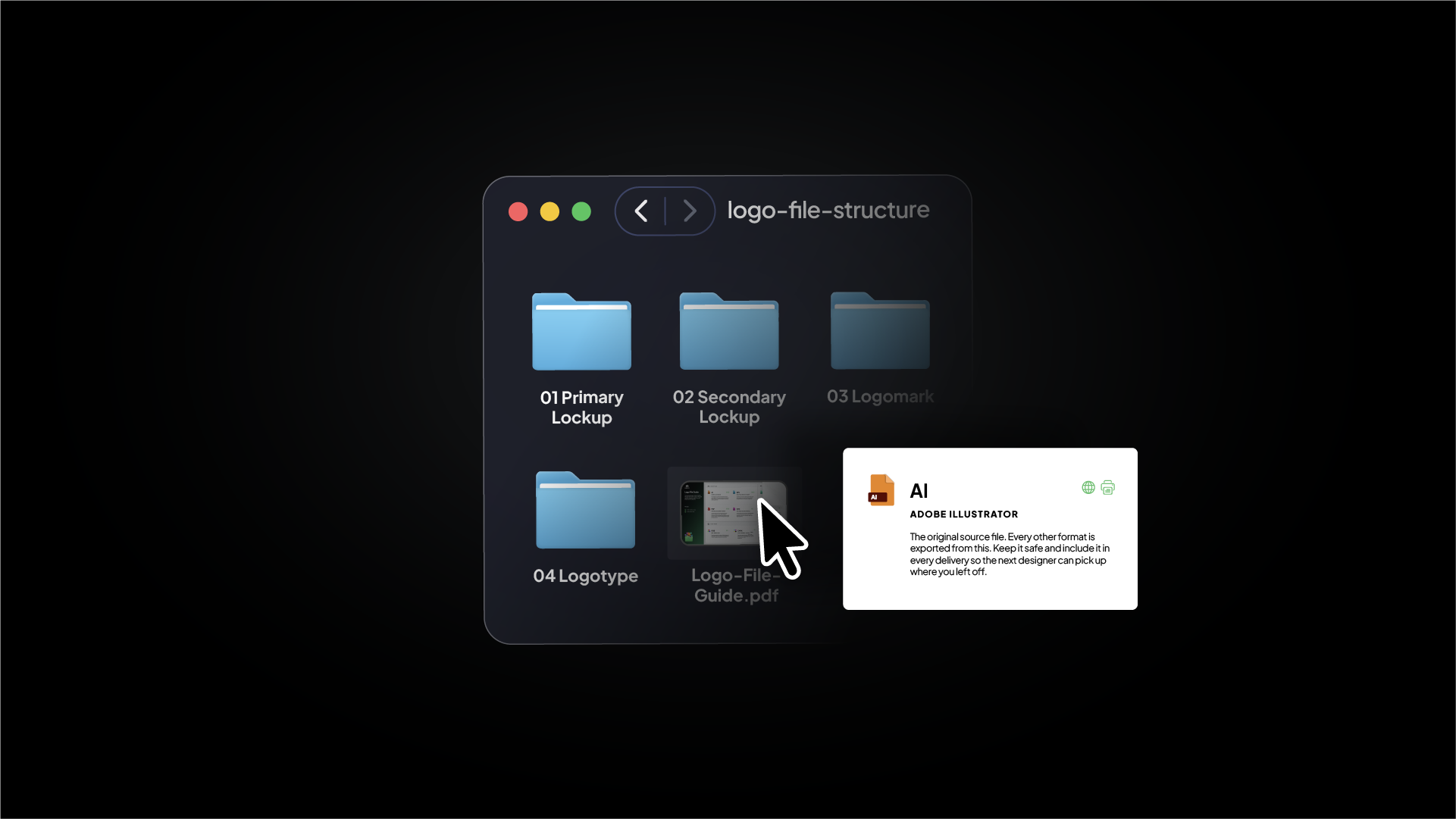
The 6 fundamentals to include when sending your logo package to your client
A professional logo package should include organised files for web and print, with the correct formats, sizes, and variations so clients can use them confidently.
A complete logo package includes:
- Vector files for scalability and print
- Raster files for everyday digital use
- Logo size variations for different screen sizes and use cases
- Logo lockup variations for different layouts and applications
- An organised file structure for easy delivery and use
- A logo file guide to help clients understand what to use and when
What is a logo package?

A logo package is the complete set of logo files, formats, and variations delivered to a client at the end of a brand project. It is not a service or pricing tier — it is the actual folder of files the client receives once the work is done.
Related Reading: I have written a full breakdown of what a logo package is and why it matters for professional client delivery.
What should a logo package include?
1. Vector Files
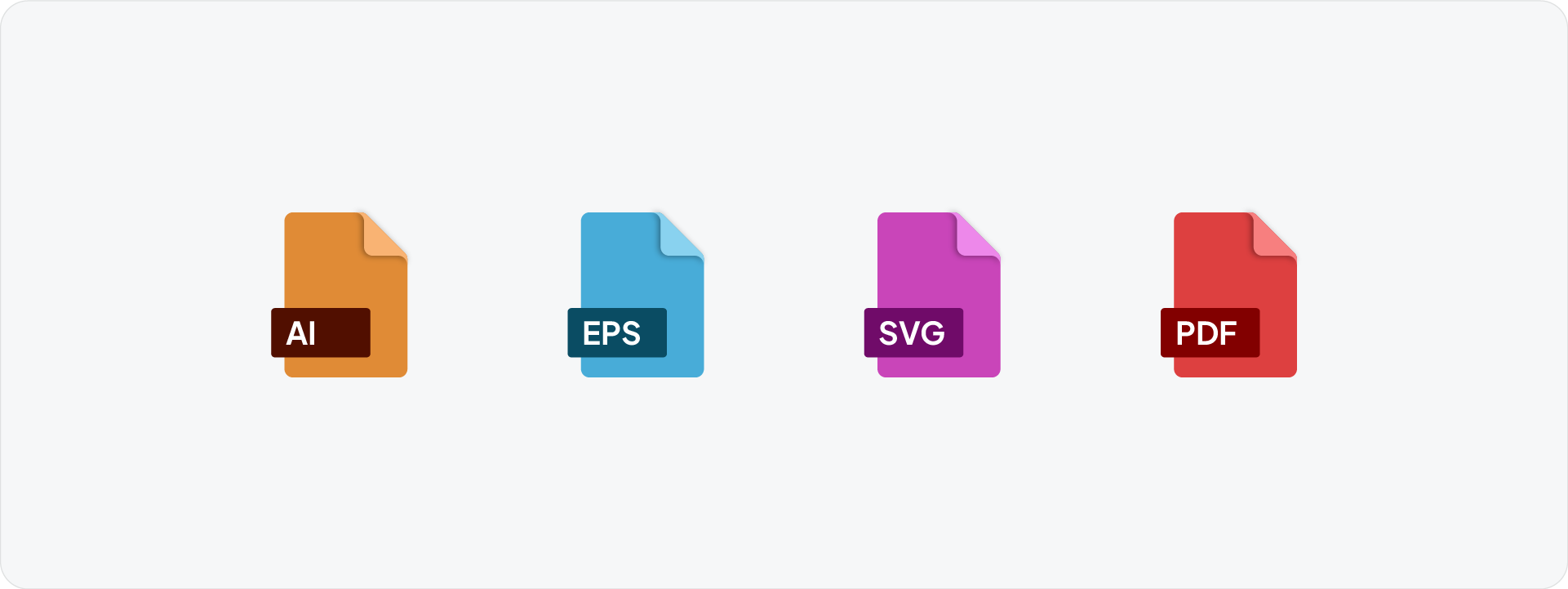
For scalability and print. Vector files (AI, PDF, SVG, EPS) are built from mathematical paths and scale infinitely without losing quality. A logo on a business card and a logo on a billboard both come from the same vector file.
Every logo package needs vectors in two colour spaces: RGB for digital use and CMYK for print production. Always include the original AI source file so the client can brief another designer down the line without starting from scratch.
Related Reading: For a breakdown of every format and what it is used for, read the logo file formats guide.
2. Raster Files

For everyday digital use. Raster files (PNG, JPG) are pixel-based and used for all digital placements where a vector is not supported or needed, websites, email signatures, social media, and presentations.
PNG supports transparent backgrounds, making it the primary raster format for most digital use. JPG is smaller in file size and works for placements on white or solid backgrounds where transparency is not needed.
Related Tool: Logo Package Express is an Adobe Illustrator plugin that can automate the logo file exporting process. Exportit will also be releasing soon, added inside Akrivi Studio
3. Logo Size Variations
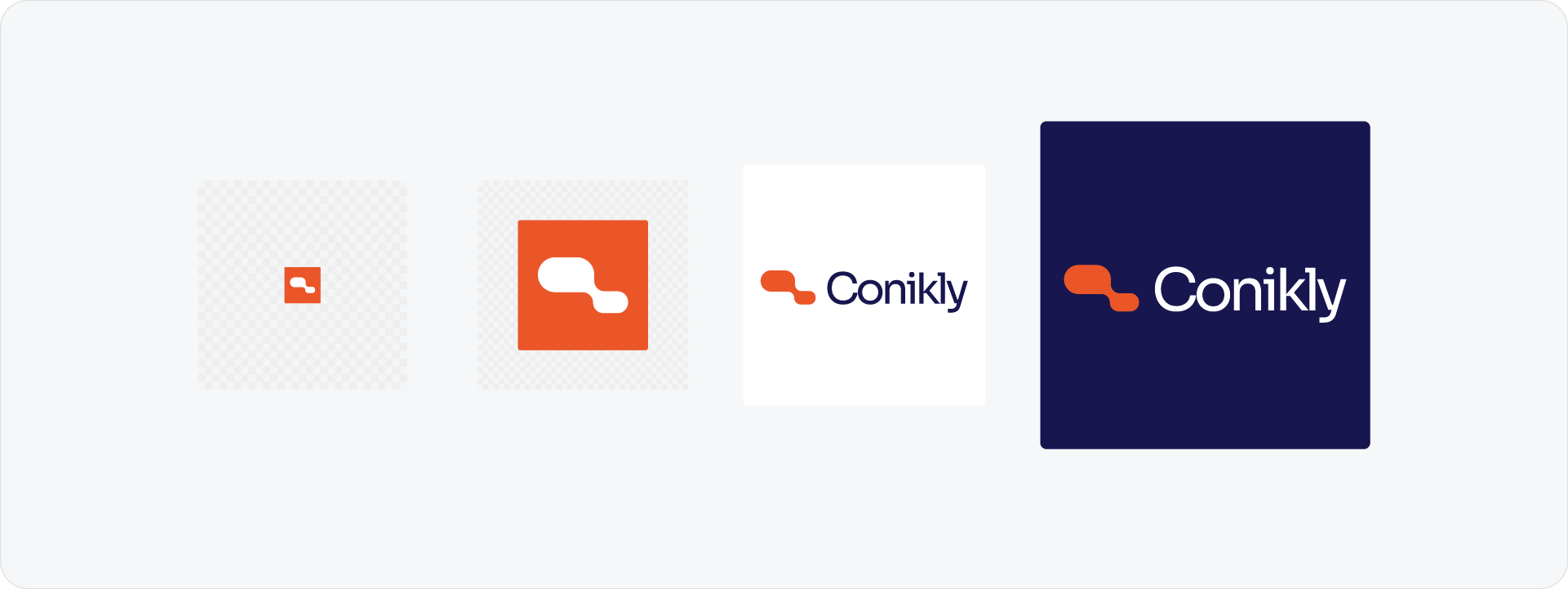
For different screen sizes and use cases. Raster files need to be exported at multiple sizes because they are fixed in resolution, a file sized for a presentation will look pixelated if the client tries to use it as a favicon.
The four standard export sizes are:
- 16px: favicon and browser tab
- 512px: social media profiles and small assets
- 1024px: general digital use, presentations, documents
- 2048px: high-res, retina screens, website headers
Related Reading: I have covered all four sizes in detail in the logo sizes guide, including a full platform dimension reference.
4. Logo Lockup Variations
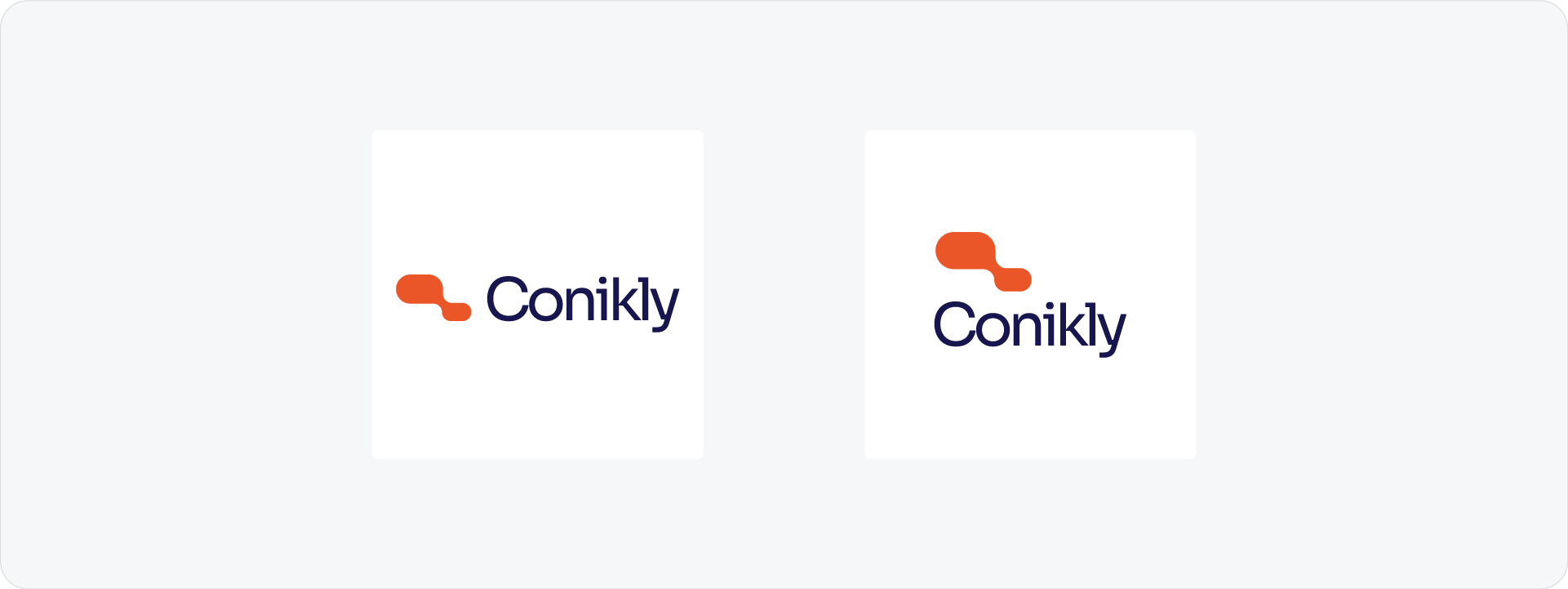
For different layouts and applications. A single logo arrangement does not work everywhere. The primary lockup might be horizontal, but a square social media profile or a narrow app header will need a different version.
Every package should include at minimum: the full logo lockup (logomark and logotype together), the logomark on its own, and the logotype on its own. Each variation gets its own set of colour variants, full colour, black, white, and inverse where applicable.
5. Organised File Structure
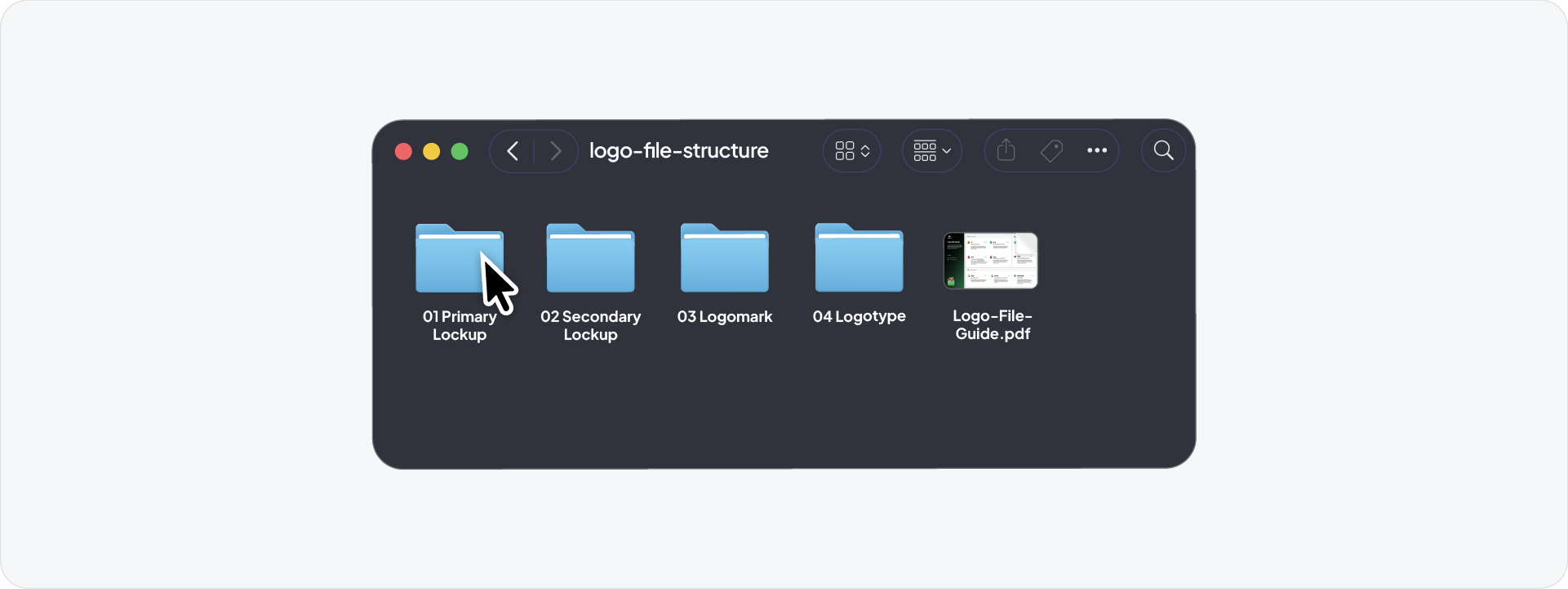
For easy delivery and use. The files themselves are only as useful as the structure around them. A clear folder system organised by variation, colour space, and colour variant means the client can find the right file in seconds without guessing.
Use numbered folders and consistent file naming across every export. The folder names should reflect exactly what is inside them so the client never has to open a file to know what it is.
6. Logo File Guide
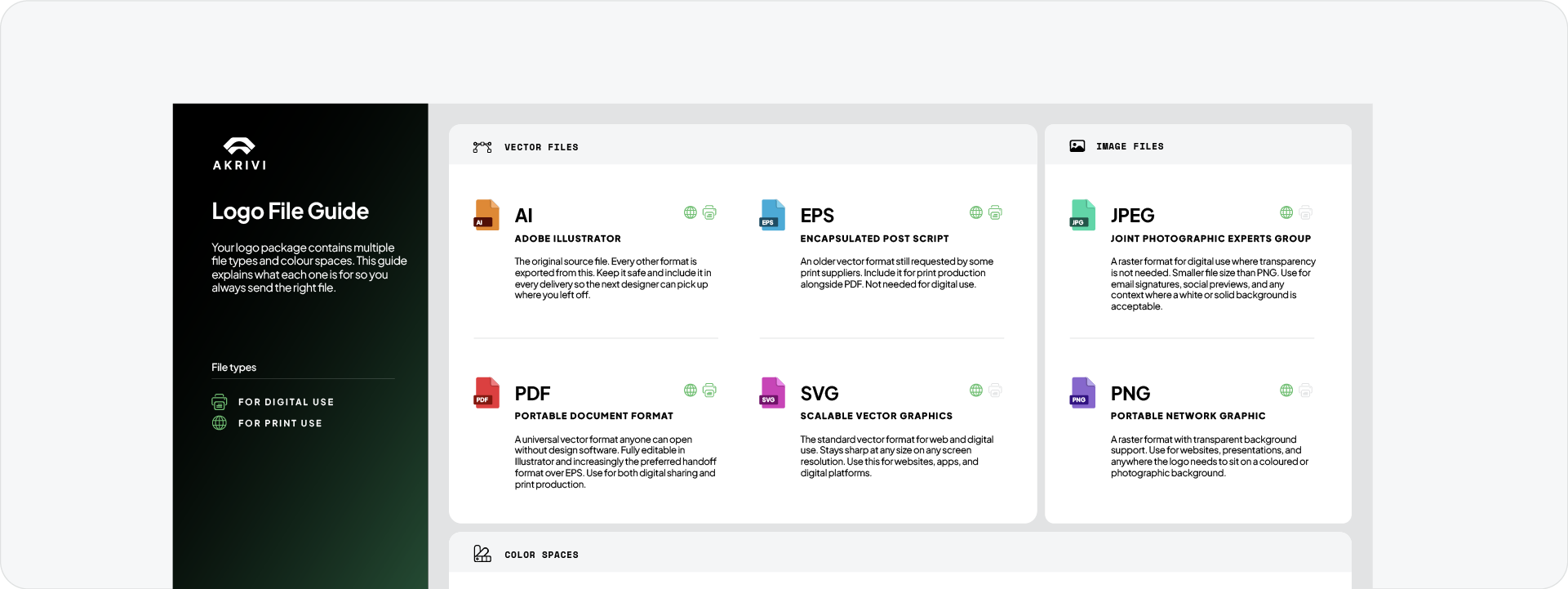
To help clients understand what to use and when. A simple PDF guide included in the package explains each file type and colour space in plain language. It is the difference between a client using the right file and a client stretching a JPG onto a billboard.
The guide does not need to be long. A one or two page document covering each format, what it is for, and when to use it is enough.
File reference table
Download the Logo File Structure
Once you have created the files, the Logo File Structure freebie makes it easy to organise everything for the client in one go. It is a pre-built folder structure with clear naming already set up, drop your exports in and the package is ready to deliver.
Download the Logo File Structure freebie and save time on every project from this point forward.

Conclusion
A complete logo package covers six fundamentals: vector files, raster files, size variations, lockup variations, an organised file structure, and a logo file guide. Get all six right and the client has everything they need to use the brand correctly from day one.







